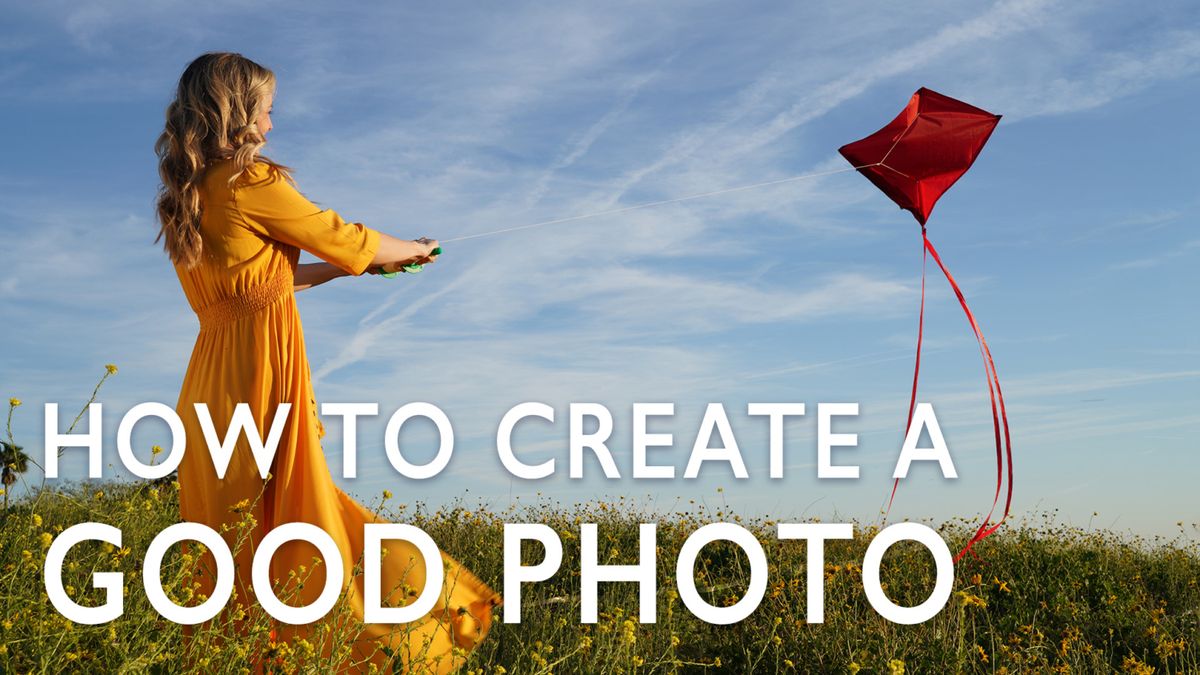
 Today we are going to be shooting a photo that I have been wanting to do for a while now, but just haven’t made the time. There are these beautiful wildflowers that grow up on a hill near my house that I envisioned for this kite shot.
Here are 6 decisions that I need to make to take a great photo.
1. Sketch Your Ideas
I know that many people hear this a lot, but it’s crucial to put the right place for a shoot. I suggest you also carry around a sketchbook to draw the ideas that you get or things that you come across that are interesting to you. If you do that, it keeps you thinking and keeps you fresh. It really helps you a lot.
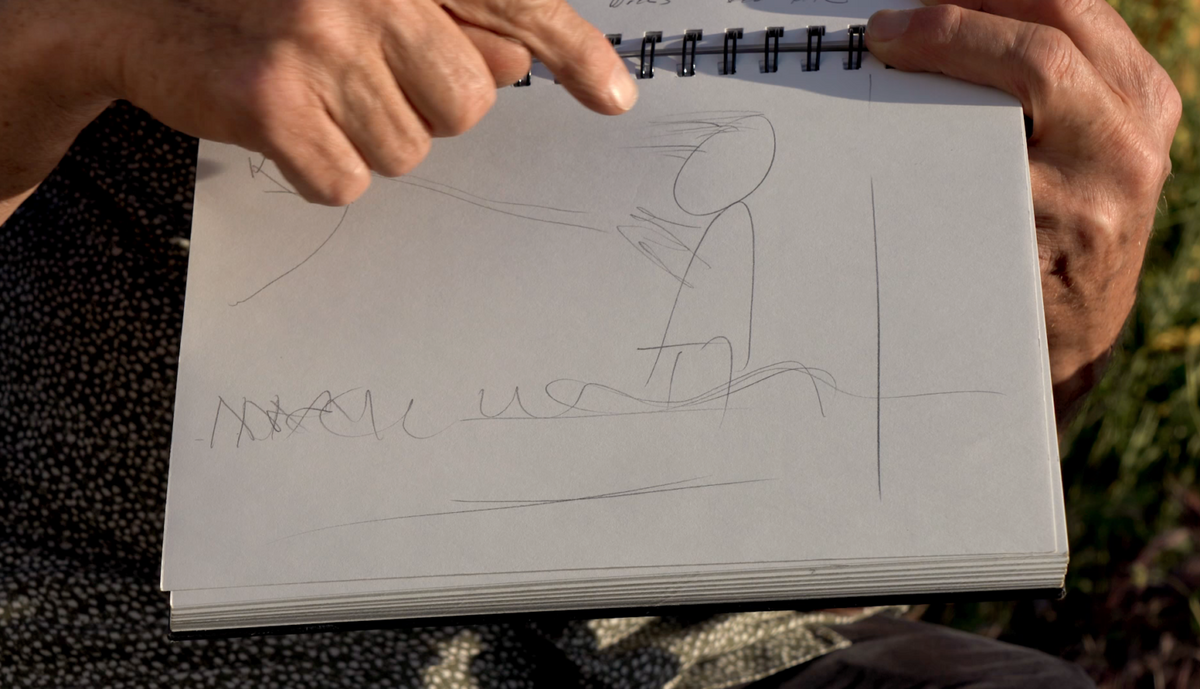 So anyone who looks at this would know that this is a girl with her hair and dress blowing in the wind holding a kite standing in the flowers.
2. Location, Location, Location
After I sketched out what I want to shoot, I knew I had to find the right location. I knew that it was going to up here on this hill, but that still leaves a 360 view that I need to decide on.
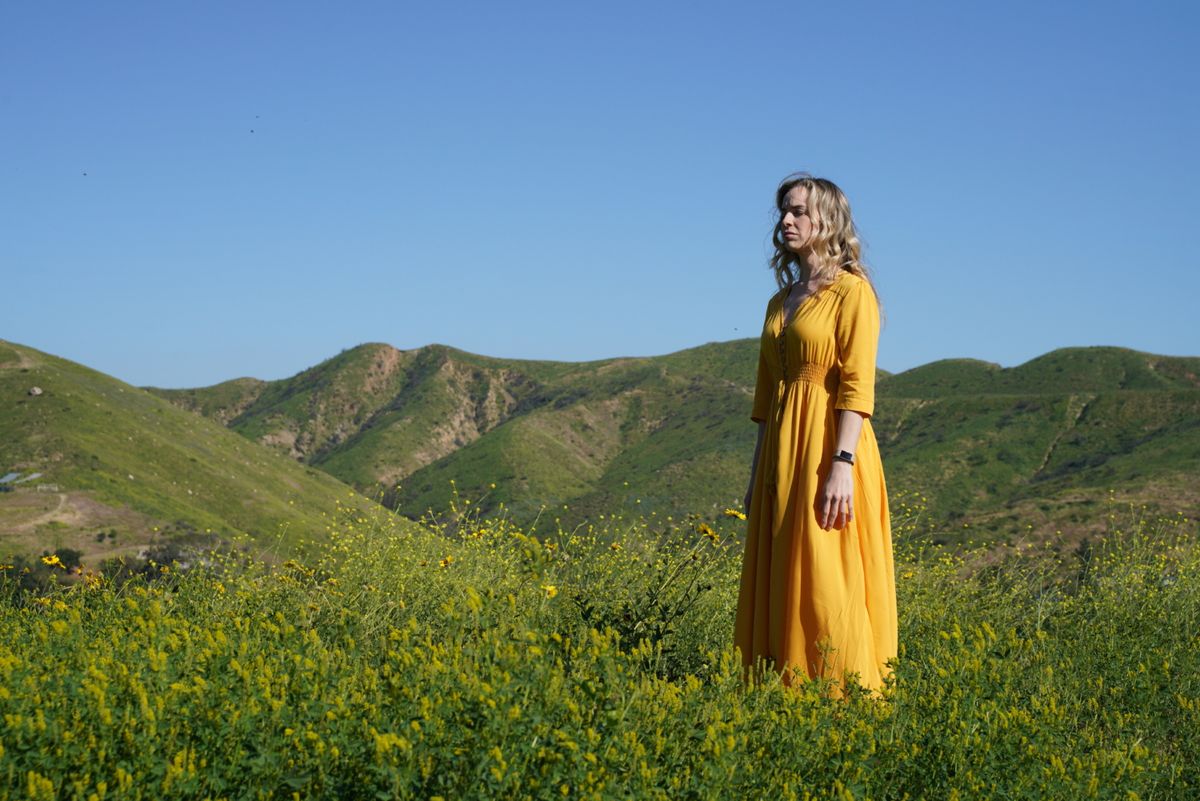 So I could look back into the hillside where I shot some nice landscapes, but I didn’t like the dark background.
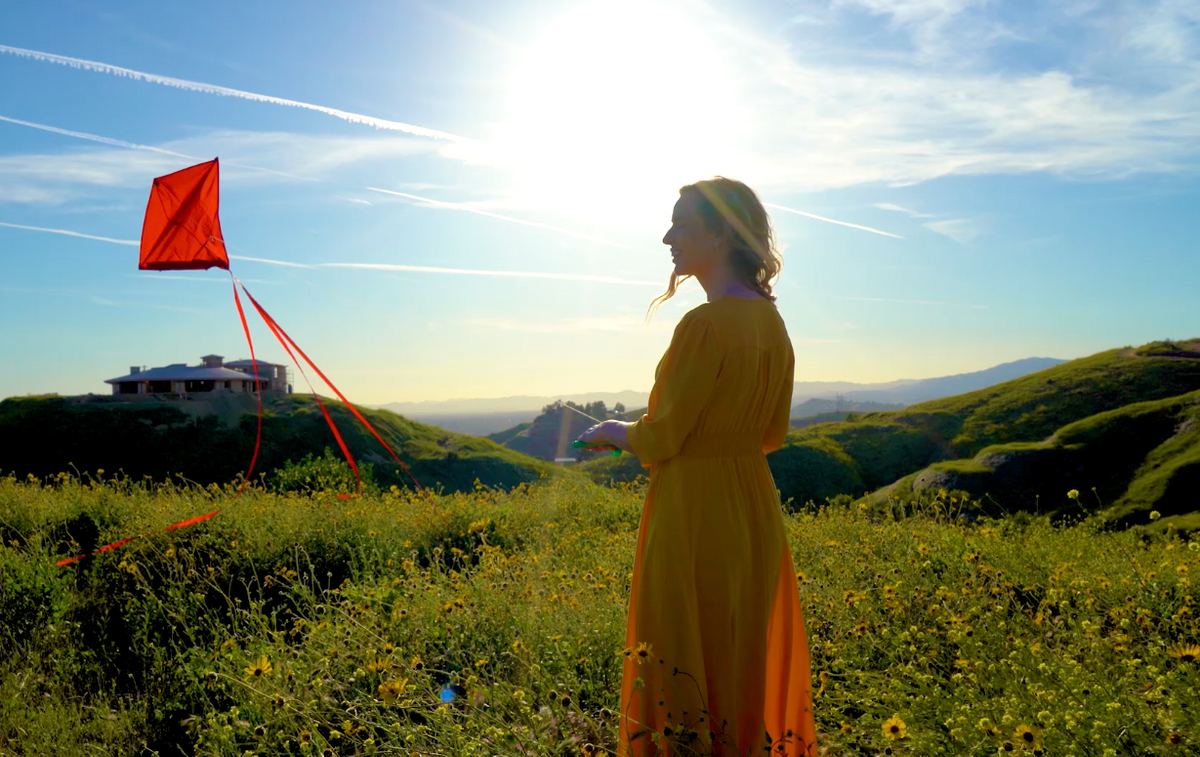 When I looked the other way, I saw that the sun is going to be too strong in the shot.
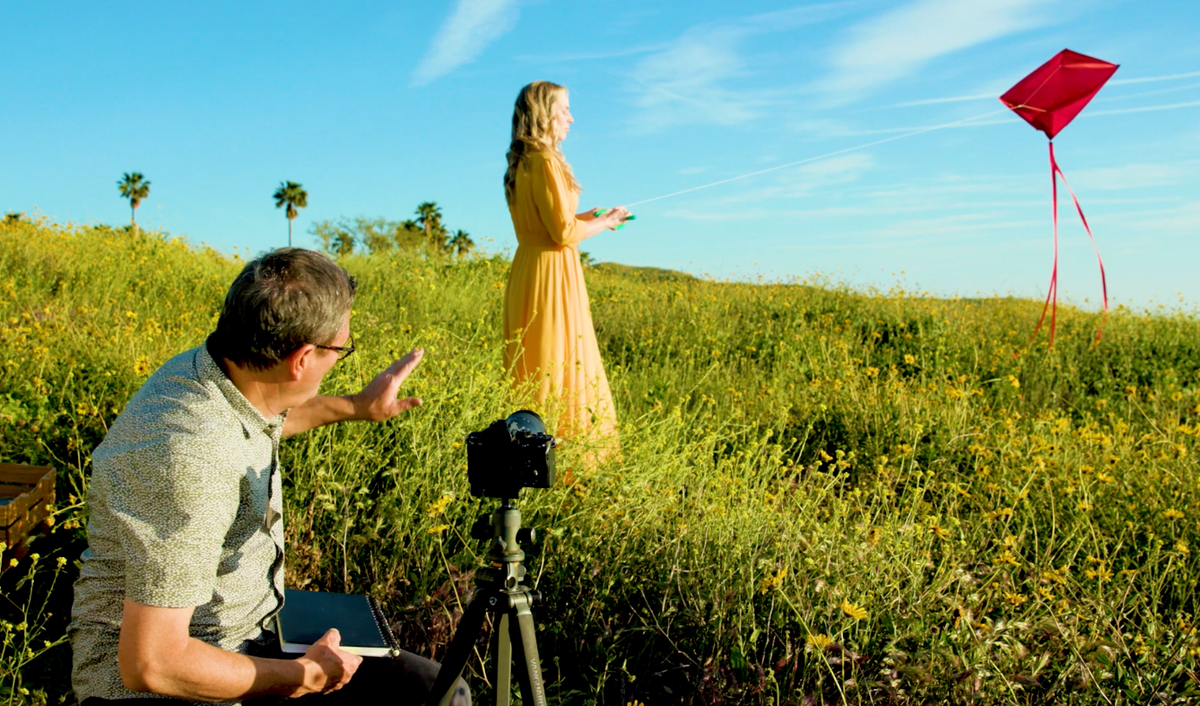 In the end, I was envisioning more of a blue sky, so I decided to face the sun.
3. Simplify the Elements
Everything goes into several design elements when you are imagining the shoot. A grove of trees can be considered one design element. I’m using the flowers as a single design element that’s the horizontal element. I’m going to get down from a lower angle, so I can make the sky a bigger element.
4. Choosing the Outfit – Simple Colors that Complement Each Other
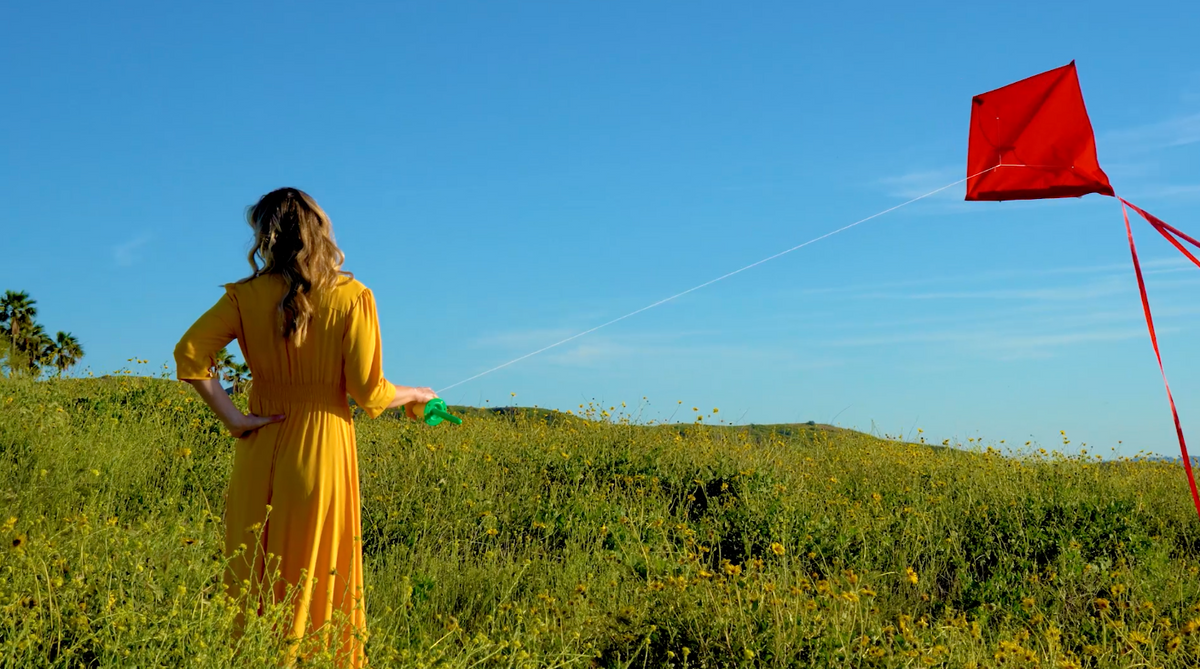 I wanted something yellow because of the yellow of the flowers and the color combination with that blue is going the really pop. I choose red for my kite because I wanted it to stand out and not blend in with anything else.A lot of times I will just look at a color wheel and think about which colors I have in the image already.
5. Pick the Right Model and Props
Next up is the model, I wanted the blonde hair and the flowing dress and she just really works for the shot that we are going to do.
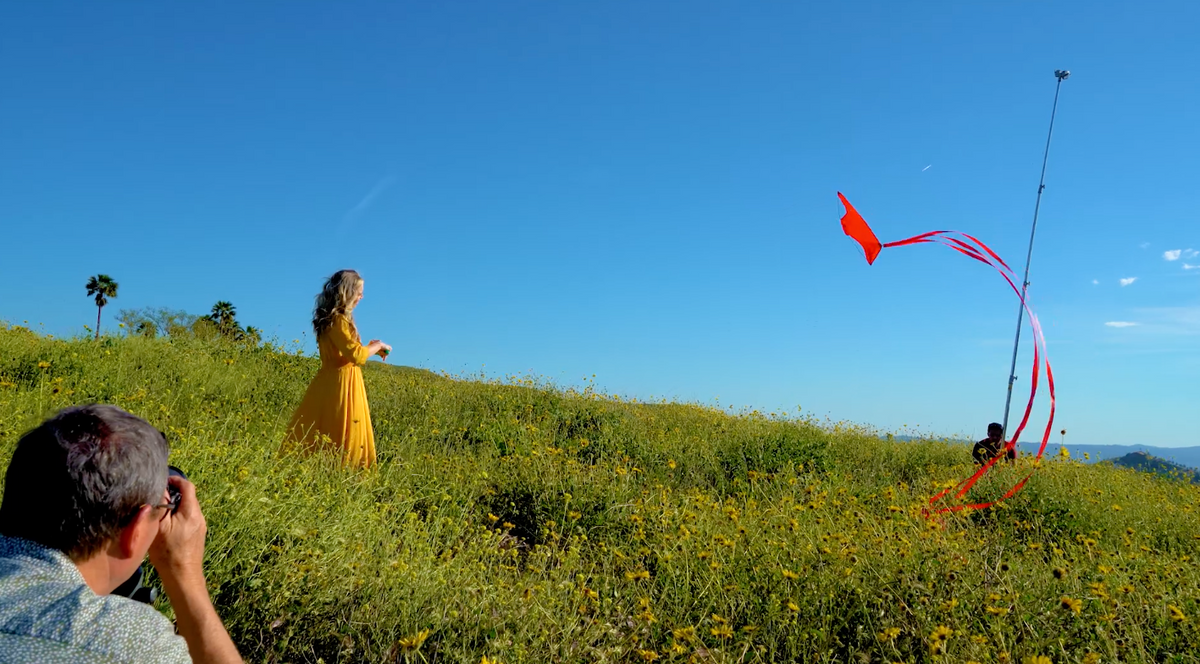 I also wanted to make sure that the kite was flying effortlessly in the wind, so I had it secured with a fishing line a raised C-Stand. After we had it up and flying, we simply tied the tail to some of the flowers.
6. Lighting (Time of Day)
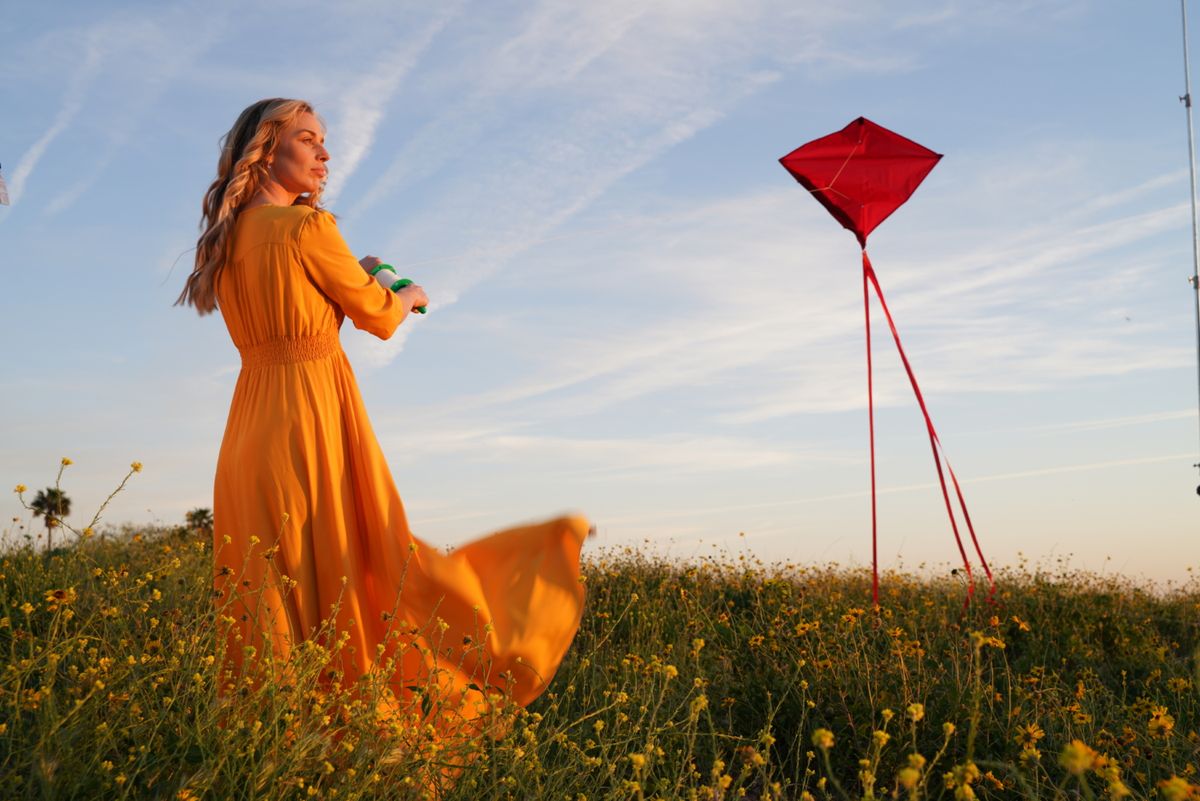 Shooting in around sunset and sunrise is the best time of day to shoot. We call this Golden Hour because everything is lit just right to shoot. I’m going to have her looking into the sun and also supplement that light with a strobe on her face. If I use a strobe I can underexpose that sky slightly to get a really nice blue and get a great soft directional light.
So go out and shoot that photo that you’ve been thinking of! It’s the little things that keep us going as photographers, so don’t forget to shoot what you love!
Gear Used:
Sony A7R3
B&H: https://bhpho.to/2DZYHut
Amazon: https://amzn.to/2H5m5da
Datacolor SpyderCHECKR
B&H: https://bhpho.to/2OErSLk
Amazon: https://amzn.to/2IzEpNP
Vanguard Alta Pro 2+
B&H: https://bhpho.to/2rAZnDY
Amazon: https://amzn.to/2IS2HBR
C-Stand
B&H: https://bhpho.to/2NLsT0y
Fishing Line
Amazon: https://amzn.to/2Q0GXFD
Red Kite (Hand-made)
Rainbow Kite Alternative
Amazon: https://amzn.to/304HqLx
White Kite
Amazon: https://amzn.to/2H7srZE
