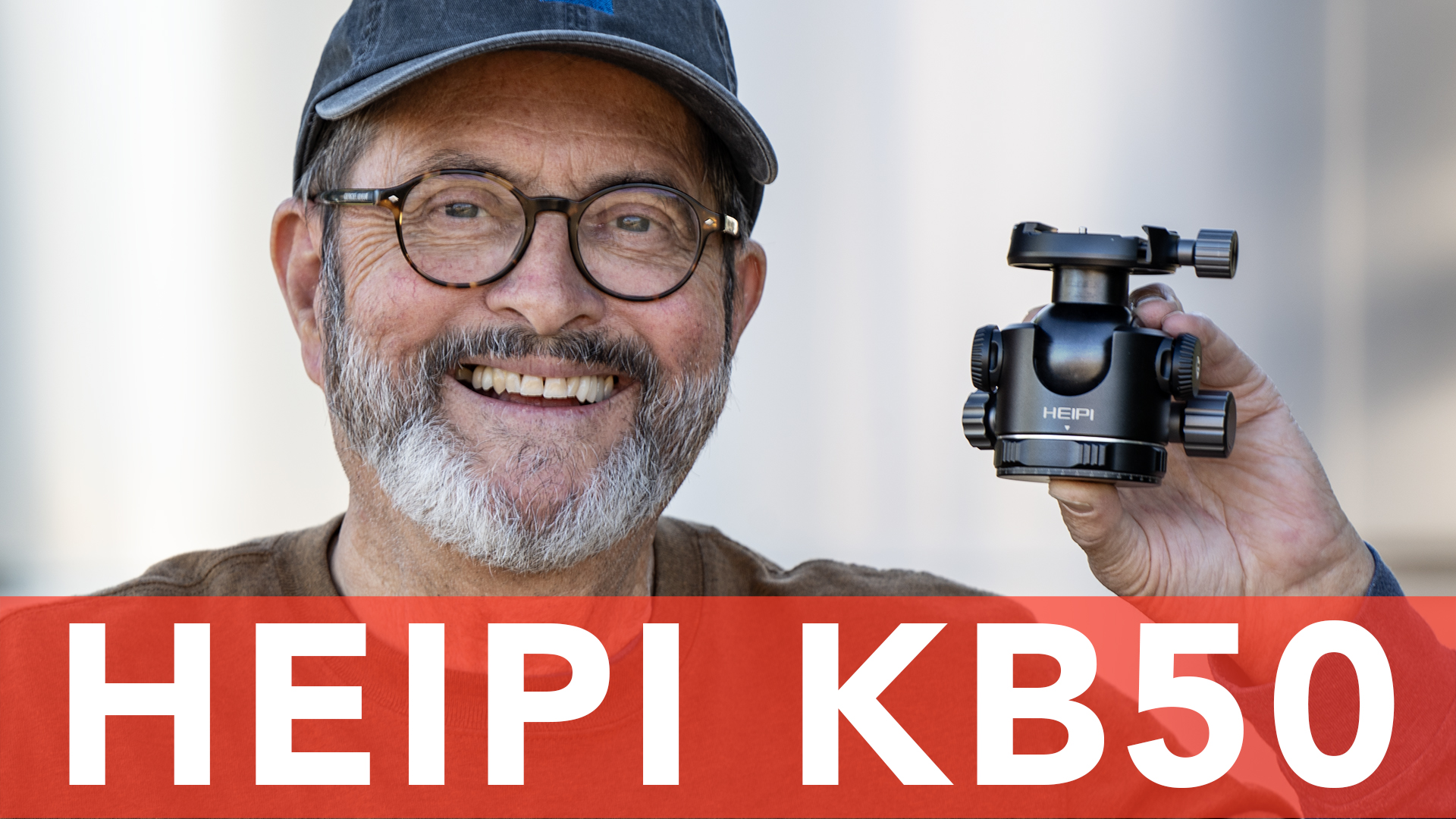
(If you want to watch the video go to The Slanted Lens on YouTube!) If you shoot video and stills, you’re going to want to know about this new head from Heipi. This is the KB50; it’s a hybrid head. It allows you to do both fluid head functions and ball head functions—still functions and video functions. Because of the fluid head, you can balance it also and use it as a gimbal. So this brings three things into one head.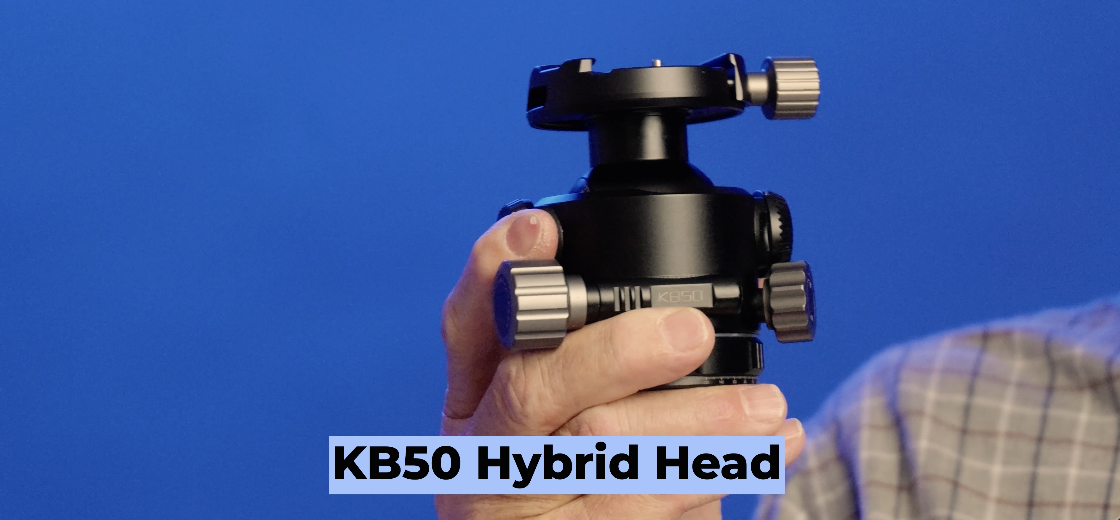
For me, I have been wanting something that is really going to help me to cross over quickly from video to stills, and this solves that problem. You can use this head on any platform. I use it on the W28S, which is Heipi’s really compact, great travel tripod, but this goes onto any tripod that you may have.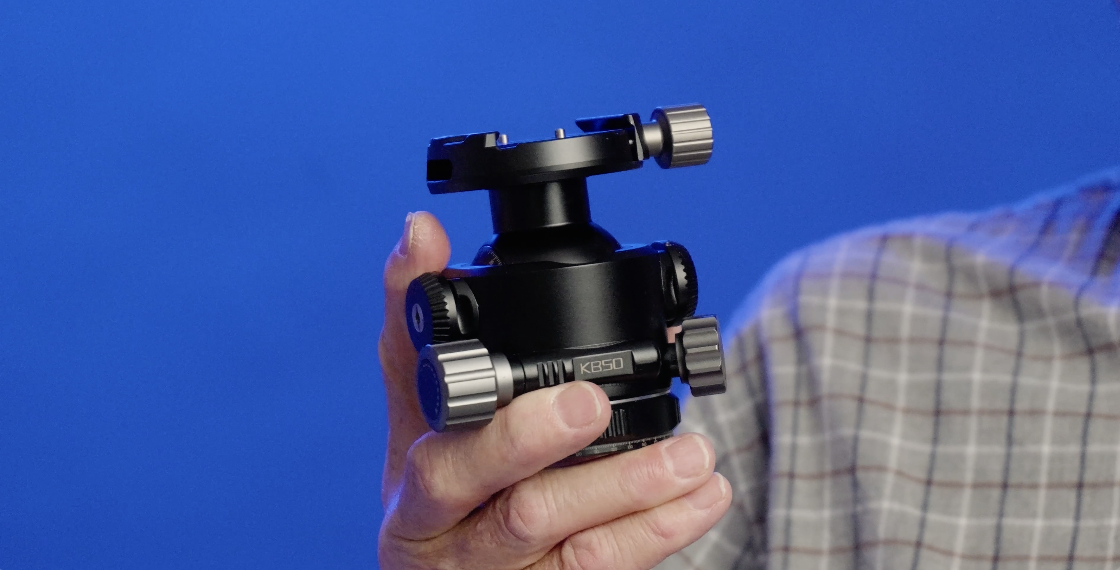
What’s important about this hybrid head is it opens up the door to be able to switch quickly from video to stills and to be able to shoot both of those off of the same set of sticks.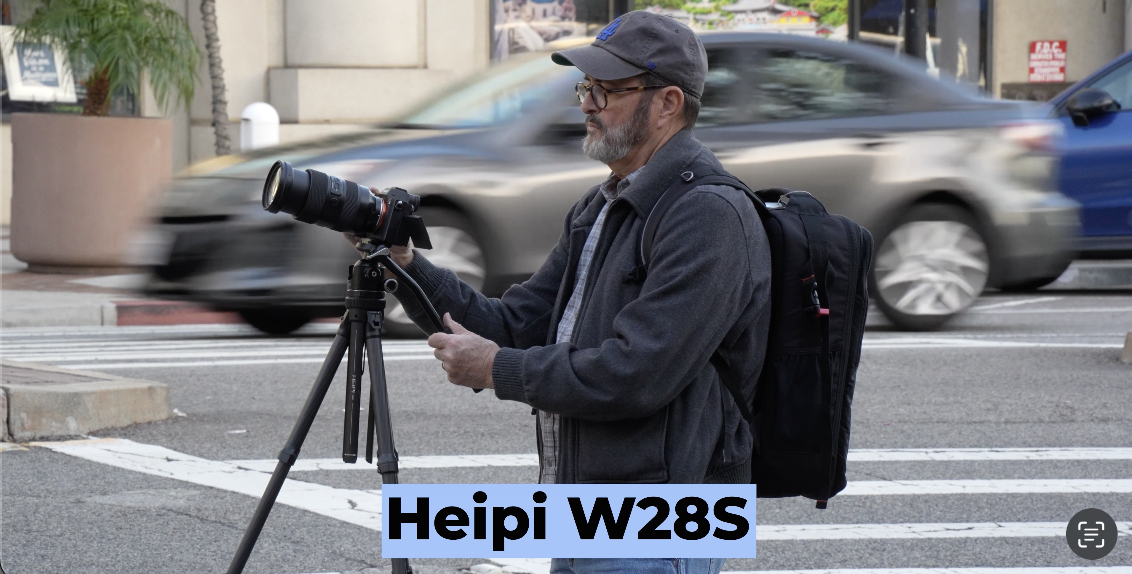 It’s frustrating to me to have to carry two tripods; this solves that problem—one head, you’re able to shoot video and stills and switch quickly. So let’s take a look at how we set it up and what it does. Let’s get out there and shoot some stuff with this new KB50 hybrid head.
Heipi’s Kickstarter Background:
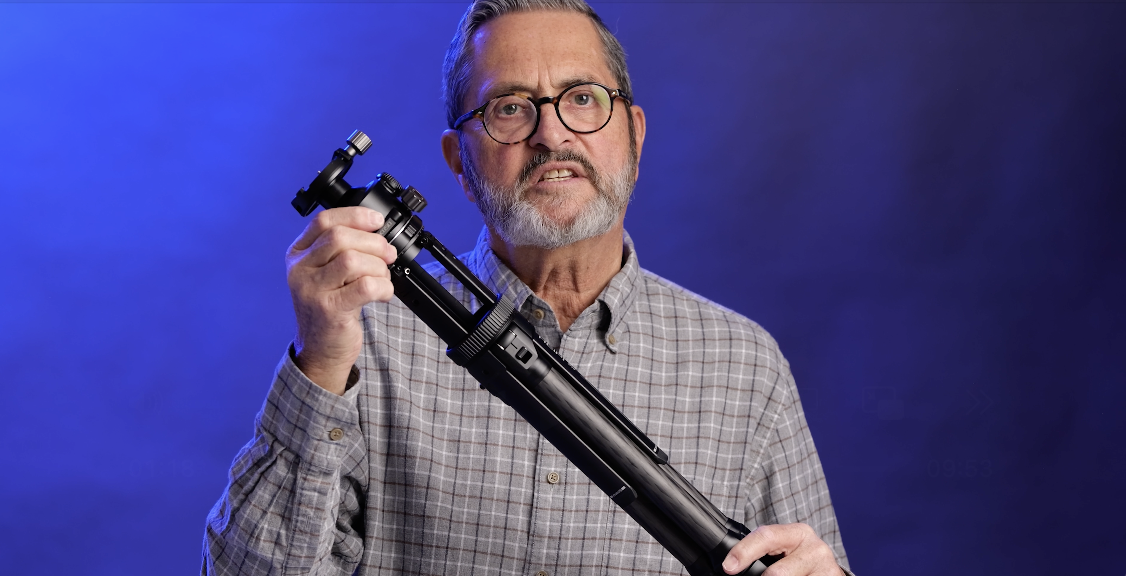
We got involved with Heipi on their very first Kickstarter. That was the W28S. This was the compact travel tripod that had that three-column center column, which really made it easy to pull this out and turn it into a low-level tripod—basically two tripods in one. Great Kickstarter campaign; they had 3,000 backers and raised a million dollars, so they delivered a great product in that first Kickstarter.
Now this is the KB50, a hybrid head—Heipi’s second launch, their second Kickstarter campaign.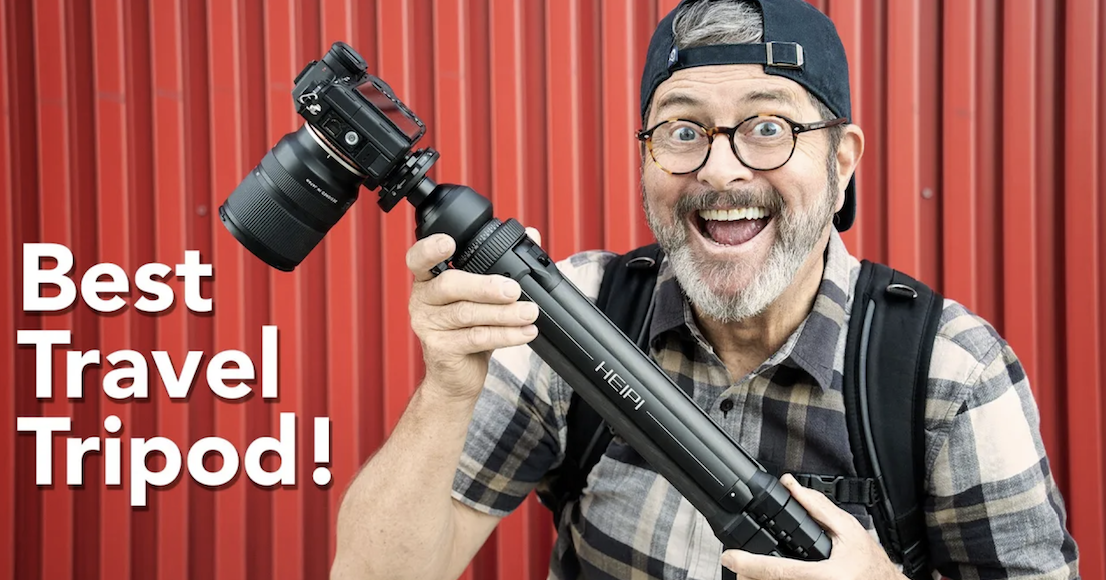 This adds a head to either this system or any system that’ll allow you to shoot video and photos off the same head. So there’s no need anymore to try to decide which tripod I’m going to take, or which platform I’m going to use right now.
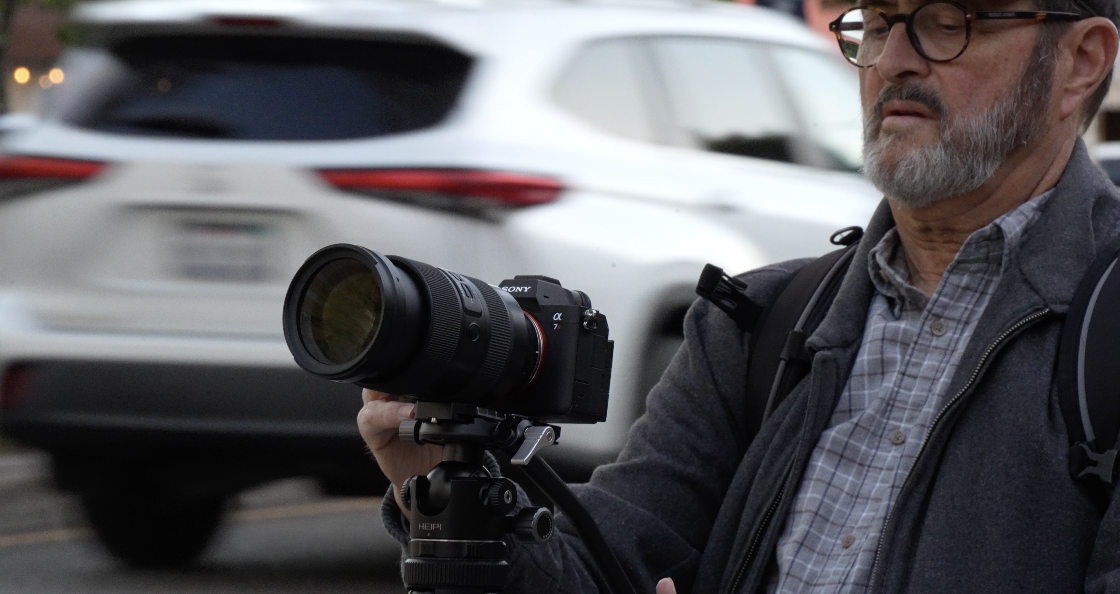 You can shoot on the same platform, switch quickly from video to stills, and it makes it very seamless. So I want to take a look at this head, see how it sets up, and see how it works. We’re going to get out and do some images and do some video.
Arca-Swiss Plate System & Balancing:
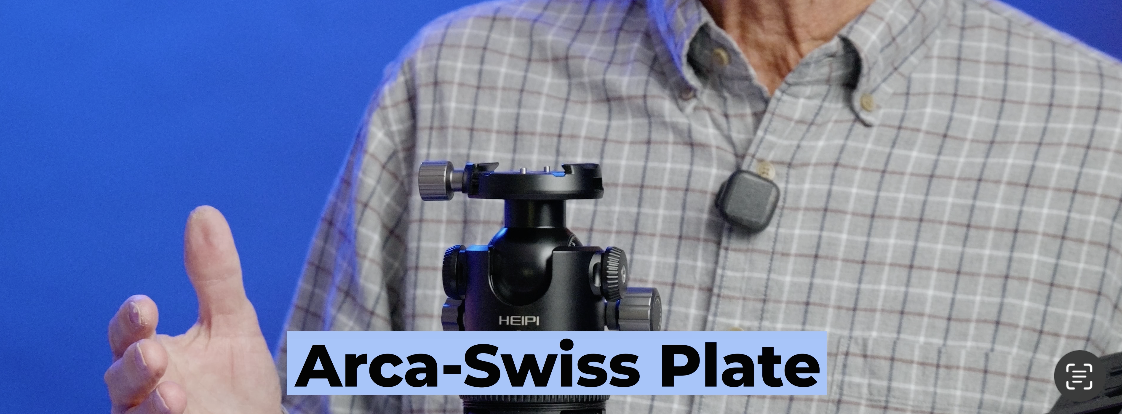
Just some basics about the head: first off, it uses an Arca-Swiss plate, which is wonderful because all my still equipment runs on Arca-Swiss. I’ve got Manfrotto plates for all my video heads and Arca-Swiss for the still heads. I would love to keep everything—and I’m going to keep everything—on a single plate, which is Arca-Swiss.So this is compatible with Arca-Swiss plates that are out there.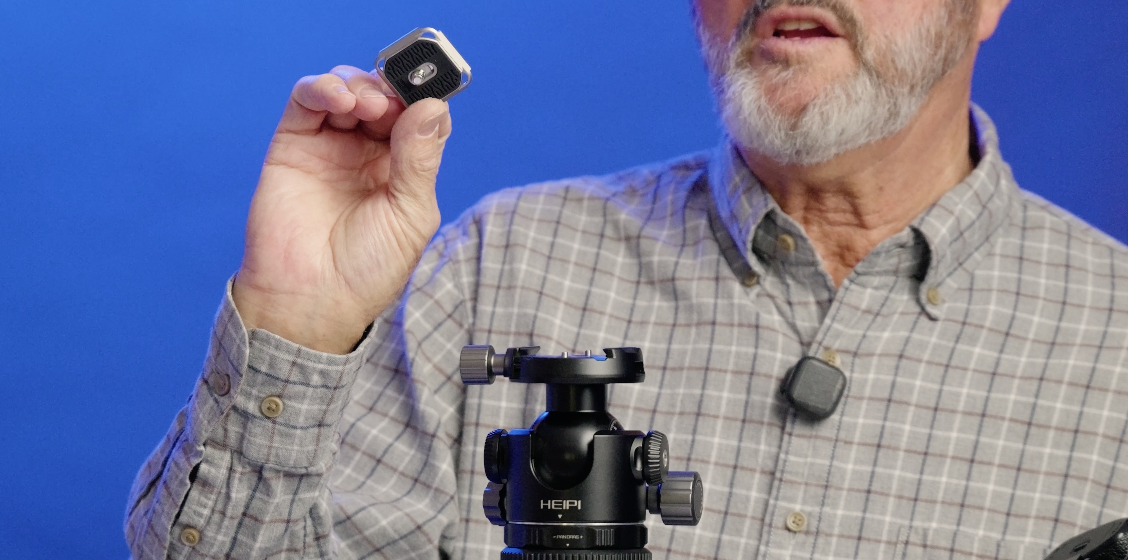
It comes with a small square one that’s just very simple. It’s great—if you have the W28S, you have these already—and it comes with that. But you can also get other plates for the platform: a long one if you’ve got a long lens, you can purchase a longer plate, which allows you to balance a longer lens because it gives you a longer travel on the tripod.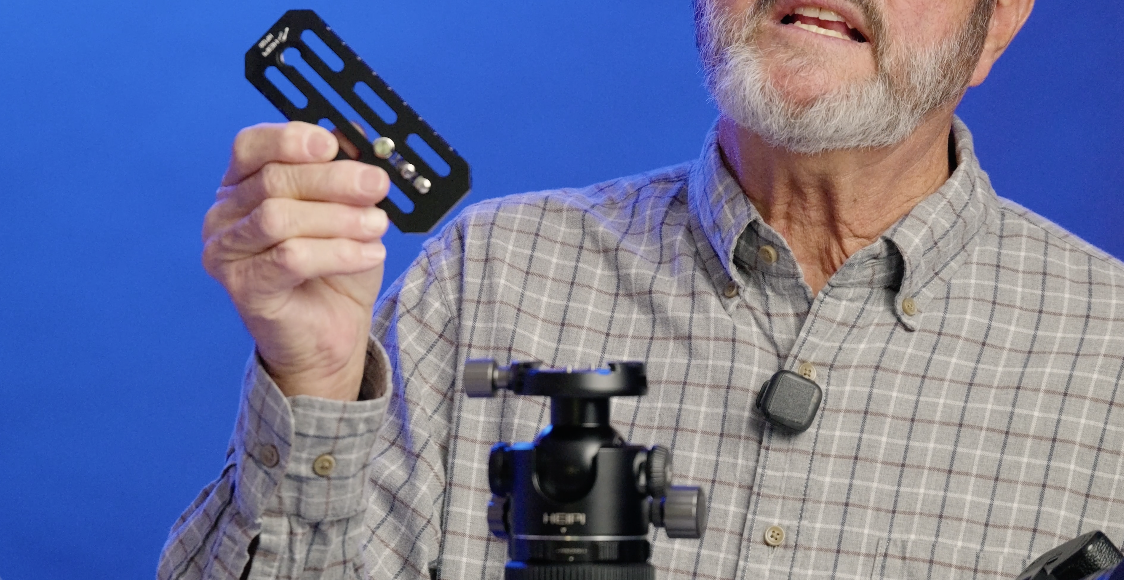 The one I have on my camera right now is kind of a medium-length one, which allows me to pull my lens back a little bit because it’s a somewhat heavy lens, and balance it on the fluid head.
So, Arca-Swiss—it’s got the ability to use different plates so you can balance longer lenses.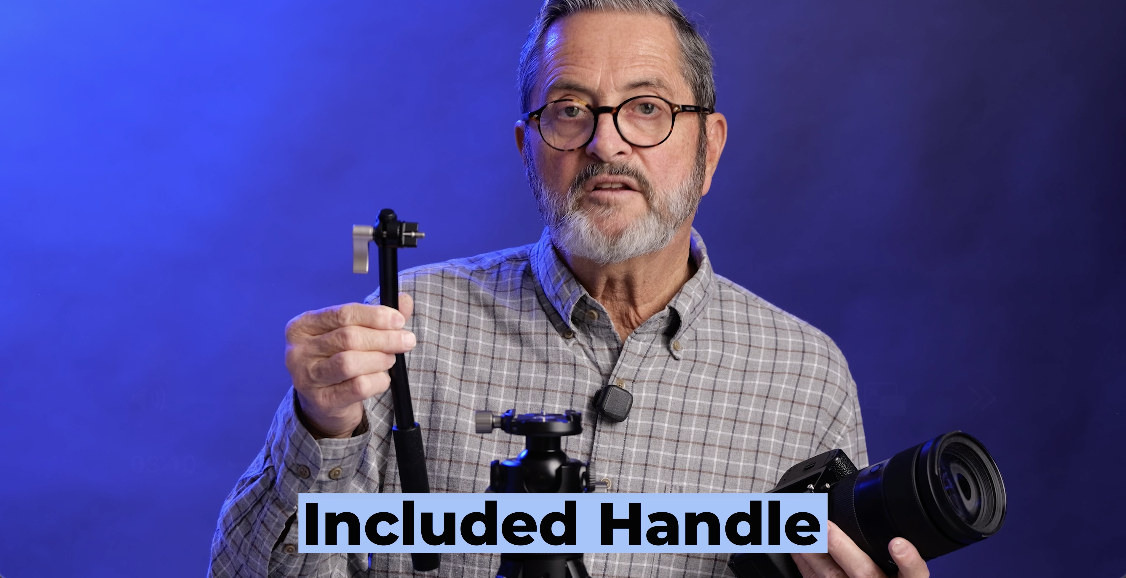 It comes with a handle so you can use this as a fluid handle, which is going to be incredible if you’re using this as a gimbal, because it allows you to make those pans and tilts and to follow birds or something if you’re shooting.
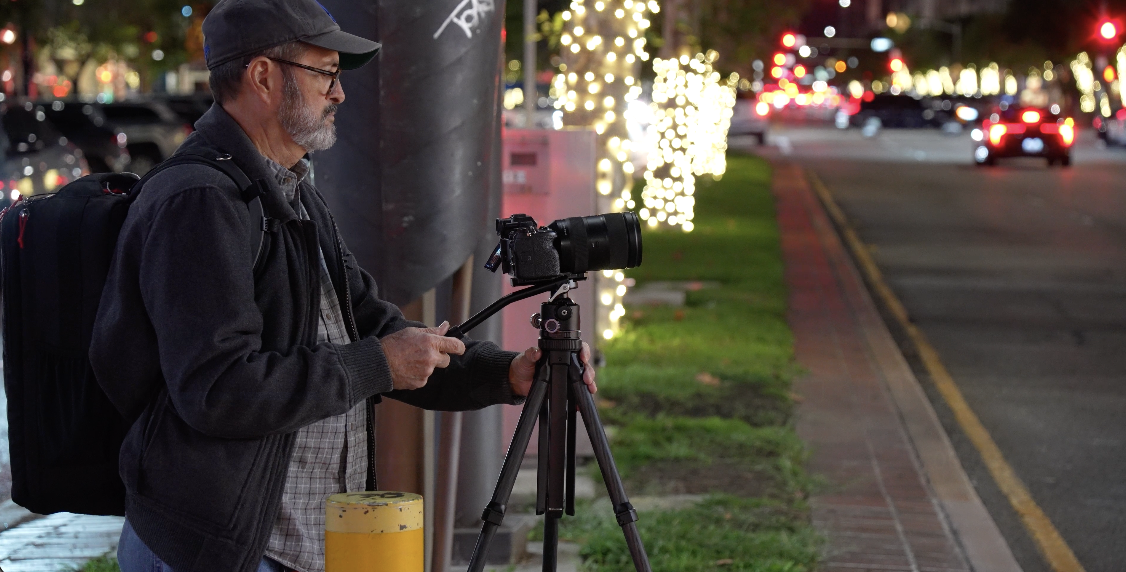 That handle becomes super handy if you’re doing video, and it quickly comes off. You can flip the head so it works on either side, which makes this very much like a fluid video head, which is really important.
Switching Between Video & Stills Mode:
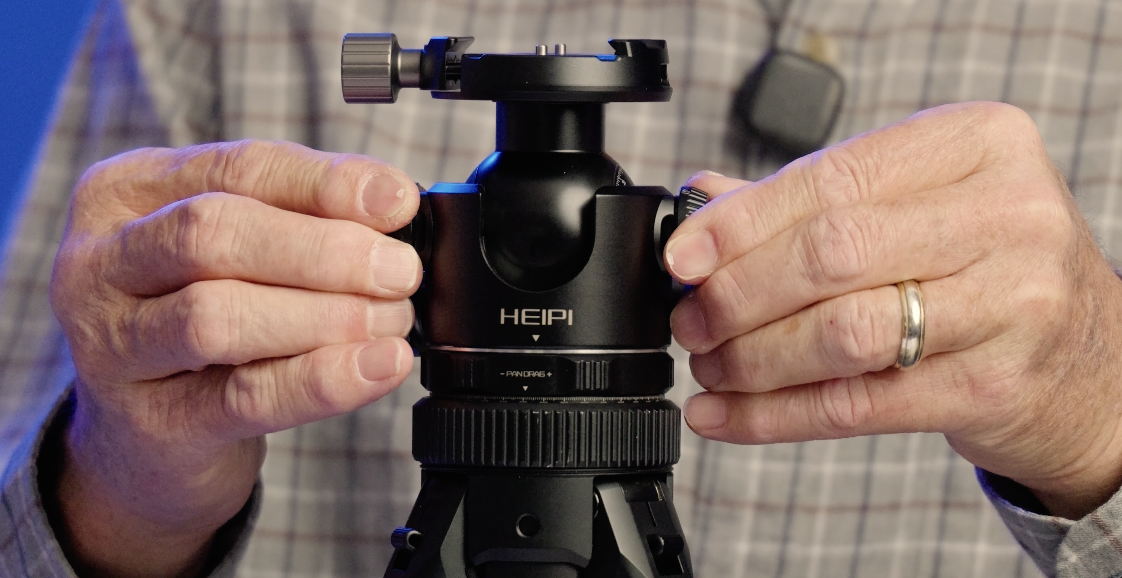
Now let’s take a look at how we flip this from video to stills. It’s very simple to switch from video mode to still mode or vice versa. There’s two knobs here: you turn them a half a turn, that unlocks it, you pull them out, turn them another half a turn, and I’m now in still mode.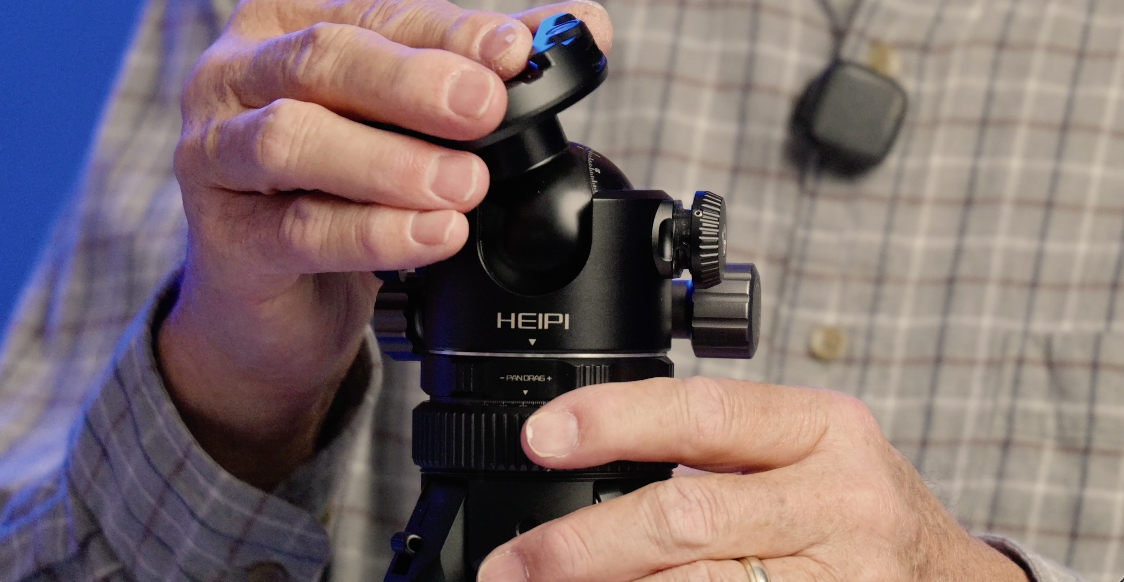 Complete fluidity—I can go to the side if I want to shoot a vertical shot, or I can come back up into any mode that I want here.
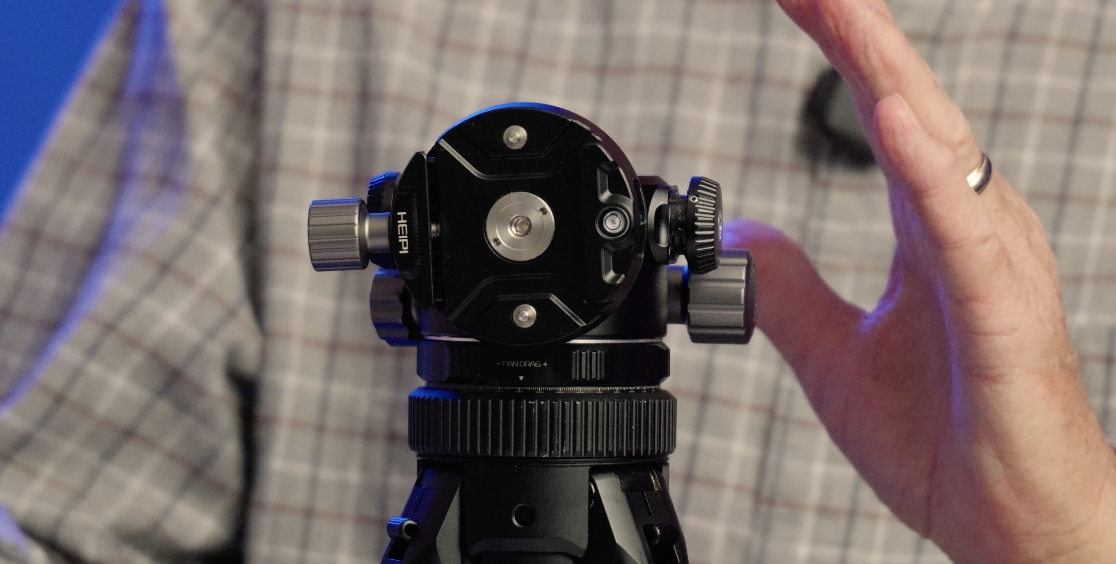
Now when I switch back to fluid head, I’m going to turn these that half a turn, this is going to lock it into place for me, and then I’m going to lock these two with that little half turn to lock those into place, and I’m back in fluid head mode. So it’s very simple to do—just those little half turns. And it’s quick to go back and forth between one and the other, so it’s a fast method to be able to change from video to stills.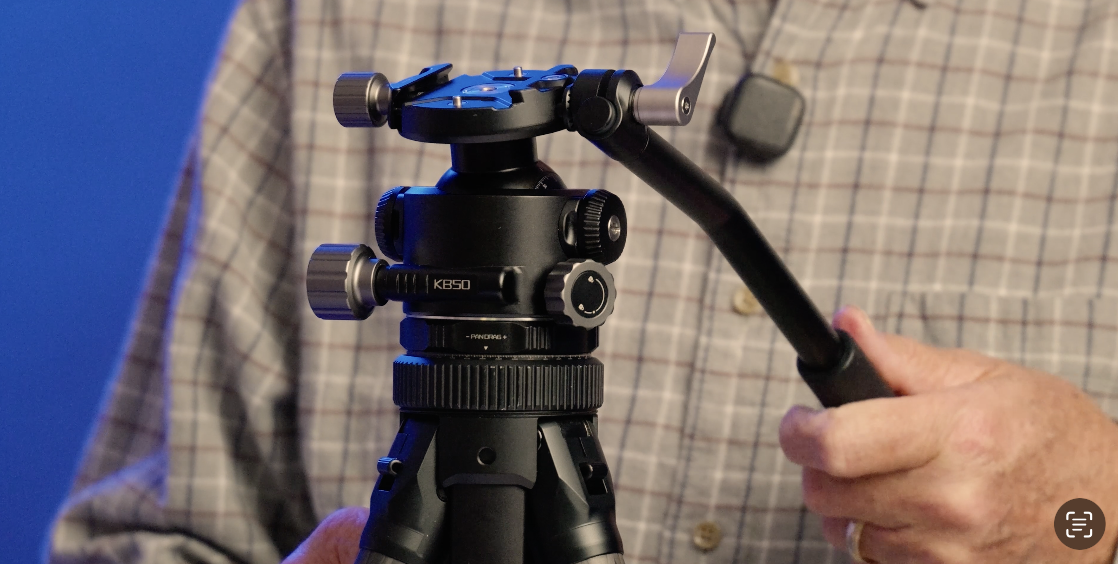
Pan Handle & Rosette Mount:
A fluid head is never really useful unless you have a handle to put on it. This handle hooks on the side right here, and you can rotate this head to put it on either side if you want to have it on your left or your right depending on what you have to do to get the shot you’re working on. When you get it over here on the left—so I’ve got it set up right there right now—I now can use that and it becomes a much more valuable fluid head.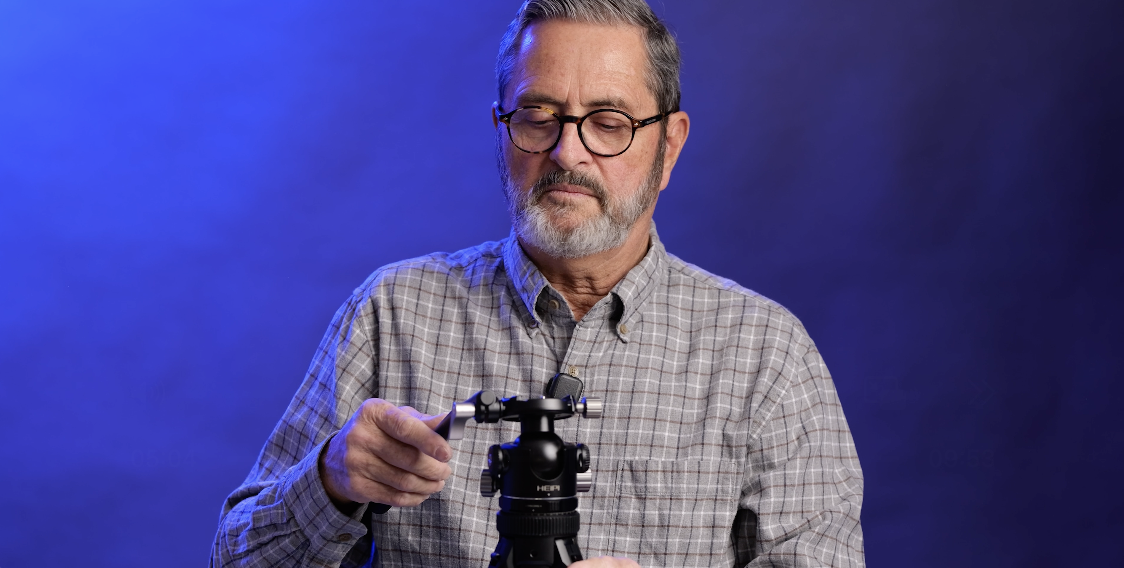
That handle becomes super important. It allows me to do whatever I need to. I can put this in all kinds of different positions depending on where I’m trying to get my shot and what’s around me, and this just gives you that option. It’s got that rosette that allows you to position it exactly where you need to, or I can switch this whole thing around—about that fast, actually—and now I can work it on the right side. So, pretty easy to do.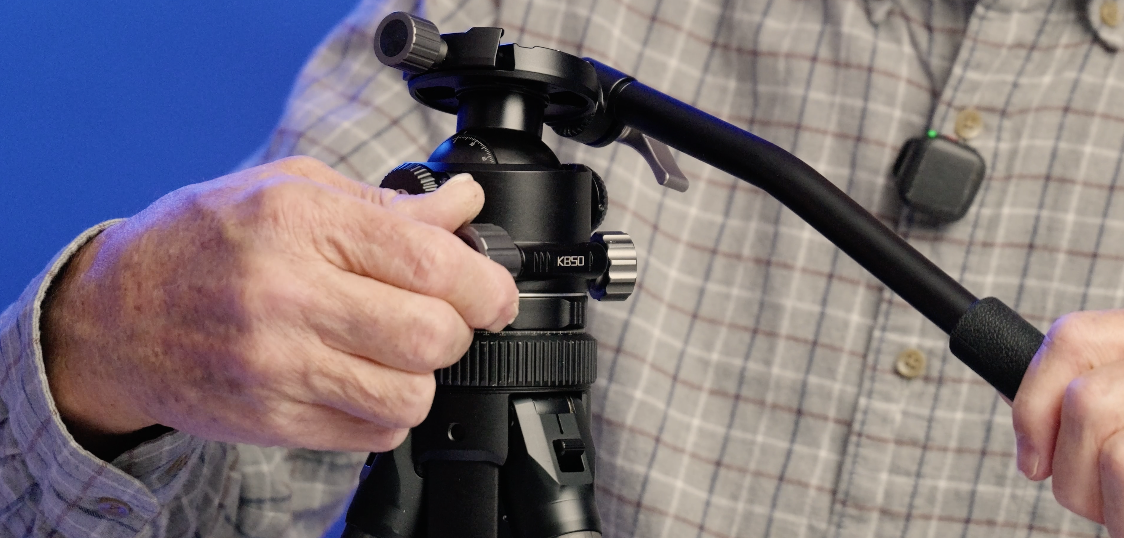
Ball Head Tension & 10-Degree Panorama Clicks:
I’m in still mode right now, and even though I’m in still mode—if it’s loose like this, I’m going to drop my camera, so no problem—it’s got a tension knob on the back so you can tighten this up, which allows you to put tension on the ball head. You can put it wherever you need to, and you have the tension in order to hold it in place like any good ball head does. It’s great to have that little tension knob on the back.
If you take all of the tension off from your pan here on the bottom and you unlock a little lock on the side, we get those 10-degree clicks, which are perfect for panoramic images. It allows you to set things up and repeat them so you get the precise overlap between each image in a panorama. And it’s great for low light: if you can’t see, you’ve got that audible click. You can count: one, two, three, four, click; one, two, three, four, click. It gives you something to go on when you’re in low light. To go back to smooth pan mode, we simply unlock the knob on the side and put the tension back on. Now we’re back into the tension of the pan, so it’s easy to switch back and forth between those two.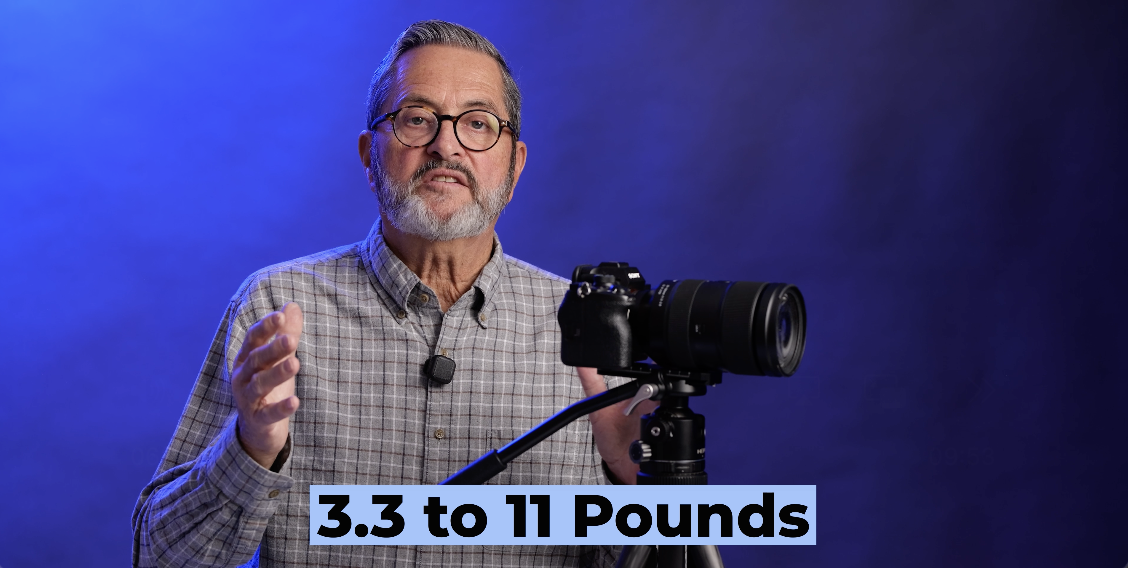
Payload Capacity, Counterbalance & Weight:
It’s pretty important to understand what kind of camera weight this will handle. It really will take between 3.3 to 11 pounds and it will balance that just perfectly. This is balanced for my lens and camera—this is the Sony a7R V with the 35-150mm lens from Tamron. So it’s a relatively heavy setup, not super light, and this is balanced for that setup.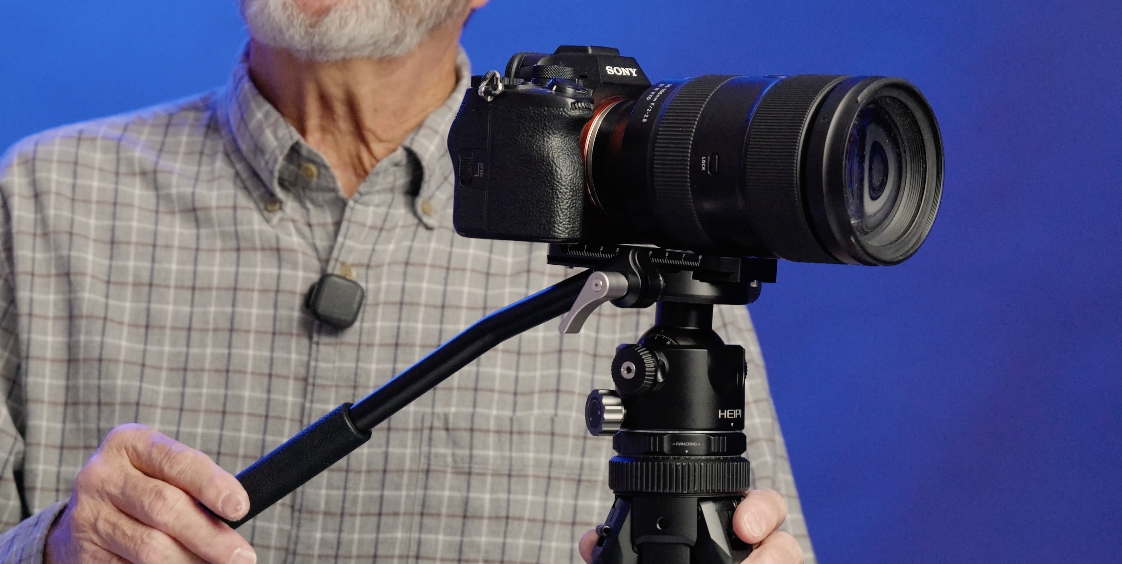
There is a wrench here inside; you can adjust the counterbalance—you can tighten that a little bit if you put a longer lens on with just a little turn. That will give you more tension on the balance and it’ll help if you go to a longer lens. It is really made for something as large as a 150-500mm; pretty easily you can balance that setup on this tripod. It is great then as a gimbal-type setup for doing birding or any kind of wildlife; it works great for those heavier lenses. That does not exceed what this tripod head will handle—the a7R V with the 150-500mm from Tamron is going to be balanced very easily and used in a gimbal-type situation.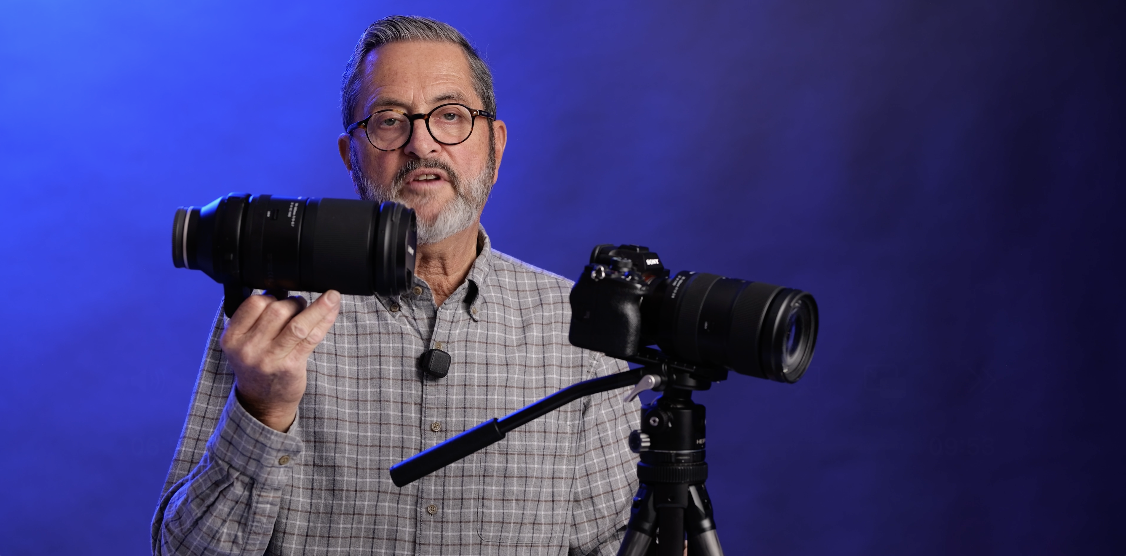
So there’s a weight range around 3.3 to 11 pounds. It’ll counterbalance precisely, it’s going to stay stable, it’s not going to drop, and you’re not going to have to be constantly locking it to be able to use lenses up to that 11 pounds. The KB50 head itself weighs about 1.24 pounds, which keeps this very lightweight and compact for traveling, while still giving you the option to do wildlife-type gimbal work. You’re doing video work, you’re doing stills work, and it’s in a light package that travels with you very easily.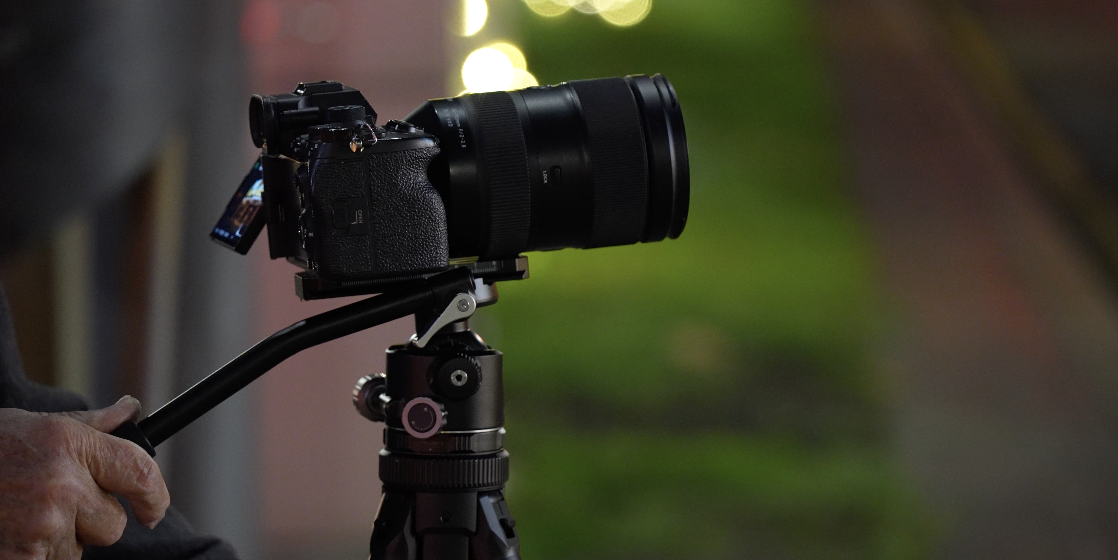
Tilt Range, Stepless Drag & Pricing:
The U-shape in the head makes it really effortless to get into vertical shooting here, so you can go from horizontal to vertical really easily. That U-shape in the head allows you to go from +90° all the way to -45° because there’s a slight groove on the other side of the head as well. So you get a lot of motion for that kind of tilting.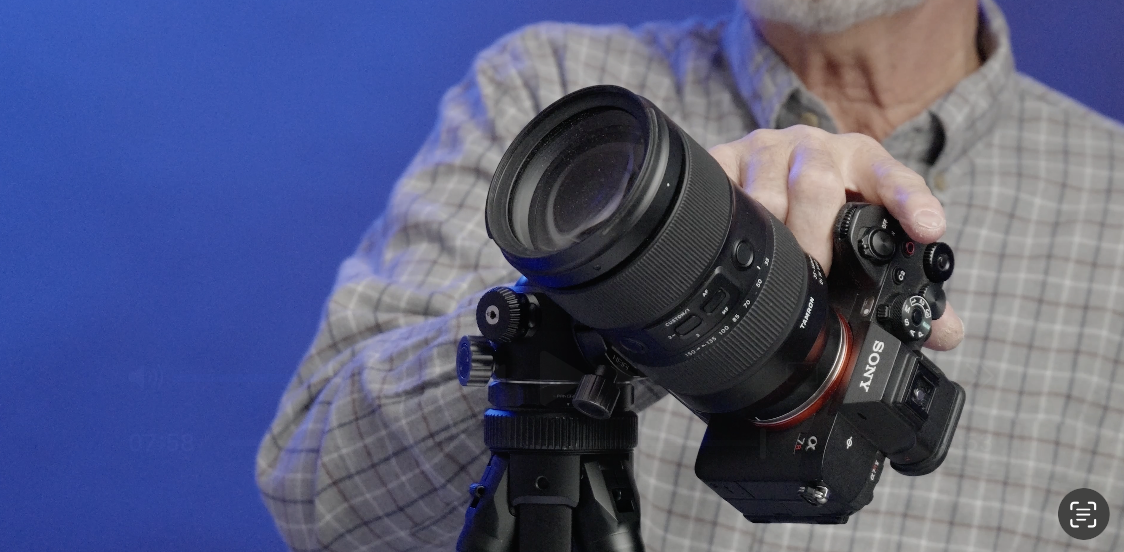
When you set the drag correctly on this head, it gives you a step-less resistance as you pan. You want a little bit of resistance so it keeps your shot smooth, without any kind of clicking. It also allows you to go into a step-less tilt up as well—just a smooth tilt up or pan. Both of those can be set so there’s no steps in them.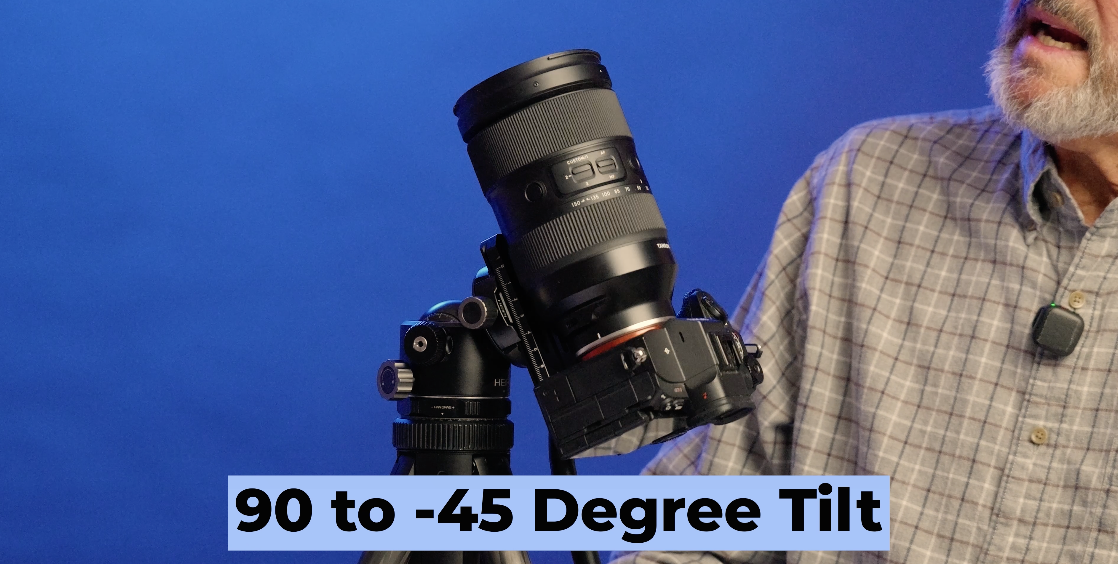
Heipi’s KB50 is priced around $269, but if you go to the Kickstarter page, you can get some bundles there that make it a little less expensive. At that price for a good head that does both video and stills, I think that’s a really incredible price point, quite frankly. Check out their Kickstarter and get on that before they deliver.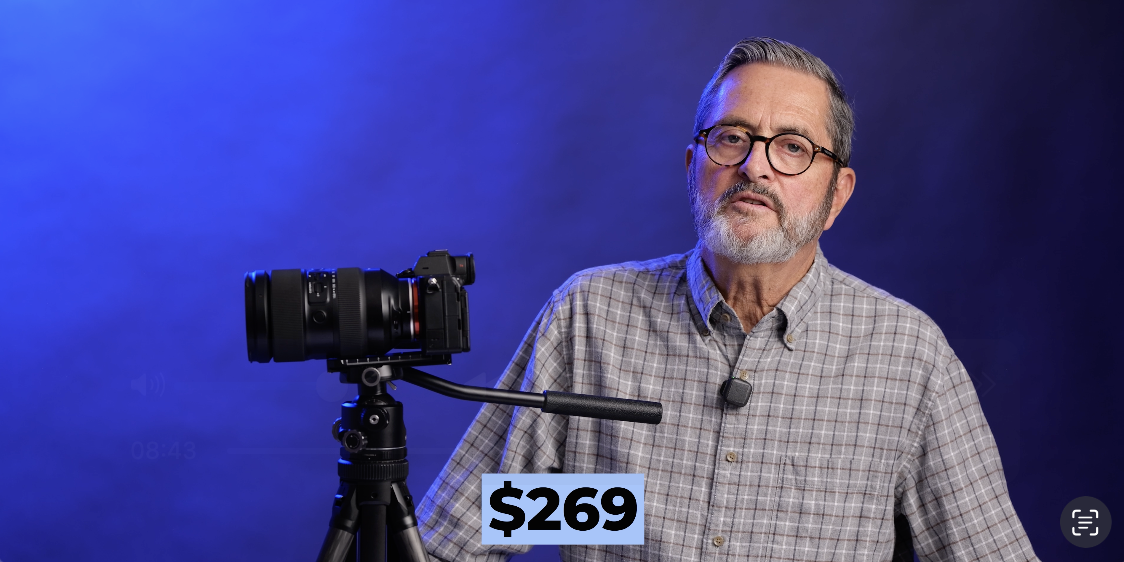
Final Verdict:
Let’s wrap this up. I think the KB50 is perfect for those of us who shoot both video and stills. The reason being is that it switches quickly from video to stills and it’s lightweight. It allows me to carry it with me on the airplane in my bag—it’s not a huge, heavy fluid head, yet it gives me fluid head capabilities. It also counterbalances a lens and camera up to 11 pounds, which makes it great for those kinds of birding and wildlife applications, which I enjoy as well.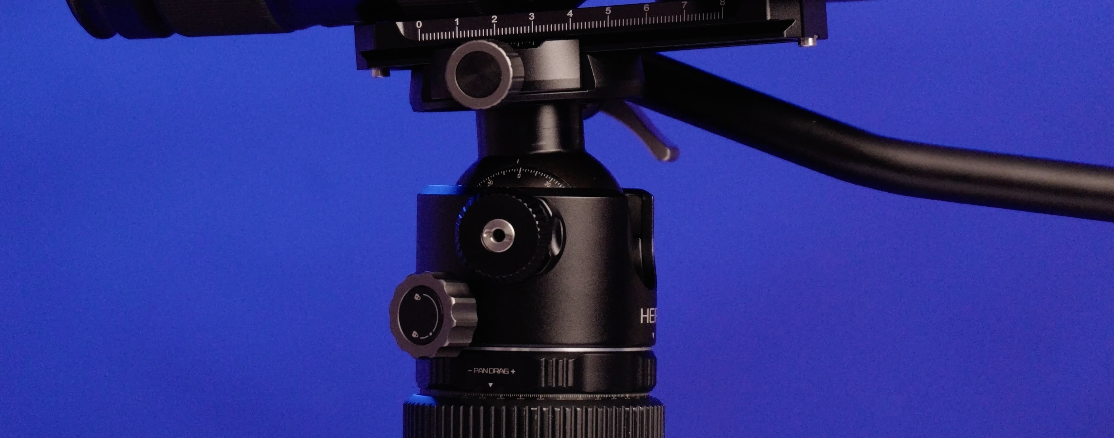
So it just becomes the perfect crossover head that allows you to do all the different types of photography that you’re interested in. I think it’s a solution that really makes sense, works quickly, and is a solution that I will carry with me all the time. Check it out, check out their Kickstarter—I think it’s worthwhile. Keep those cameras rollin’ and keep on clickin’!
For me, I have been wanting something that is really going to help me to cross over quickly from video to stills, and this solves that problem. You can use this head on any platform. I use it on the W28S, which is Heipi’s really compact, great travel tripod, but this goes onto any tripod that you may have.
What’s important about this hybrid head is it opens up the door to be able to switch quickly from video to stills and to be able to shoot both of those off of the same set of sticks.
It’s frustrating to me to have to carry two tripods; this solves that problem—one head, you’re able to shoot video and stills and switch quickly. So let’s take a look at how we set it up and what it does. Let’s get out there and shoot some stuff with this new KB50 hybrid head.Heipi’s Kickstarter Background:
We got involved with Heipi on their very first Kickstarter. That was the W28S. This was the compact travel tripod that had that three-column center column, which really made it easy to pull this out and turn it into a low-level tripod—basically two tripods in one. Great Kickstarter campaign; they had 3,000 backers and raised a million dollars, so they delivered a great product in that first Kickstarter.
Now this is the KB50, a hybrid head—Heipi’s second launch, their second Kickstarter campaign.
This adds a head to either this system or any system that’ll allow you to shoot video and photos off the same head. So there’s no need anymore to try to decide which tripod I’m going to take, or which platform I’m going to use right now. You can shoot on the same platform, switch quickly from video to stills, and it makes it very seamless. So I want to take a look at this head, see how it sets up, and see how it works. We’re going to get out and do some images and do some video.Arca-Swiss Plate System & Balancing:
Just some basics about the head: first off, it uses an Arca-Swiss plate, which is wonderful because all my still equipment runs on Arca-Swiss. I’ve got Manfrotto plates for all my video heads and Arca-Swiss for the still heads. I would love to keep everything—and I’m going to keep everything—on a single plate, which is Arca-Swiss.So this is compatible with Arca-Swiss plates that are out there.
It comes with a small square one that’s just very simple. It’s great—if you have the W28S, you have these already—and it comes with that. But you can also get other plates for the platform: a long one if you’ve got a long lens, you can purchase a longer plate, which allows you to balance a longer lens because it gives you a longer travel on the tripod.
The one I have on my camera right now is kind of a medium-length one, which allows me to pull my lens back a little bit because it’s a somewhat heavy lens, and balance it on the fluid head.So, Arca-Swiss—it’s got the ability to use different plates so you can balance longer lenses.
It comes with a handle so you can use this as a fluid handle, which is going to be incredible if you’re using this as a gimbal, because it allows you to make those pans and tilts and to follow birds or something if you’re shooting. That handle becomes super handy if you’re doing video, and it quickly comes off. You can flip the head so it works on either side, which makes this very much like a fluid video head, which is really important.Switching Between Video & Stills Mode:
Now let’s take a look at how we flip this from video to stills. It’s very simple to switch from video mode to still mode or vice versa. There’s two knobs here: you turn them a half a turn, that unlocks it, you pull them out, turn them another half a turn, and I’m now in still mode.
Complete fluidity—I can go to the side if I want to shoot a vertical shot, or I can come back up into any mode that I want here.Now when I switch back to fluid head, I’m going to turn these that half a turn, this is going to lock it into place for me, and then I’m going to lock these two with that little half turn to lock those into place, and I’m back in fluid head mode. So it’s very simple to do—just those little half turns. And it’s quick to go back and forth between one and the other, so it’s a fast method to be able to change from video to stills.
Pan Handle & Rosette Mount:
A fluid head is never really useful unless you have a handle to put on it. This handle hooks on the side right here, and you can rotate this head to put it on either side if you want to have it on your left or your right depending on what you have to do to get the shot you’re working on. When you get it over here on the left—so I’ve got it set up right there right now—I now can use that and it becomes a much more valuable fluid head.
That handle becomes super important. It allows me to do whatever I need to. I can put this in all kinds of different positions depending on where I’m trying to get my shot and what’s around me, and this just gives you that option. It’s got that rosette that allows you to position it exactly where you need to, or I can switch this whole thing around—about that fast, actually—and now I can work it on the right side. So, pretty easy to do.
Ball Head Tension & 10-Degree Panorama Clicks:
I’m in still mode right now, and even though I’m in still mode—if it’s loose like this, I’m going to drop my camera, so no problem—it’s got a tension knob on the back so you can tighten this up, which allows you to put tension on the ball head. You can put it wherever you need to, and you have the tension in order to hold it in place like any good ball head does. It’s great to have that little tension knob on the back.
If you take all of the tension off from your pan here on the bottom and you unlock a little lock on the side, we get those 10-degree clicks, which are perfect for panoramic images. It allows you to set things up and repeat them so you get the precise overlap between each image in a panorama. And it’s great for low light: if you can’t see, you’ve got that audible click. You can count: one, two, three, four, click; one, two, three, four, click. It gives you something to go on when you’re in low light. To go back to smooth pan mode, we simply unlock the knob on the side and put the tension back on. Now we’re back into the tension of the pan, so it’s easy to switch back and forth between those two.
Payload Capacity, Counterbalance & Weight:
It’s pretty important to understand what kind of camera weight this will handle. It really will take between 3.3 to 11 pounds and it will balance that just perfectly. This is balanced for my lens and camera—this is the Sony a7R V with the 35-150mm lens from Tamron. So it’s a relatively heavy setup, not super light, and this is balanced for that setup.
There is a wrench here inside; you can adjust the counterbalance—you can tighten that a little bit if you put a longer lens on with just a little turn. That will give you more tension on the balance and it’ll help if you go to a longer lens. It is really made for something as large as a 150-500mm; pretty easily you can balance that setup on this tripod. It is great then as a gimbal-type setup for doing birding or any kind of wildlife; it works great for those heavier lenses. That does not exceed what this tripod head will handle—the a7R V with the 150-500mm from Tamron is going to be balanced very easily and used in a gimbal-type situation.
So there’s a weight range around 3.3 to 11 pounds. It’ll counterbalance precisely, it’s going to stay stable, it’s not going to drop, and you’re not going to have to be constantly locking it to be able to use lenses up to that 11 pounds. The KB50 head itself weighs about 1.24 pounds, which keeps this very lightweight and compact for traveling, while still giving you the option to do wildlife-type gimbal work. You’re doing video work, you’re doing stills work, and it’s in a light package that travels with you very easily.
Tilt Range, Stepless Drag & Pricing:
The U-shape in the head makes it really effortless to get into vertical shooting here, so you can go from horizontal to vertical really easily. That U-shape in the head allows you to go from +90° all the way to -45° because there’s a slight groove on the other side of the head as well. So you get a lot of motion for that kind of tilting.
When you set the drag correctly on this head, it gives you a step-less resistance as you pan. You want a little bit of resistance so it keeps your shot smooth, without any kind of clicking. It also allows you to go into a step-less tilt up as well—just a smooth tilt up or pan. Both of those can be set so there’s no steps in them.
Heipi’s KB50 is priced around $269, but if you go to the Kickstarter page, you can get some bundles there that make it a little less expensive. At that price for a good head that does both video and stills, I think that’s a really incredible price point, quite frankly. Check out their Kickstarter and get on that before they deliver.
Final Verdict:
Let’s wrap this up. I think the KB50 is perfect for those of us who shoot both video and stills. The reason being is that it switches quickly from video to stills and it’s lightweight. It allows me to carry it with me on the airplane in my bag—it’s not a huge, heavy fluid head, yet it gives me fluid head capabilities. It also counterbalances a lens and camera up to 11 pounds, which makes it great for those kinds of birding and wildlife applications, which I enjoy as well.
So it just becomes the perfect crossover head that allows you to do all the different types of photography that you’re interested in. I think it’s a solution that really makes sense, works quickly, and is a solution that I will carry with me all the time. Check it out, check out their Kickstarter—I think it’s worthwhile. Keep those cameras rollin’ and keep on clickin’!
