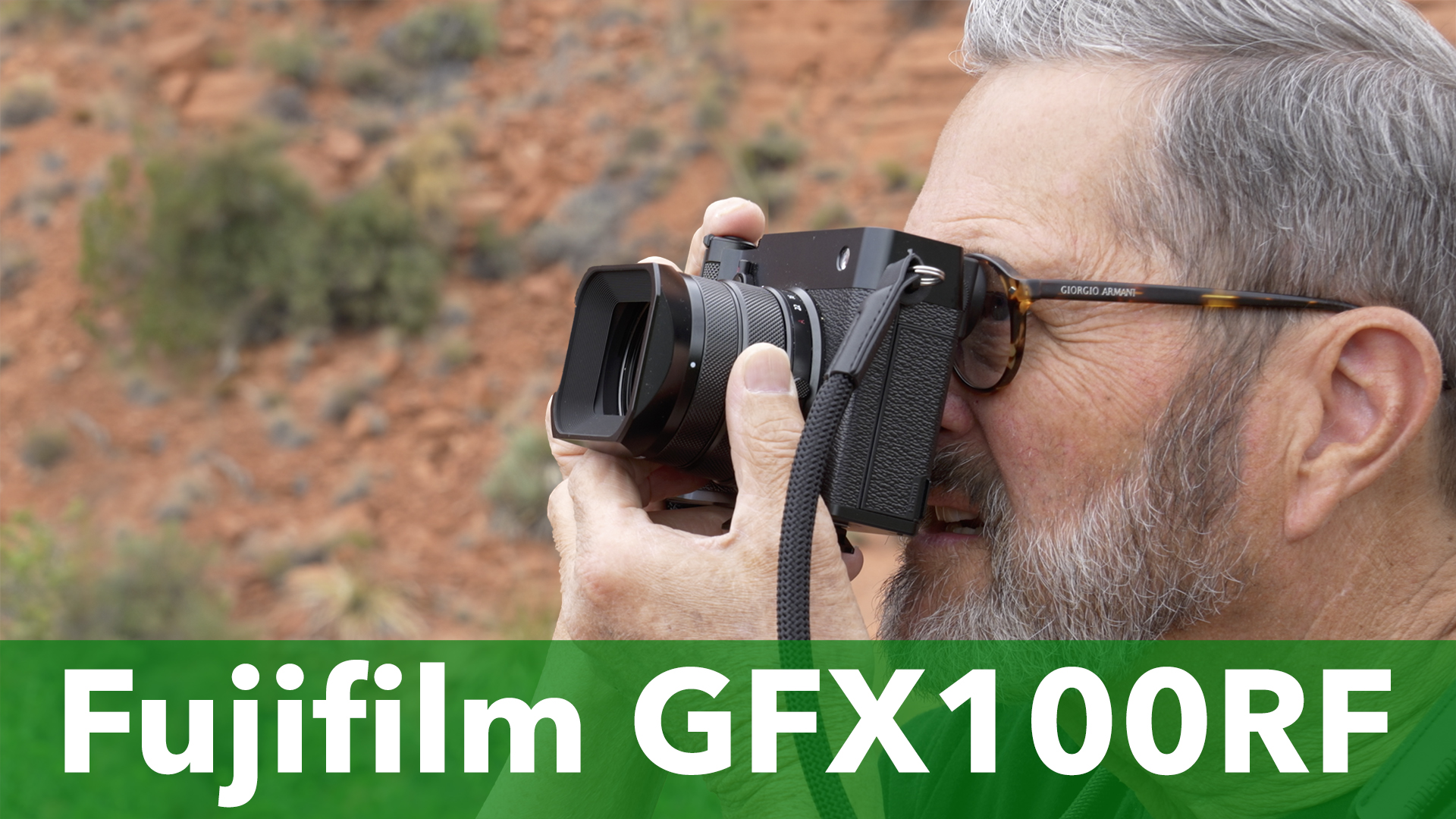
Hi, this is Jay P. Today on The Slanted lens, we’re going to take a look at the GFX100 RF. This is really a fascinating camera because it’s a 102 megapixel sensor, but it has a fixed 35mm lens. So, let’s get started. Let’s take a look at the GFX100 RF and understand perspective just a little better.
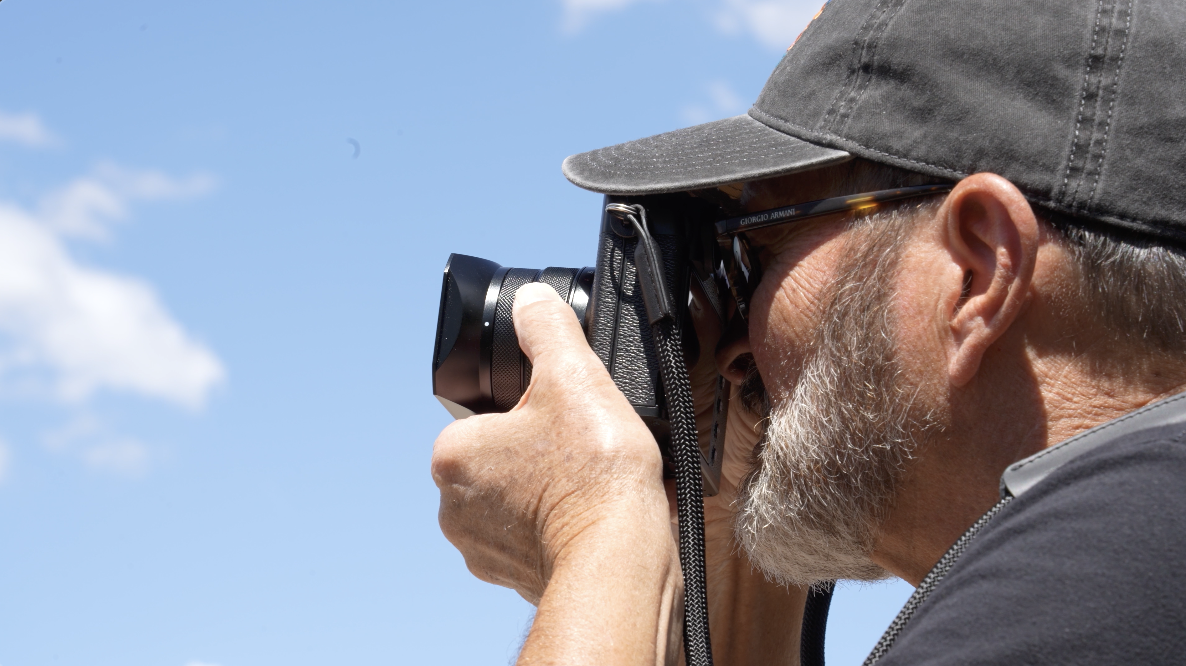
When you have a 100 megapixel sensor, you can crop in any of these horizontal or vertical formats and do social media posts, horizontal kinds of landscape, beautiful full quality images and landscape and still crop. It’s a really versatile, versatile format and that’s what makes this so useful. It makes it really work the most to me, not being my favorite to have a fixed lens on a camera. 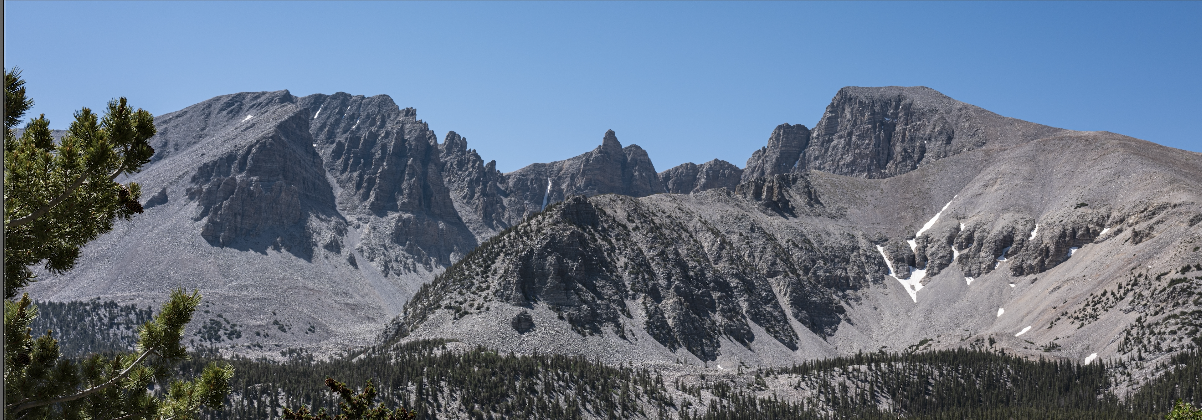 This lens overcomes that because of that large sensor which allows you to crop in ways that you would not be able to do with another camera and get the same quality. That really helps compensate for a lot of that fixed focal length lens. It’s still not my favorite having shot so long with different lenses, but it makes this very much a versatile lightweight camera to carry with you and gives you a lot of different options on that large sensor.
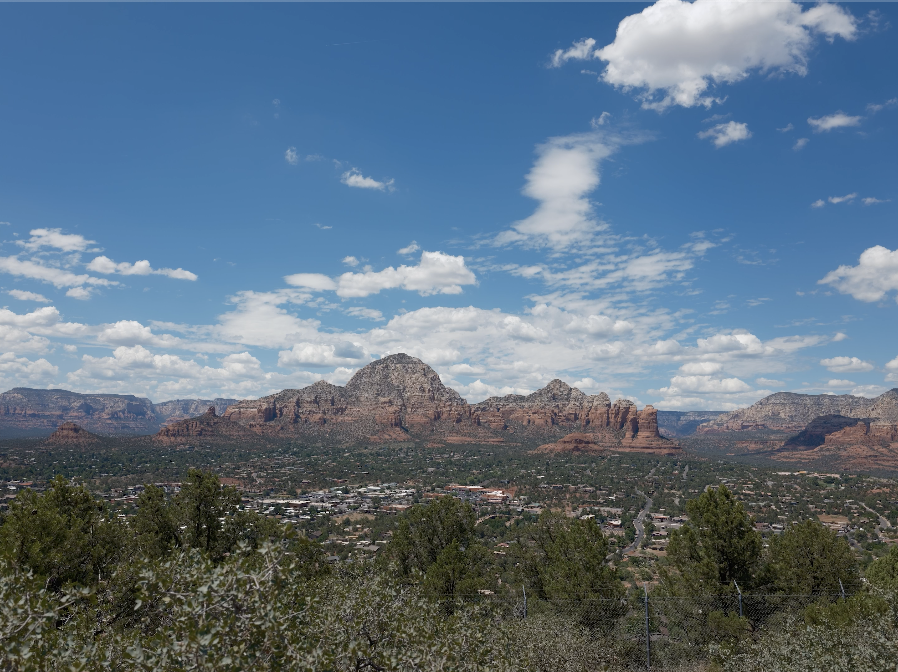
Just like any Fujifilm camera, this camera comes with film simulations. So I shoot pretty much always on just their standard, which is Provia, which I love the look of Provia. 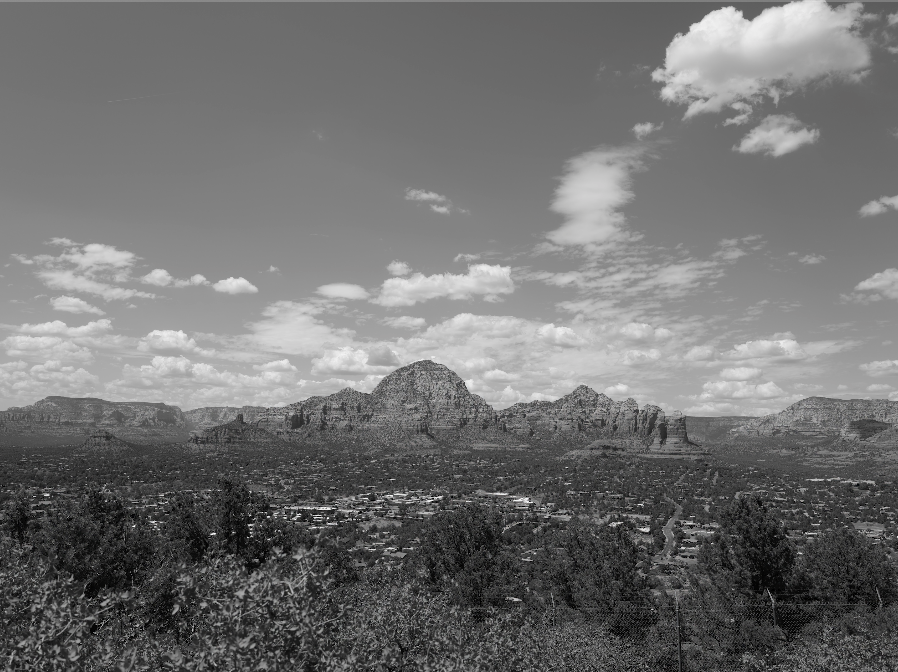 But it has black and white. It’s got Acros. It’s got just a whole variety of sepia tone.
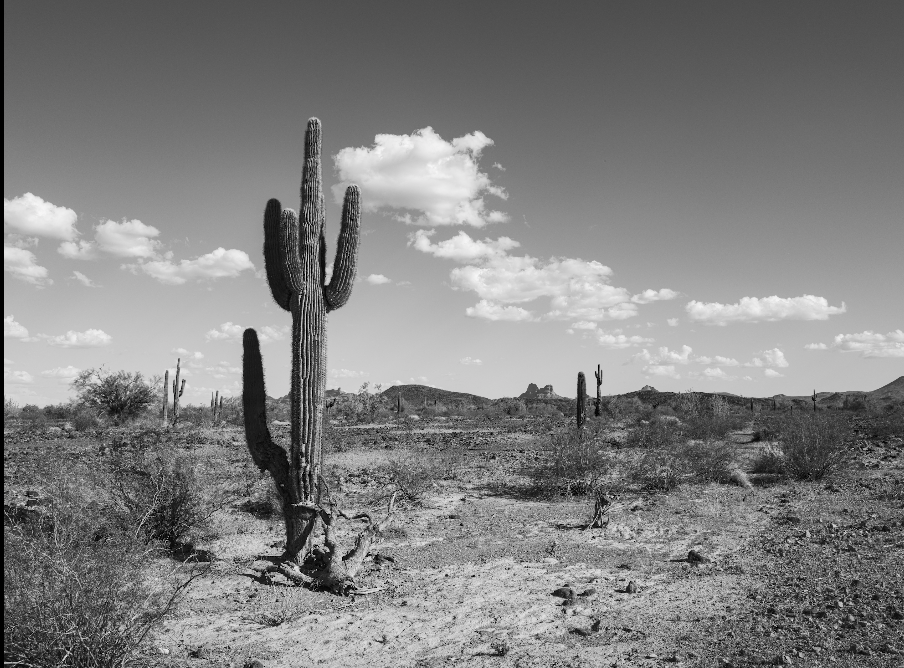
 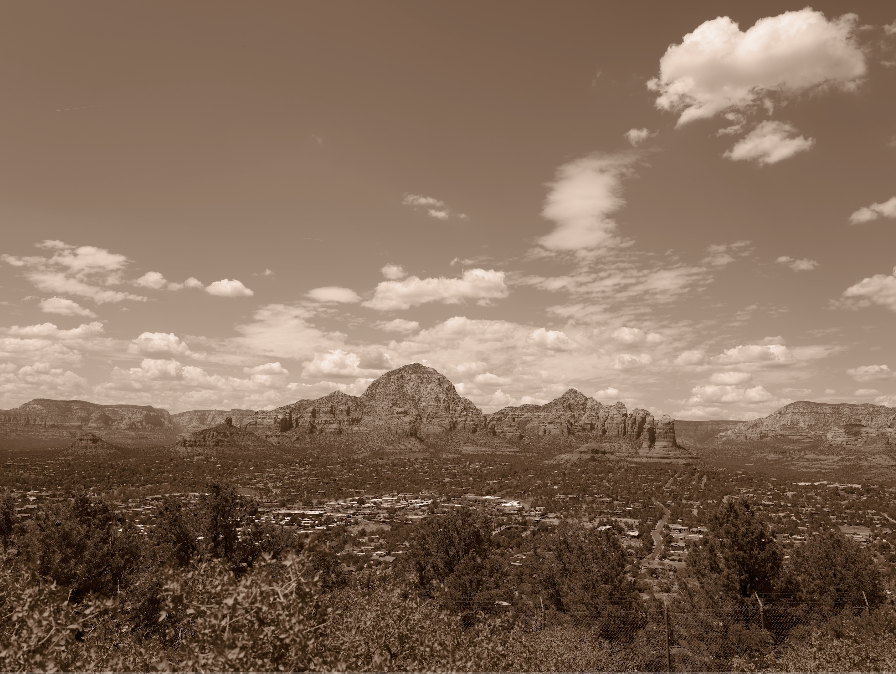 Here’s some of the different film looks that we shot up on the airport overlook here in Sedona.
 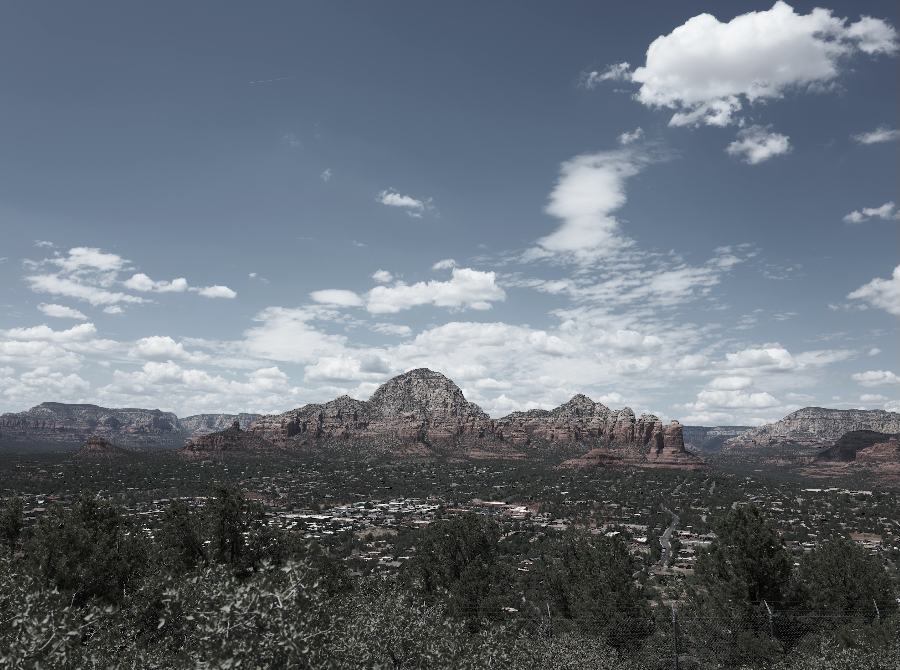 And just take a look at some of those film simulations. Now, remember, this is just applied to the JPEG.
 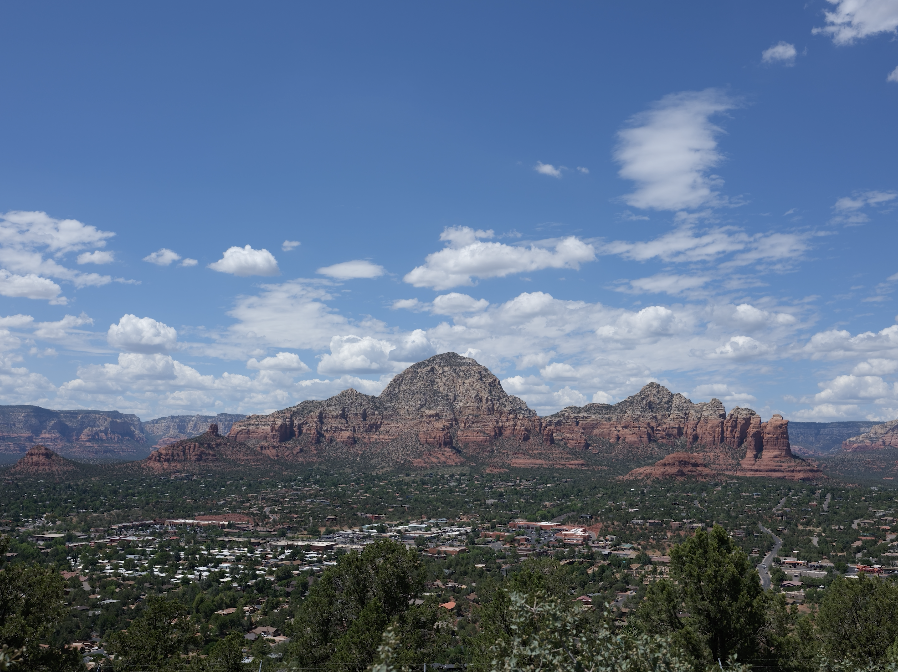 Your raw information doesn’t have any of this applied to it. So you can go back and do whatever you want with the image.
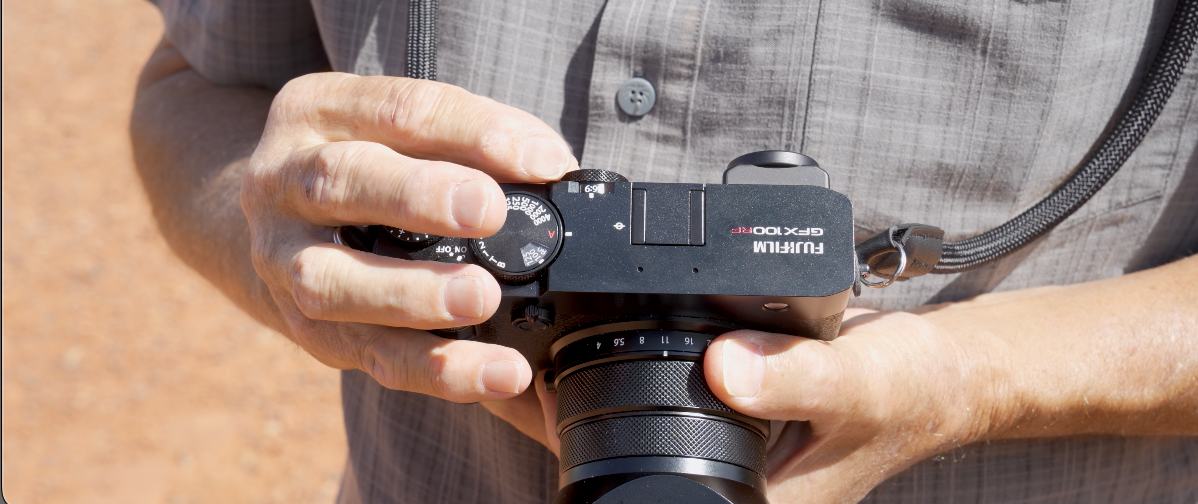 I love the fact that on the back of this camera, the GFX100 RF, we’ve got a little dial here, and that dial gives us different cropping formats.
 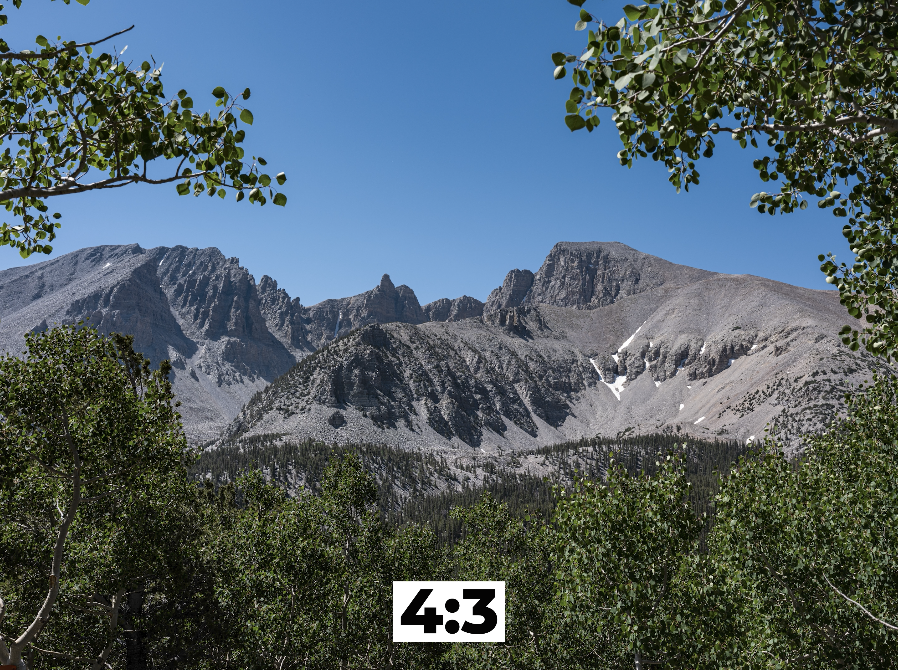 You can do a 4×3, which is basically the entire sensor, or you can go to 3×4, which is more like a standard full frame,
 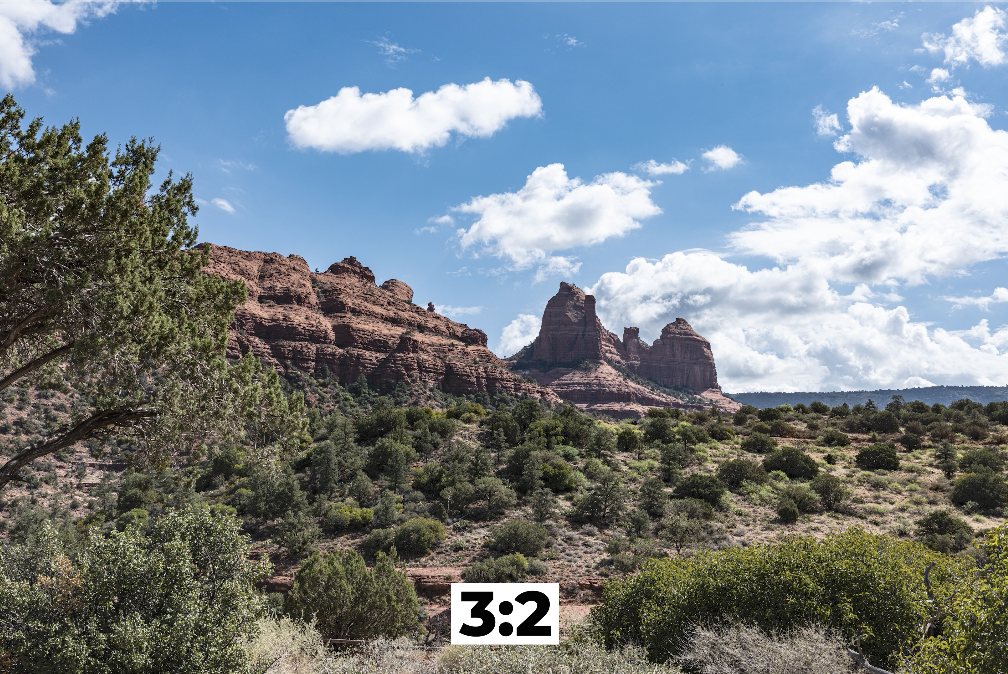 and then you get into some other interesting kinds of crops, 16×9, 65×24.
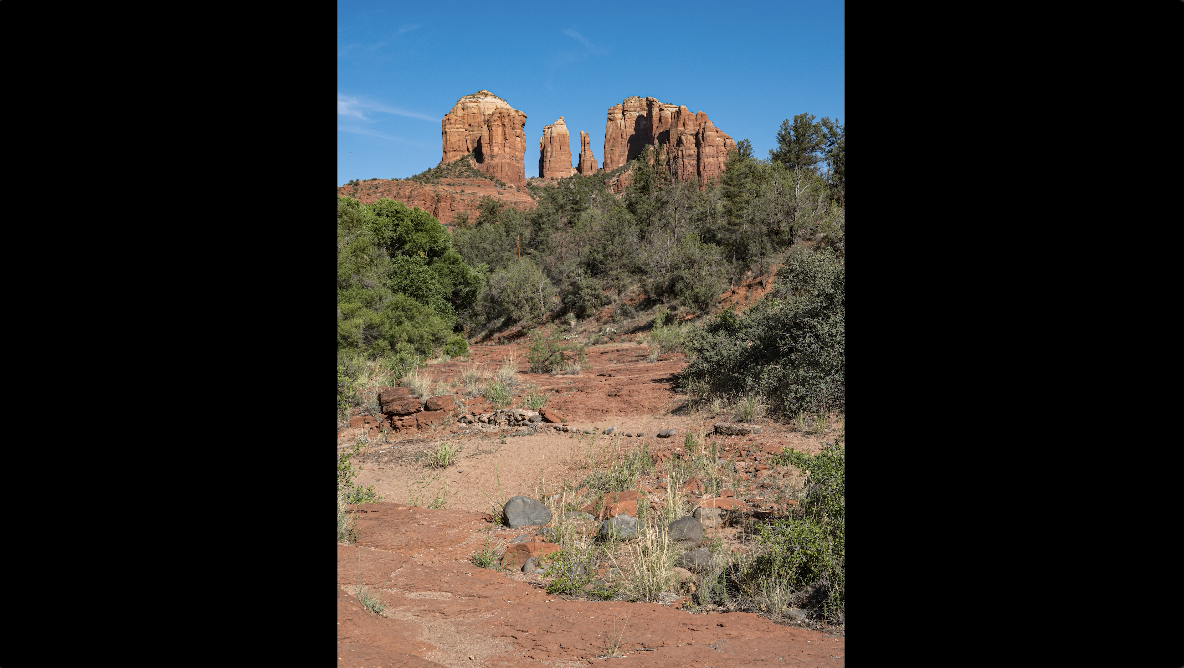
 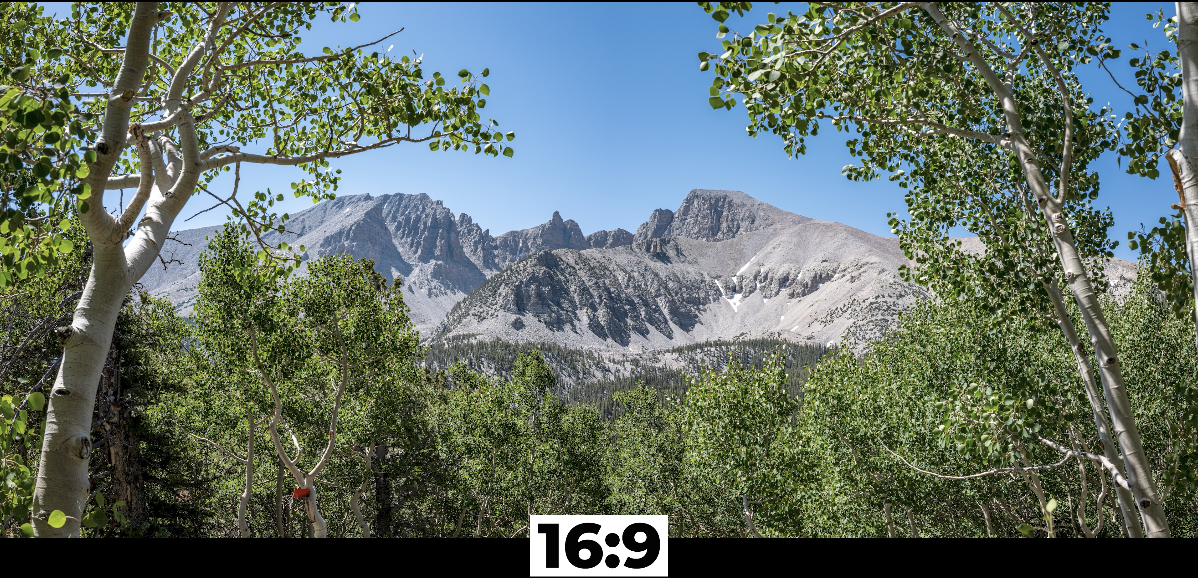 It can also go to a vertical crop.
 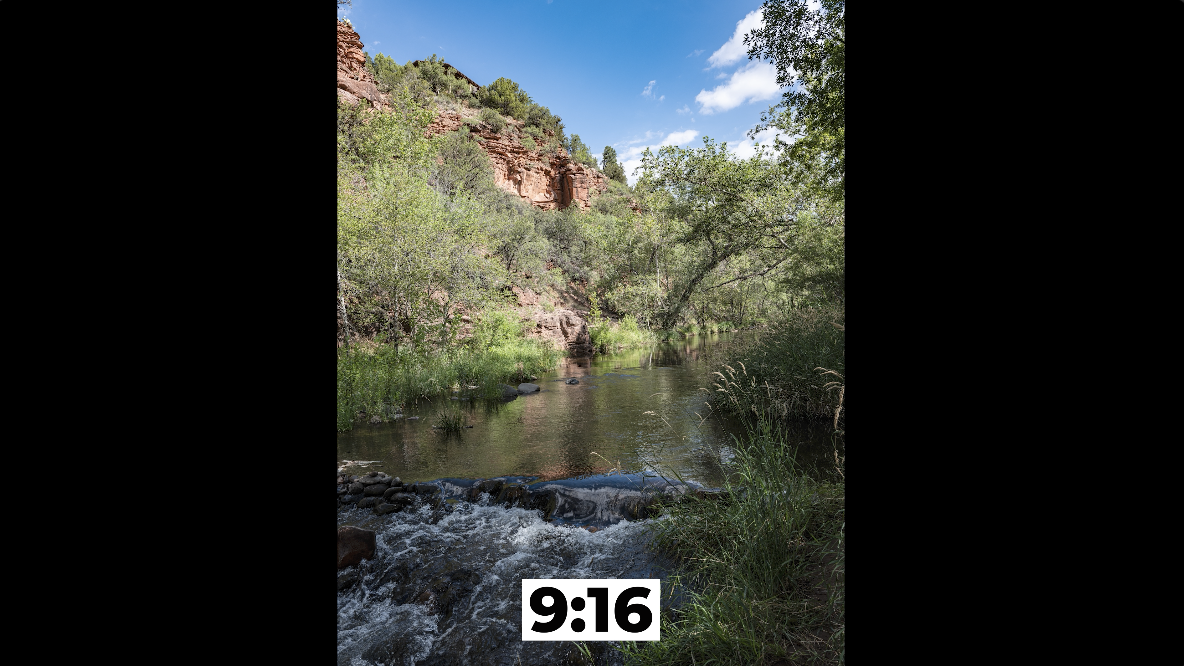 What I love is there’s a 17×6 which gives you this really panoramic view and I just love the looks of that.
 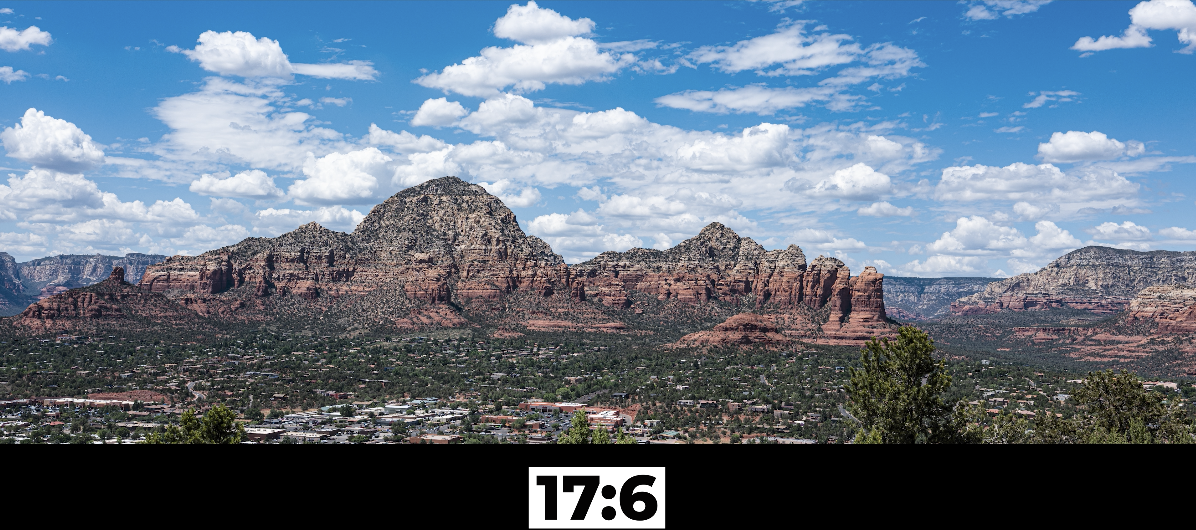 It’s just fun to shoot with that. But again, these are just artificial crops. They’re just visual mats basically on your sensor so that you can see to compose and to make your image. When you go back into the RAW, the entire sensor has been exposed and so you have the entire sensor size. So you have that 4×3. But it’s just fun to use these. It comes in a vertical. What’s nice about these is when you have a 100 megapixel sensor on a medium format, a vertical on this gives you a tremendous amount of information.
 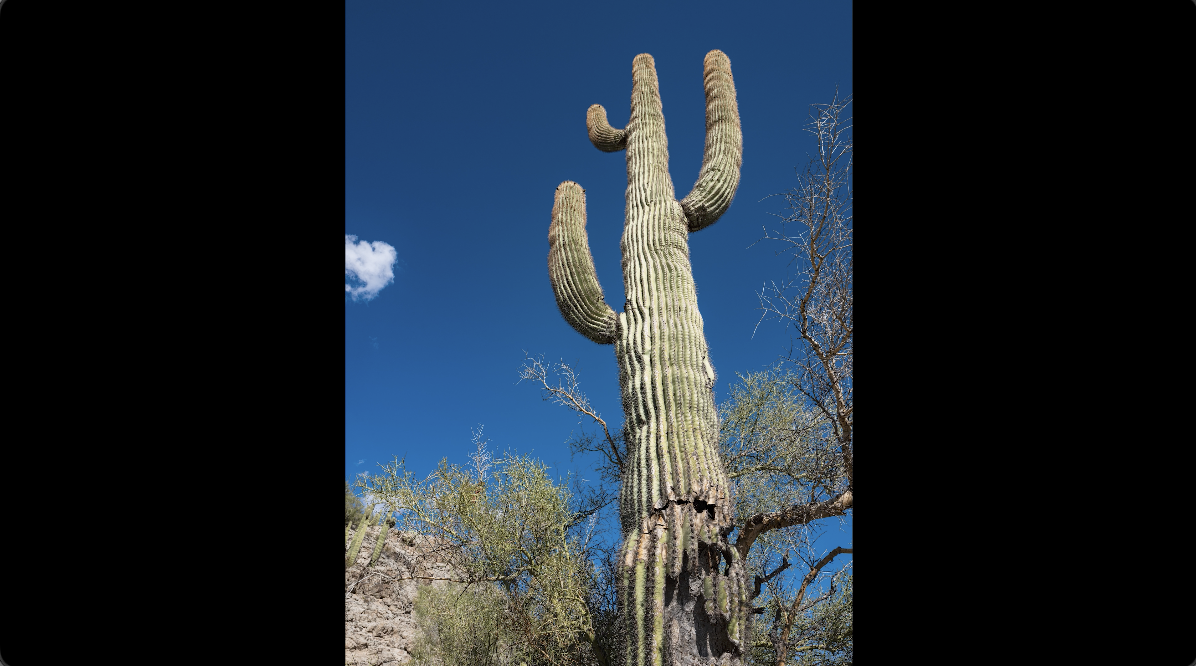 So, shooting any kind of social media application where you want to do a vertical cropping is extremely easy with this camera. I just love the fact that it gives you those cropping options and allows you to compose to those different options. I can’t compose to the entire sensor.
 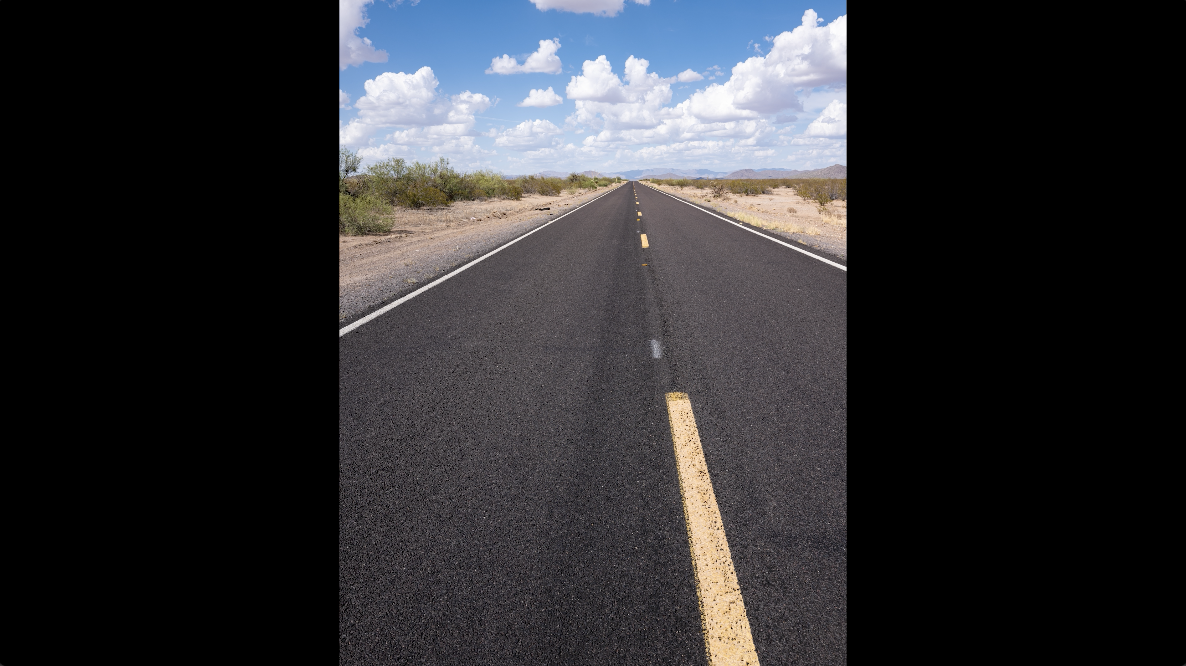 If I’m going to be cropping, I’ve got to be looking at what I propose to be my crop and then I can really compose and make an image that works in that frame. I want to control that frame. So, this allows you to do that, but still have all the information when you go to the RAW.
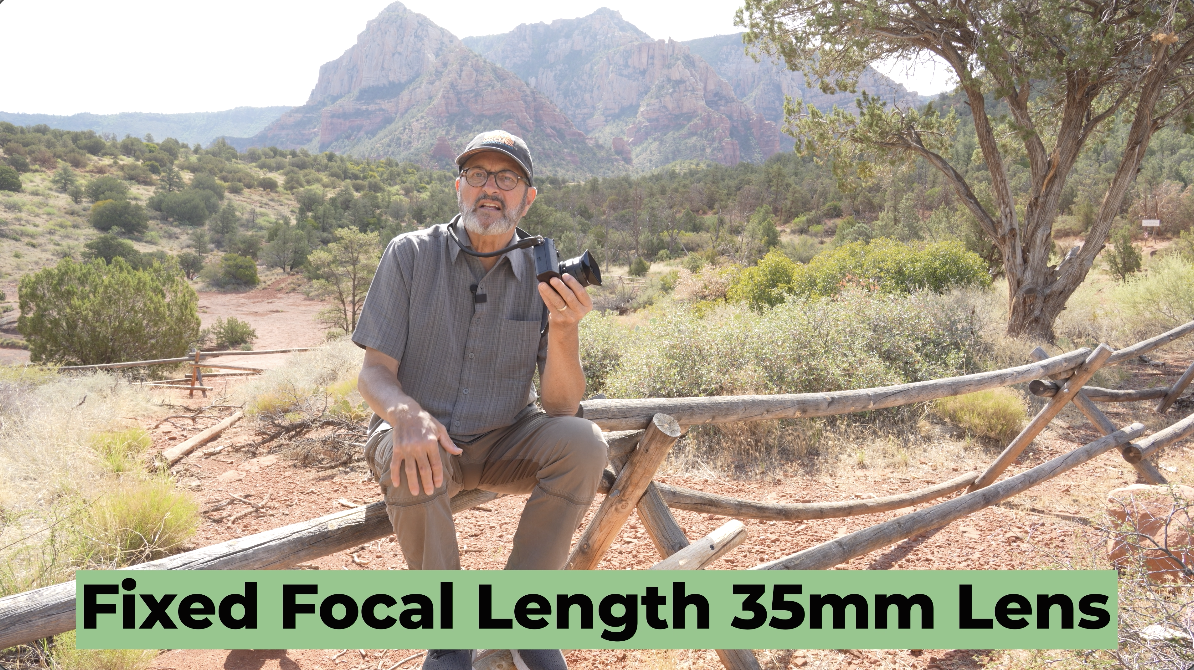 One of the things that makes this camera so compact, easy to carry, and not complicated is the fact that it has a fixed focal length lens. You don’t have to worry about a kit of lenses. You don’t have to worry about everything you’re going to pack with you. You just got a single lens attached to the body. The disadvantage is you’re always on a 35 millimeter. So, the only way to change perspective with this camera, with this lens, is to move. So, you’ve got to get closer to things. You got to back up from things. That’s what’s going to create different perspectives. But, in the end, you’re on a 35 millimeter lens. You’re not going to get the compression that you get with a 150 or a 200 millimeter lens. It was a little difficult. I shot some portraits of a lady that we met at one of the overlooks and it’s just hard to get that kind of compressed background that falls out of focus with this. It is an f/4 and f/4 is about equivalent to an f/2.8 on a full frame. So, as far as the focus, the way the focus falls out. So, when you’re at f/4 in a medium format, it’s about the same focus distance as an f/2.8 on a full frame. So, I think the biggest disadvantage of this camera is the fact that you just don’t have lens options. But that’s what the beauty of this camera is. It’s not about that.
 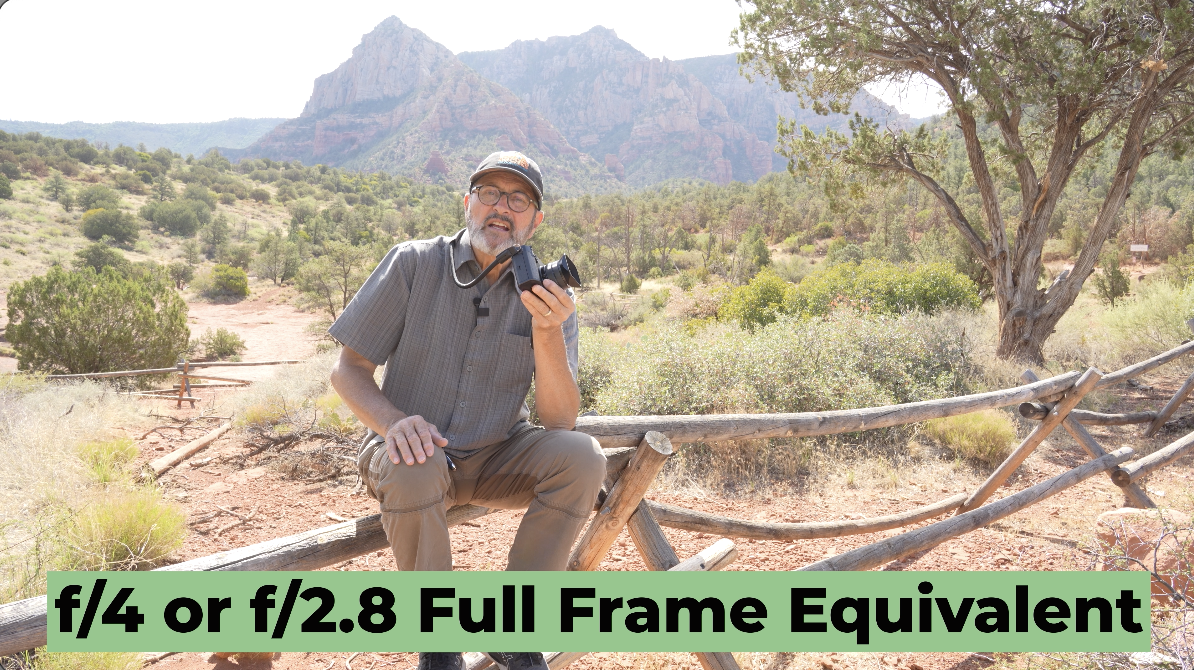 It’s about easy to carry, compact. You don’t have to think about it. It’s beautiful and wonderful for scenics like this. Being out here is absolutely spectacular because it just gives you a beautiful view of the scene. You can do some cropping in because the sensor’s so large. So, if you’re on 35 and you’re just back too far, you can crop in and still have the equivalent of like an a7R V 61 megapixels. You can crop way in and still get 61 megapixels. Get a beautiful panoramic image doing landscape. I think this is ideal for landscape. It’s wonderful for portrait if you’re going to do environmental kind of in contextual type portraits where you want to see the person’s scene, see their world. But if you want to isolate them, draw the background out of focus and get really great bokeh, it’s really not the lens that’s going to accomplish that for you very easily. You’re going to have to get in really tight. Shoot at f/4 and everything’s going to fall out of focus. As you get in tighter, that background is going to fall out of focus. So, if you want to change perspective with this lens, you’ve got to move. You’ve got to get closer. You got to get under things. You got to get above things. You got to move in and close to things. That’s going to help this feel like it has different perspective. If you always stay at eye level, you know, six feet away from things, it’s going to, all your images are going to look exactly the same.
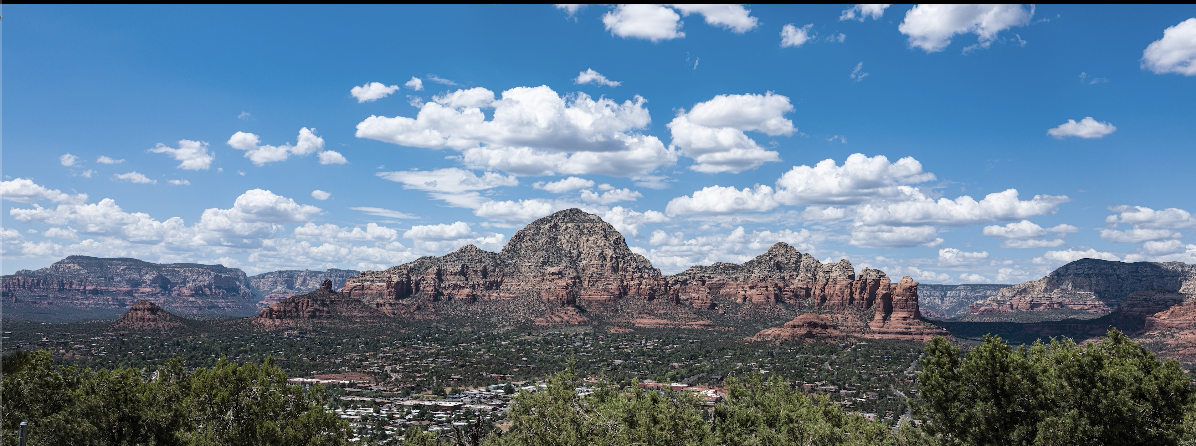
Often I’ll shoot at aperture priority just because I want to shoot quickly and we’re moving from place to place. I enjoy aperture priority. I like it. But I’m always underexposing by a third. But I’ll look on a day like today when I’ve got white clouds like that in the background and just the red rock in the foreground, I underexpose by almost a stop. 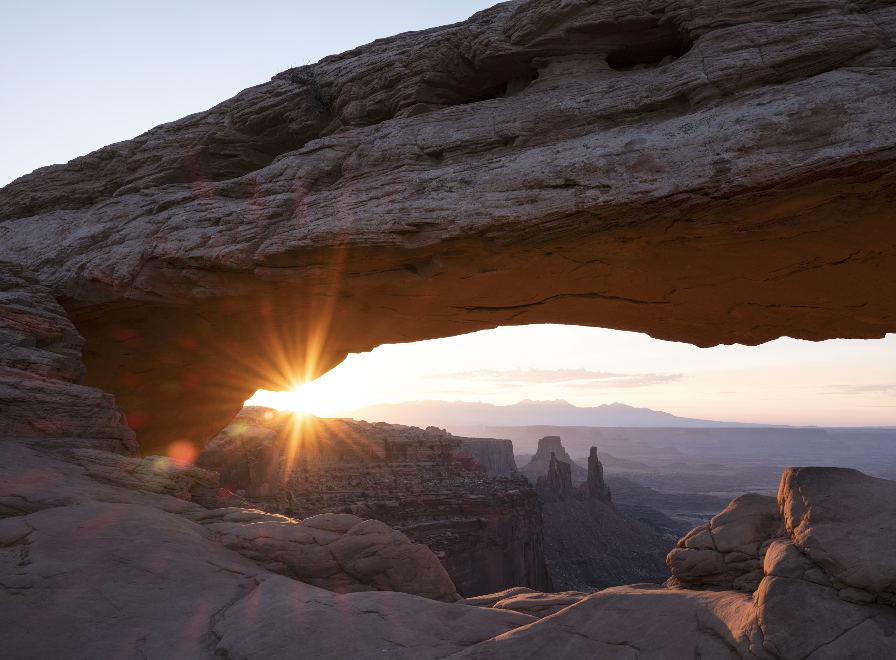 So, even though I’m on aperture priority, I love where this little exposure compensation dial is on this camera because I roll this all the time. I’ll go to a minus a third, minus one. I’m looking at my image, looking and comparing the dynamic range of the sky in the foreground. So, I’m changing that all the time. Just a quick way for me to work and be able to shoot. And I think this dial is certainly in the place that works great for me.
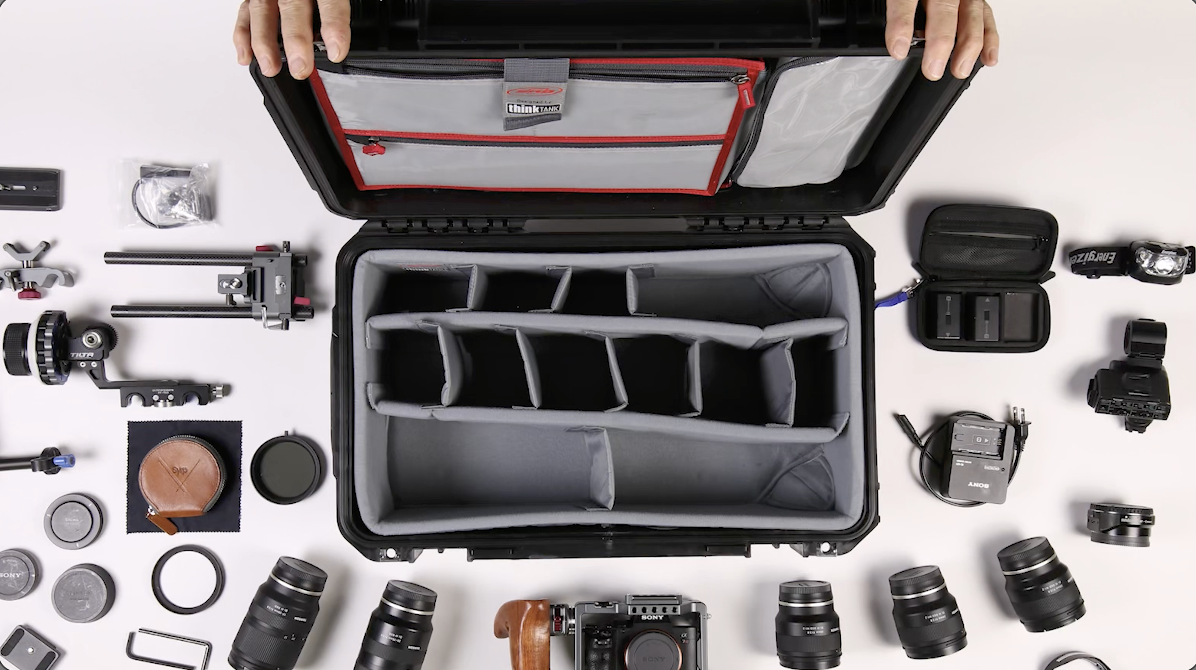
So, when it comes to protecting your photo and your video gear, investing in a solid case is just not a good idea. I think it’s pretty essential. That’s why I trust all my stuff to SKB. I put all my hard stuff in hard cases when I fly with it. I use a backpack whenever I’m out on the road and moving around. They’re just, they’re like tanks. They are built and made to be taken anywhere. They’re waterproof. They’re dust proof. They’re crush proof. I’ve ran over them with a car. I’ve dropped them in the pool. I’ve done all those kinds of things. So whether you’re hiking with a backpack or you’re flying with all your stuff in hard cases, weather’s unpredictable. You just never know what you’re going to encounter. And they’re safe in an SKB case. The interior is completely customizable. You can change your camera bodies around your lenses. Everything fits in there nice and snug so it’s not going to bounce around.  Whether you’re a professional or a hobbyist, you pay a lot of money for your gear. So, it’s important to protect it. All it takes is one drop and then you’ve spent thousands of dollars on replacing gear. So, with an SKB case, you’re not just carrying the gear around in it, you’re protecting your investment. So, that piece of mind never looked so tough.
Battery wise, I think this camera has a very robust, very good battery. You get about 820 images when the power save is on, which I would always keep on for any of my cameras. But it just gives you, you know, almost over 800 images. I would never go out without at least two batteries with a camera like this and probably three. If I’m going to be out for a while, I’m going to take two, at least three batteries. And it’s not that this battery life is bad. 820 images is very good, but it’s just a matter of you’re shooting all day, you’re looking at the screen on the back, you know, all that starts to burn up the images. If you shoot 800 images in a row, it’s going to be no problem. But if you sit here and you review things and you’re always using your EVF and your screen on the back, it just all starts to eat up the battery. So, I would take two batteries, if not three. But then I’m kind of a suspenders and a belt kind of person. That’s just who I am.
 As far as holding this goes, it’s got a nice grip on the side. I wish it was a little deeper. I feel comfortable holding it. I don’t feel like I’m going to drop it. But it just, it’s just a little shallow. I wish that was just a little deeper ridge for me to hold on to. I find it very easy to access these controls here and to turn the camera on and off.
 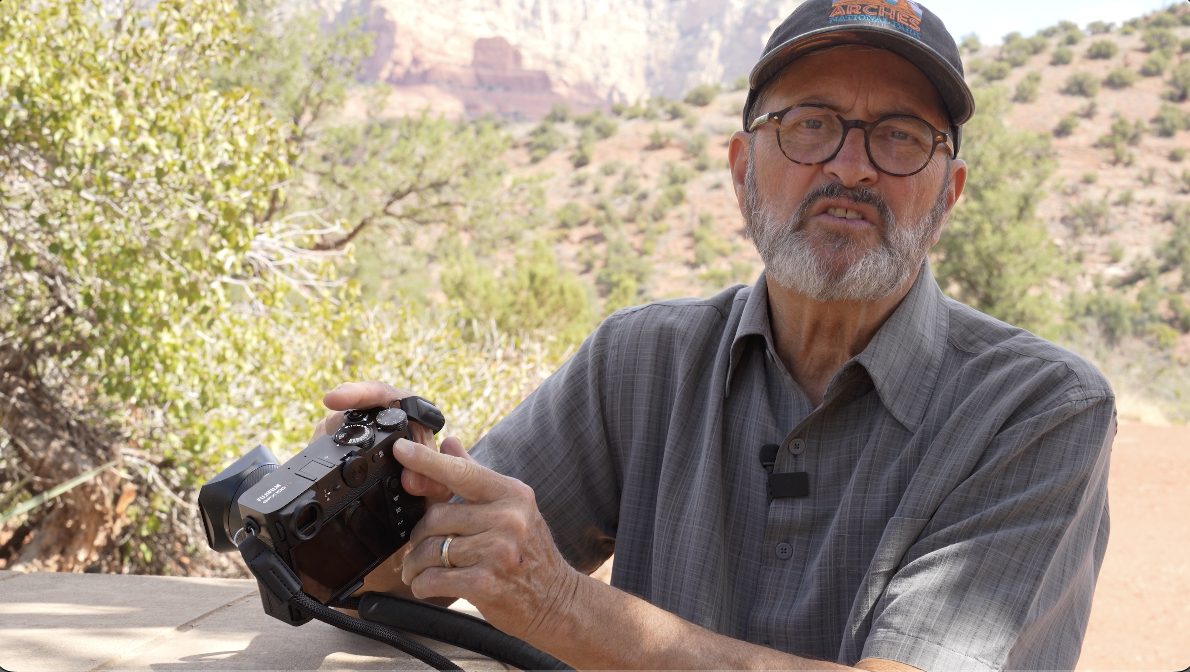 So I find this dial here that’s going to just toggle through some of your features in the Q button. It’s going to enlarge your images when you review it. There’s several things that it does and you can assign it to do. It’s in a great place for my thumb. When I’m holding on it, I’ve got my finger on the trigger. I can roll this without any problem. I can make that happen. This one, the D-pad, I have a hard time stretching down to that. But that’s just me because my hands are old. But I can get down to that. It’s a little harder to get down to that for me. I wish it was up just a little higher, a little closer to everything here. I did know, I did find that I have hit the, I’ve turned the camera off. Grab a hold of it. Grab the front and I’m wanting to zoom in, but I turned the camera off because I’m just not used to it. But with time, I would figure that out. This is quite a ways away from that. So, it’s kind of just user error there. But great format. I just, what I love about Fujifilm is the fact that most everything is old school, tactile. You see exactly what it does. It’s not all internal memory, internal menus to be able to control all of the different functions of the camera. It’s on the top. You got the aperture on the lens. You’ve got the shutter on the top dial. You’ve got your ISO on the top dial. You got your compensation right there. I mean, everything is just very tactile. This makes it worthwhile. And there goes my wife’s hat. There you go. So, I guess that’s enough about using the camera when the hat starts blowing away. Let’s move on.
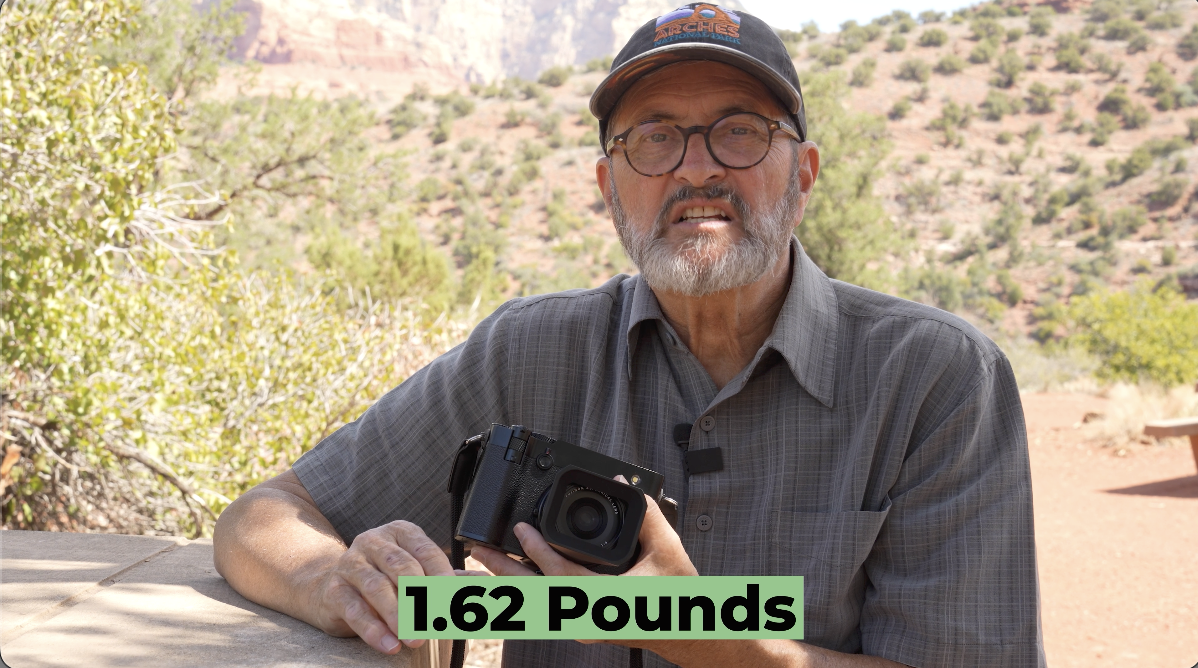
So the camera weighs about 1.62 lbs. So about a little over a pound and a half. That includes the lens and the camera and the battery. So that’s a pretty lightweight travel type camera platform for a medium format 100 megapixel sensor. When you consider that’s your lens, camera, and battery, that weight is lightweight. It’s made to travel.
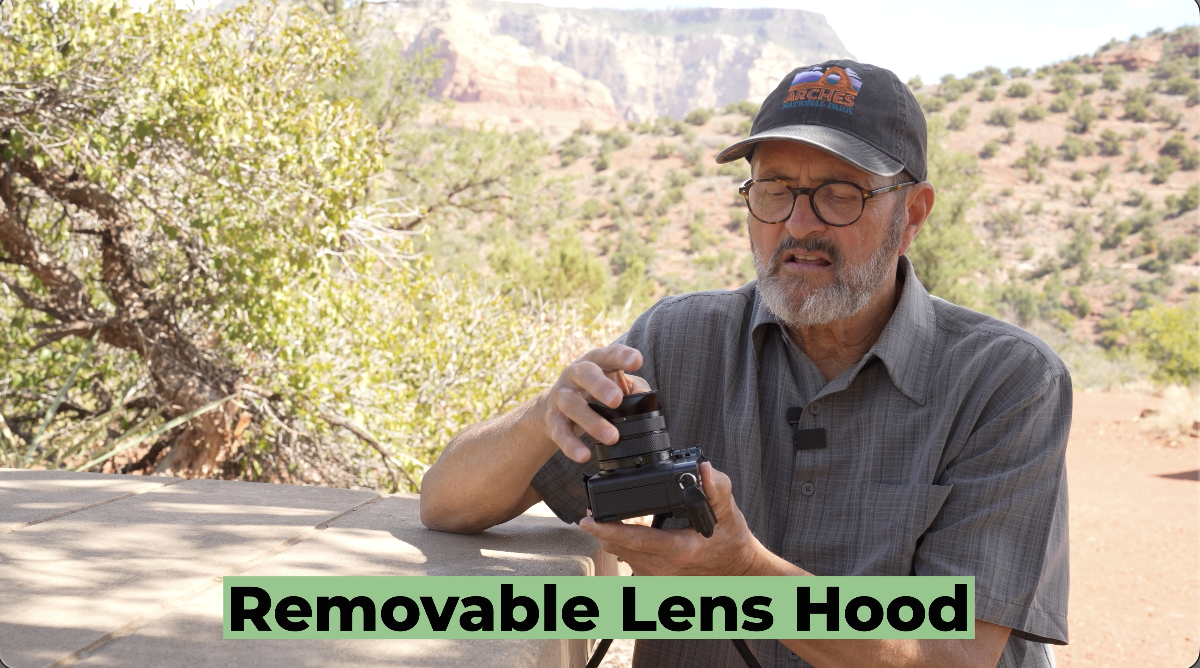
The one thing I find a little funky and I mean this comes off. This is this little lens hood here. I like the lens hood. I like having it on. I like the little cap that goes on the front of it. 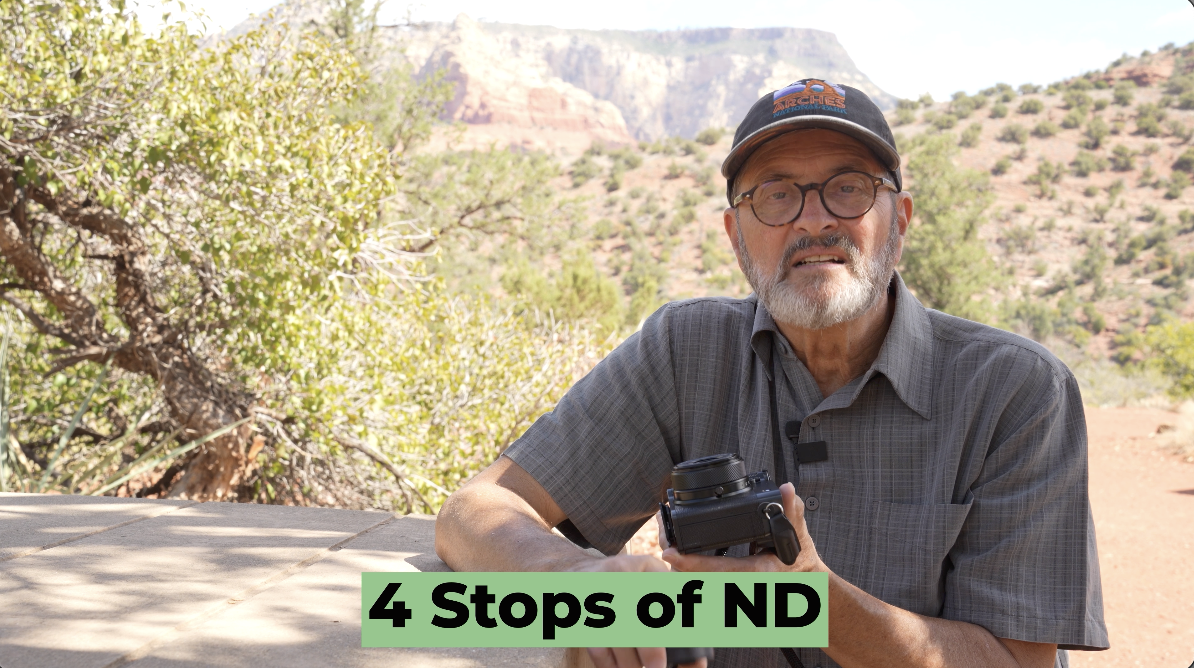 Also, four stops of ND is great, but if I’m trying to blur water doing scenics and things, I’m going to really, I’m going to want a lot of times closer to six to eight stops of ND. It is nice. I’ve got four in camera, but I would want more, I think. There is a different adapter with a cap here that’s going to be a lot more traditional, more what you’re used to. Putting filters and that on is going to be a lot easier.

So, the GFX100 RF does have different focus modes like animal, bird, train, airplane, all those different modes. When I started to get in close on things, I went to a very single point to try to get the insect in focus. That was the easiest way for me to get just a very small thing. 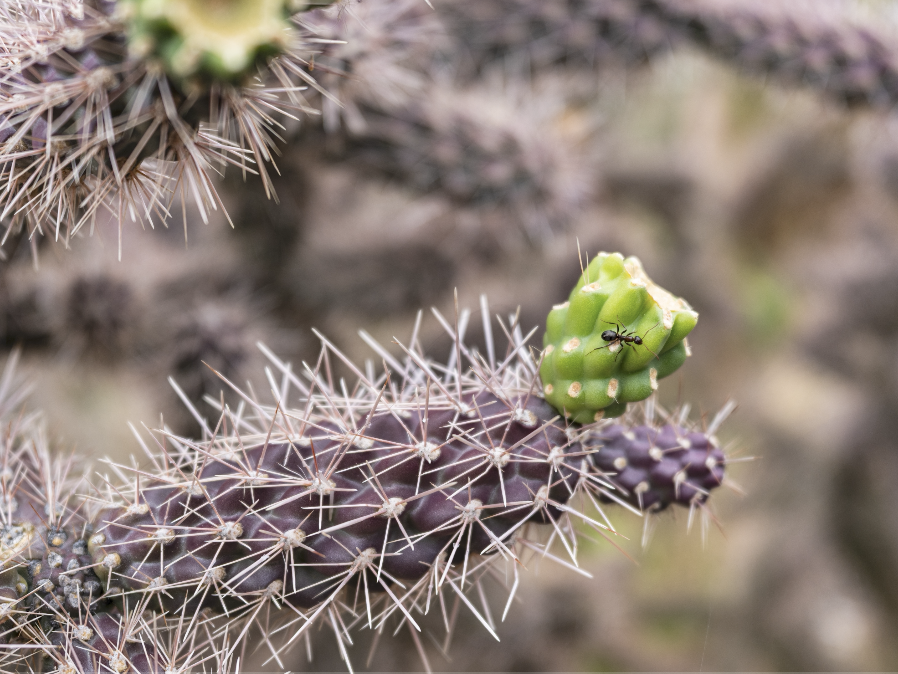 But, I’m going to have to crop in to just a small section of that. It’s not, definitely not a macro lens, but it does allow me to get within almost a little more than 8 inches about 7.8 inches. And that blows things up pretty good. A sensor this size allows you to crop in and give you a pretty decent image. So, the macro capabilities are quite good.
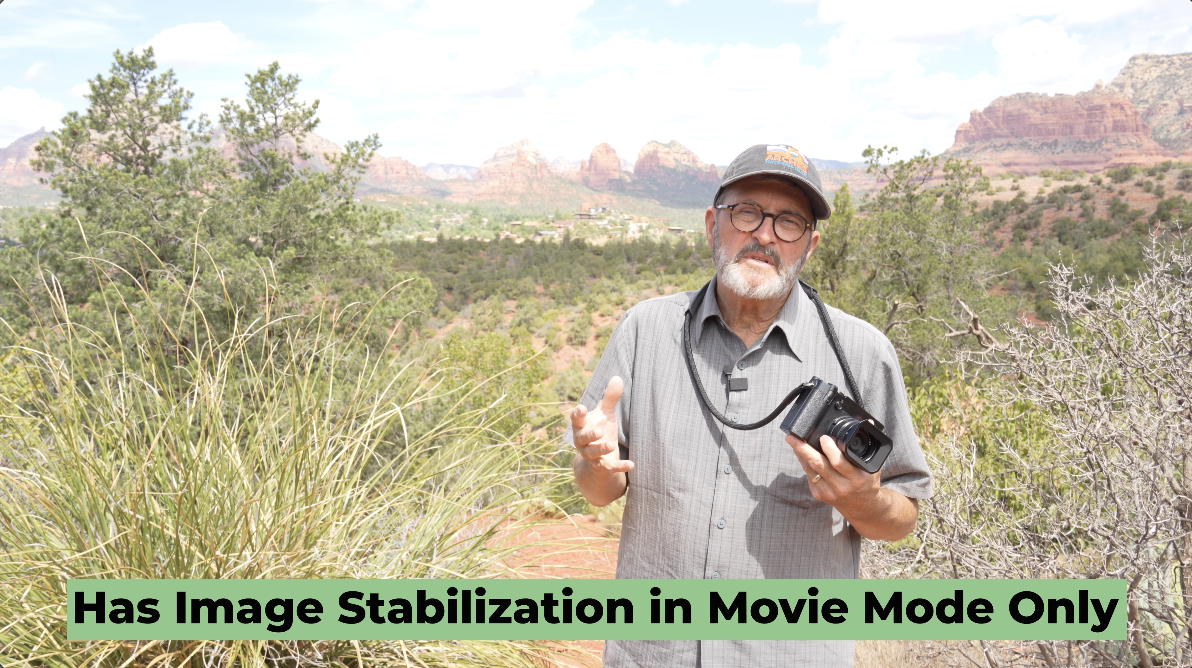
So, the camera does have IS or image stabilization in movie mode only. It does not have it in still mode. So, you can’t shoot this at as slow a shutter speed as you can some cameras. So, it’s just a matter of how steady you are, but I would still keep it around 1/60th of a second, just depending on your capabilities for keeping the camera steady. So, it’s in movie mode, but not in stills.
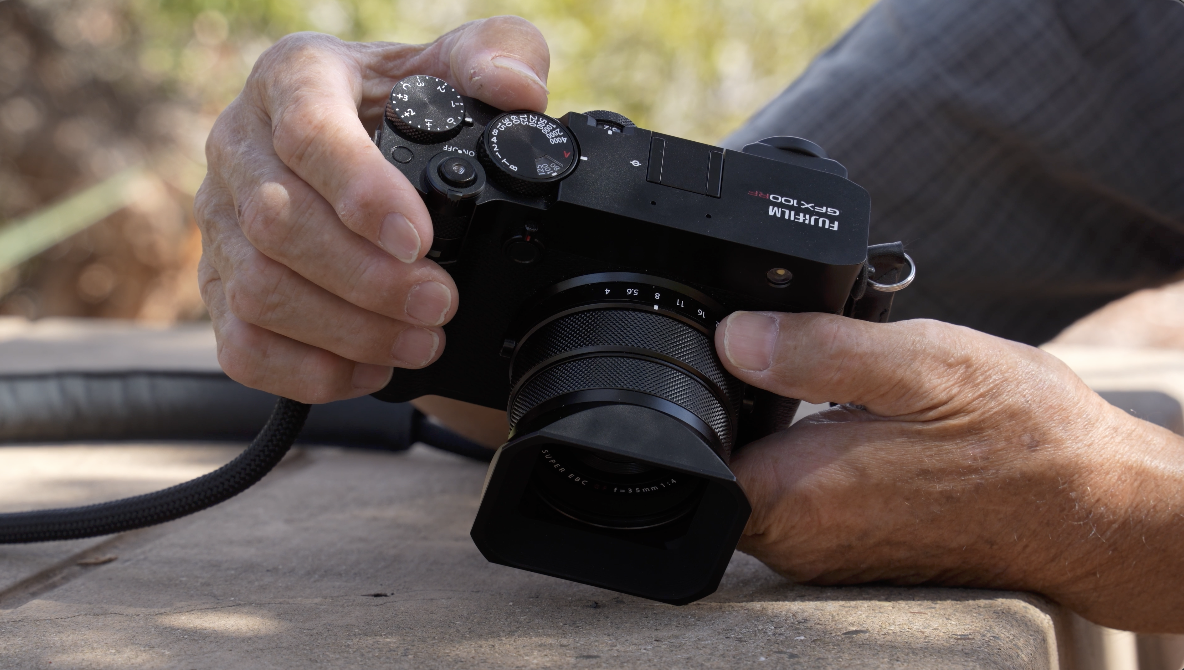
So, I’m just going to go through some of the features of this camera that I think are so really interesting. First off, just like most Fujifilm cameras, it is very tactile. Most things have a button. You’ve got a button right here. I’ve got it set on aperture priority, but you can set it over here to your different frame rates. 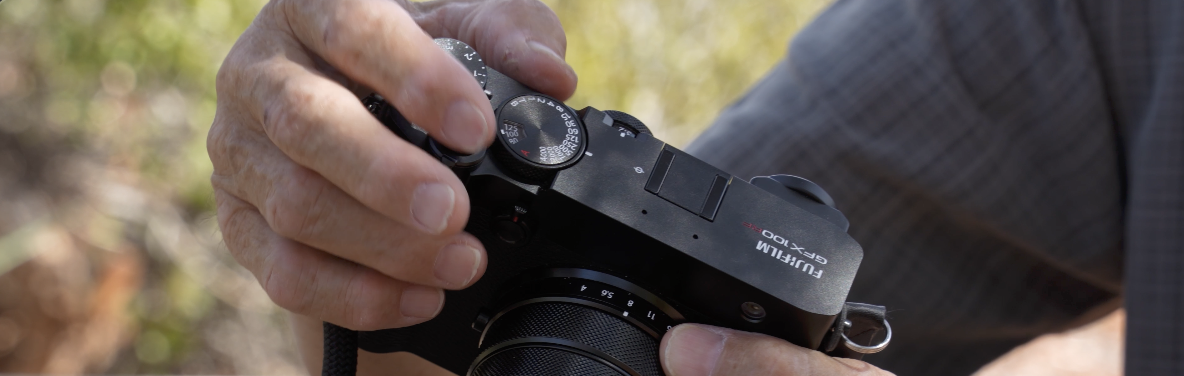 Inside that, you have an ISO ring. So, you pull this ring up here and you can move it to the different ISOs. I’m keeping it 100 ISO. I did find this ISO ring a little slow. If I want to make a quick change to my ISO, I’ve got to get my fingers on it. My fingers aren’t that big, but they sometimes had a hard time getting a hold of it and getting it to where I want it to go. So, that was a little slow, but it was nice to know exactly where it’s at.
 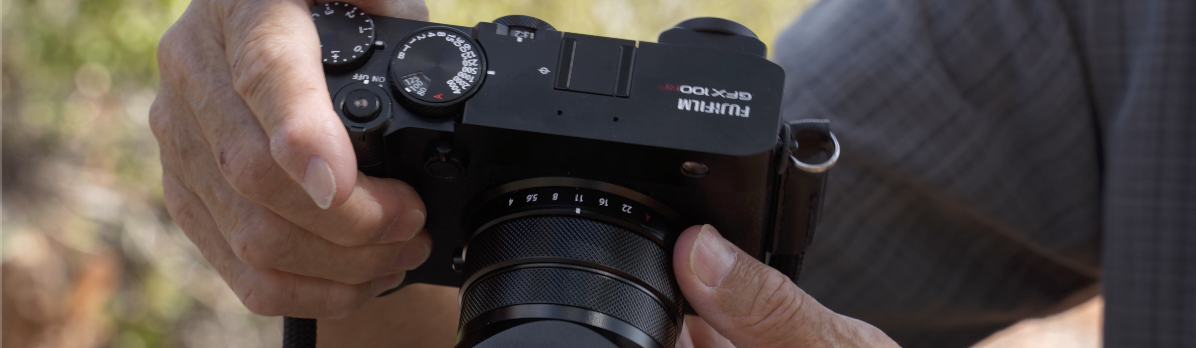 Got shutter, I’ve got my ISO, and then in the front on the lens, I’ve got the aperture. And there’s a button on both sides of the lens, which means you can grab it from either side that allows you to change the the aperture very easily. In the front here, I’ve got this little knob right here. This crops in. It just goes in. As I bring it towards me, it just crops in and goes into a tighter and tighter crop. As you push it out, it goes into a broader view to your broad view. This is your on and off button. So, there’s a little lever on the front. I can, if I hold it for three seconds, my ND filter is going to turn on.
 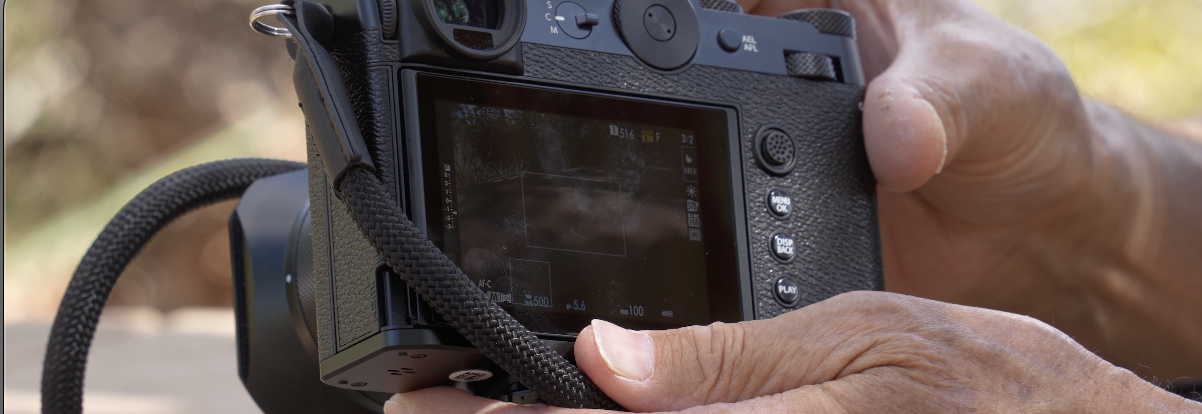 If I just hit it, it toggles me back and forth between just showing the lines that show me the crop. I kind of like the option of being able to show it with just the lines, so I see everything I’m getting outside of that crop. On a 100 megapixel sensor, you can crop in a long ways before it really becomes a problem at all.
 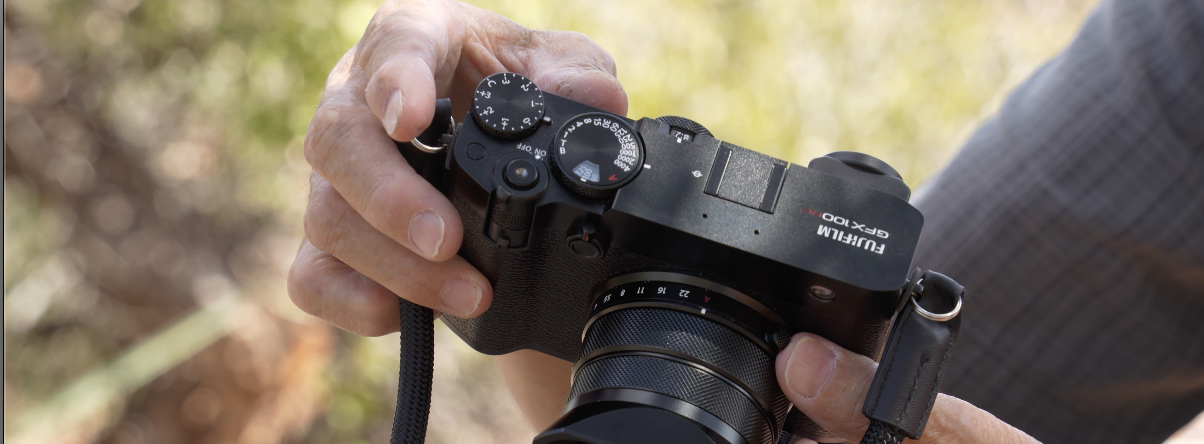 So, there’s the exposure compensation. If you’re on aperture priority, if I move this over here to aperture priority like that, or if I want to do shutter priority, I put this my aperture here all the way to the A on the lens. And now I can come in here and I can change my shutter. And my aperture is going to respond. So that’s shutter priority. When the A on is on the lens, then you use the shutter. When the A is on the shutter wheel, it’s now the aperture and you use the aperture, aperture priority.
 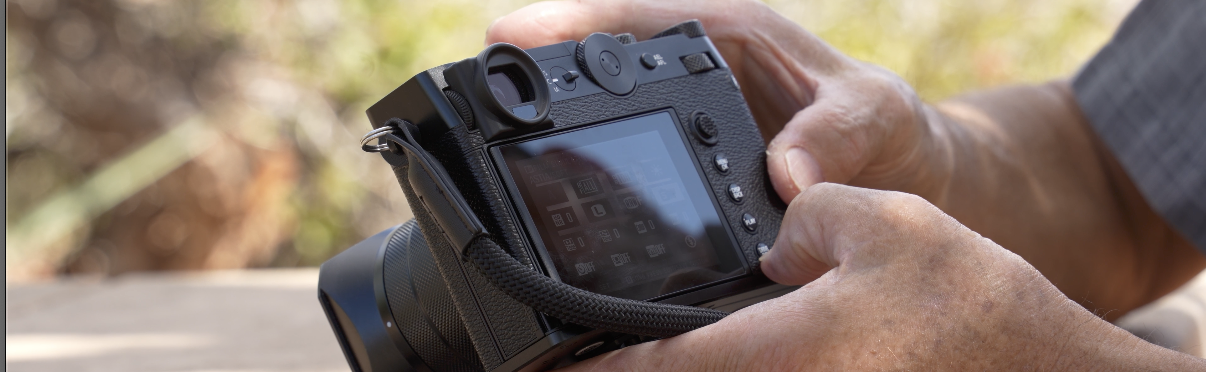 On the back, I’ve got single, continuous, and manual focus. Easy dial to change real quick. Also got two wheels here. I’ve got a scrolling wheel, D-pad. I’ve also got a wheel here that allows me to punch in, punch out. My Q button allows me to go to something like my different standard, but now this wheel will go through the different film simulations. So, I’ve got several dials here. Of course, the drive button, play button, display, and our menu on the back and the Q in the corner here. The Q’s a little hard for me to find. It’s a little tiny.
 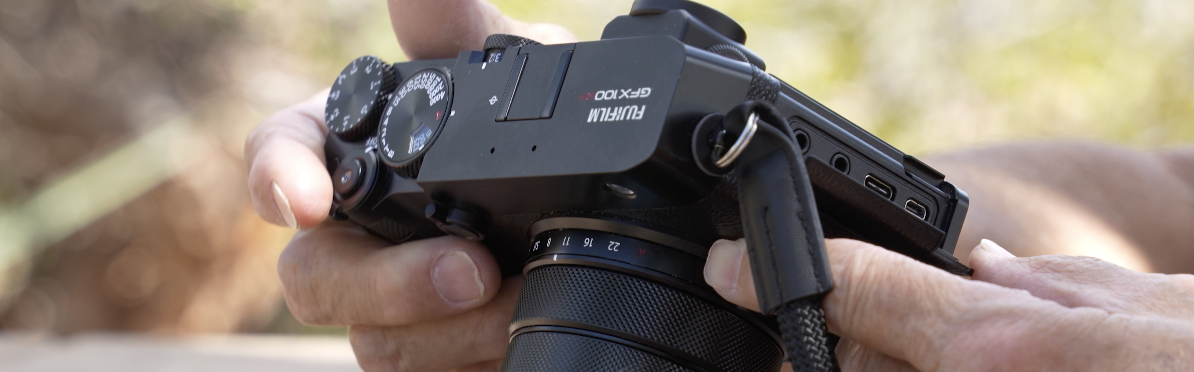 I have a hard time getting into that sometimes if I’m not having if I’m not looking. But after a while, I’d probably figure it out. Also, we have in here, we have a mini HDMI cable. We have obviously USB-C, which you can charge through your headphones, and a mic remote.
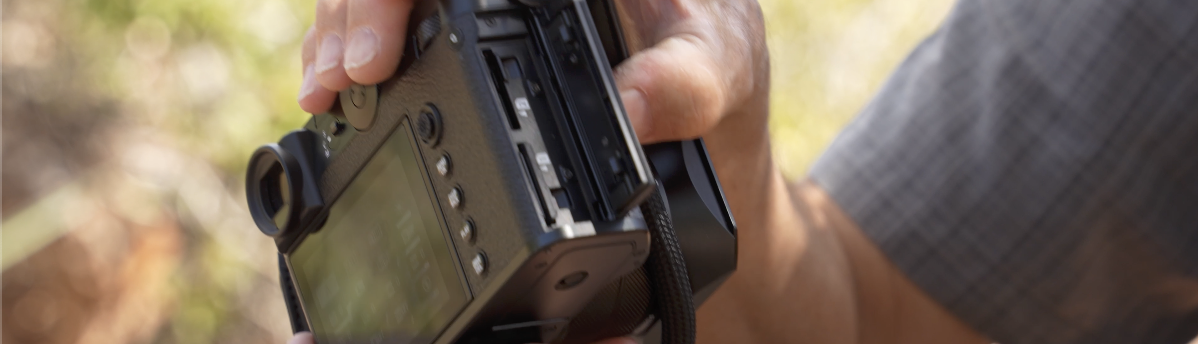
On this side, we have our two SD cards. So, we can run a single or two. We can either back them up one to one to two or you can go continuously for go from one to the second one. So, and you use a lot of memory with this camera. You’re shooting 100 megapixels. And especially if you’re shooting RAW and JPEG like I do most of the time, there’s just a lot of information you’re moving around.
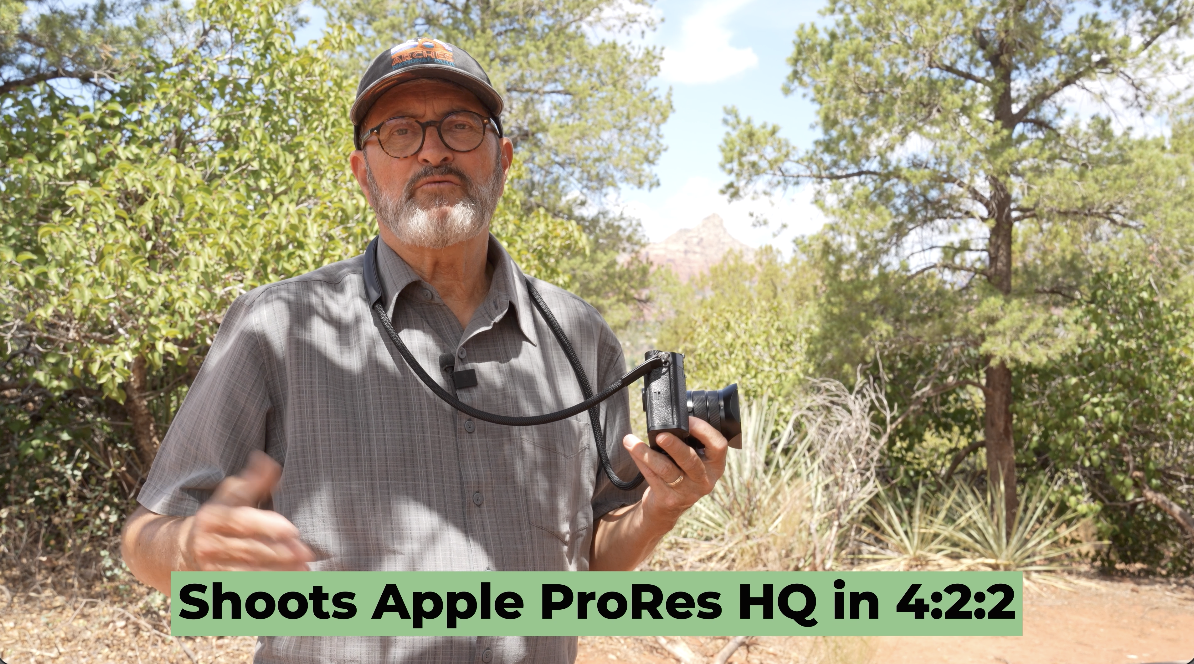
I have not concentrated on video shooting with this camera in the kind of trip that we’ve taken, but it does shoot Apple ProRes HQ in 4:2:2. It has incredible internal recording modes. It’s got H.265, H.264. I mean, there’s just great codecs that I have to explore further maybe in another video, but that’s something to think about. And you get that shallower depth of field when you’re shooting. Well, you’re at f/4, which is about the same as f/2.8. At another time, we’ll check out the video aspects of this camera as well. 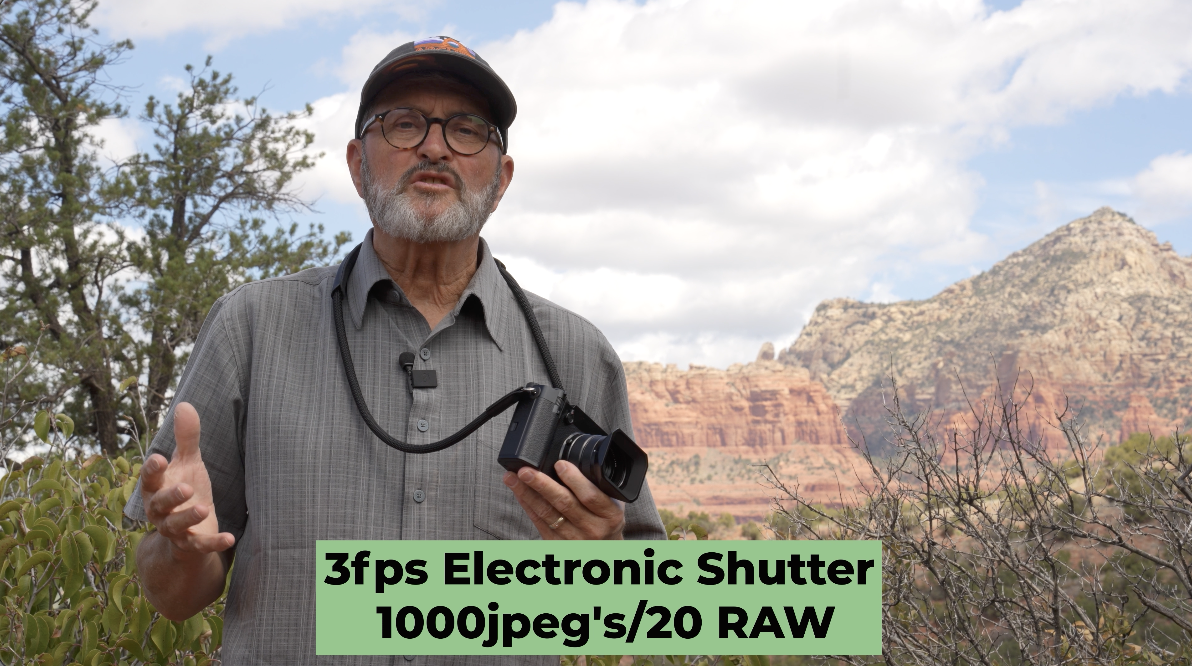 So, in electronic shutter, you can do three frames a second, that’ll give you a thousand JPEGs, but only 20 RAW.
 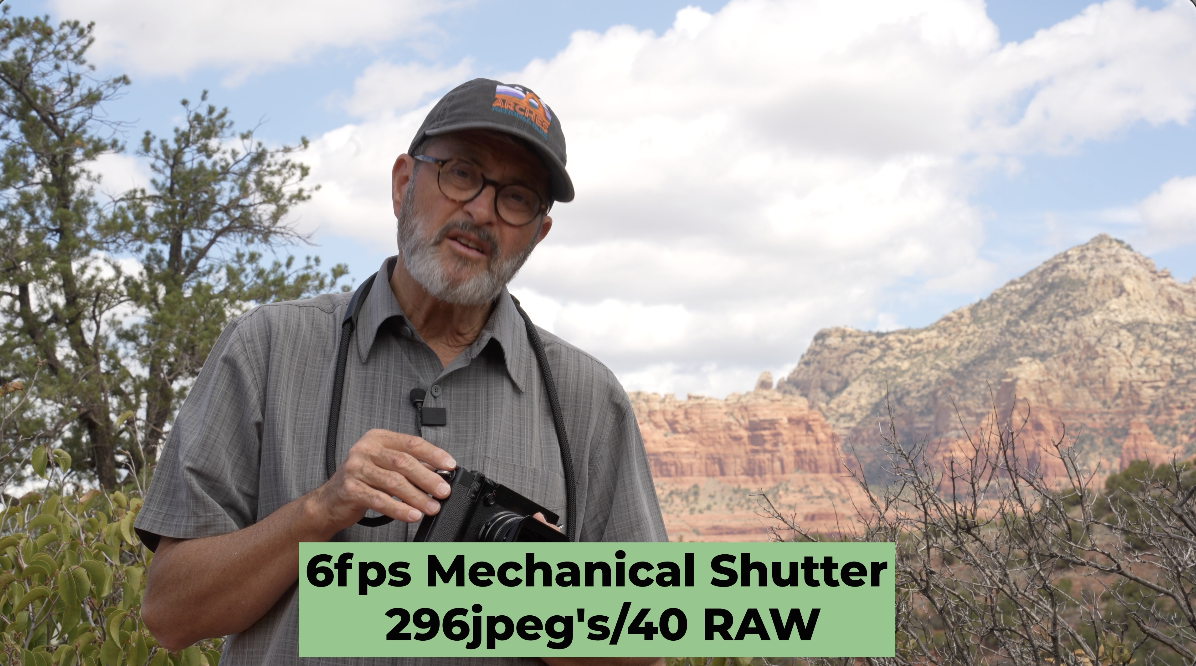 But if you go to this camera to six frames a second in mechanical shutter, now you can go up to 296 frames of JPEGs and you get 40 RAWs. But if you go to four frames a second, change this to four frames a second, now at four frames a second, you can do a thousand JPEGs and you can do 83 RAW images.
 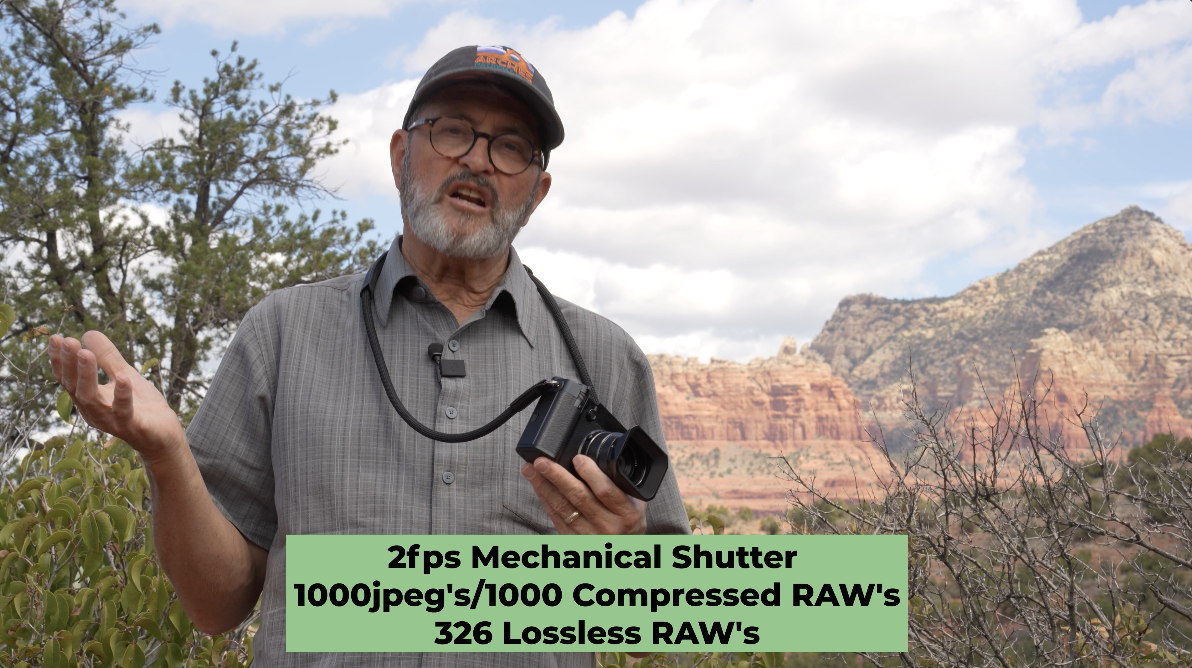 You can even go down to two frames a second. If you go down to two frames a second on this camera, you’re going to get a thousand JPEGs. You’re going to get a thousand compressed RAWs. So, or you know, 326 lossless RAWs, which I don’t shoot that often. But anyway, the bottom line is this. The camera shoots three frames a second in electronic, six, four or two in mechanical. At six frames a second mechanical, it’s going to buffer out pretty darn fast.
 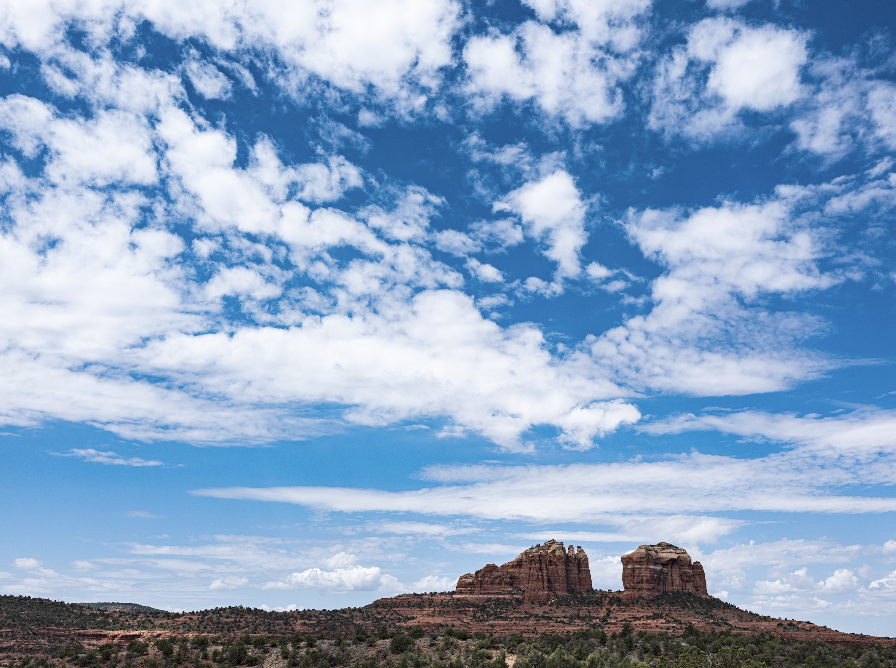 I was shooting it here a couple minutes ago and it just, the buffer it starts to get very slow. So, you really only do get like that 40 RAW when you’re shooting six frames a second. I don’t view this camera as a sports camera, as an action camera. I’m not looking for fast frame rates when I choose a camera like this. I’m looking for something that’s more deliberate. I’m going to shoot scenics. I’m going to shoot portraits. I don’t need, you know, more than six frames a second. And I can slow myself down and shoot and that works absolutely fine.
 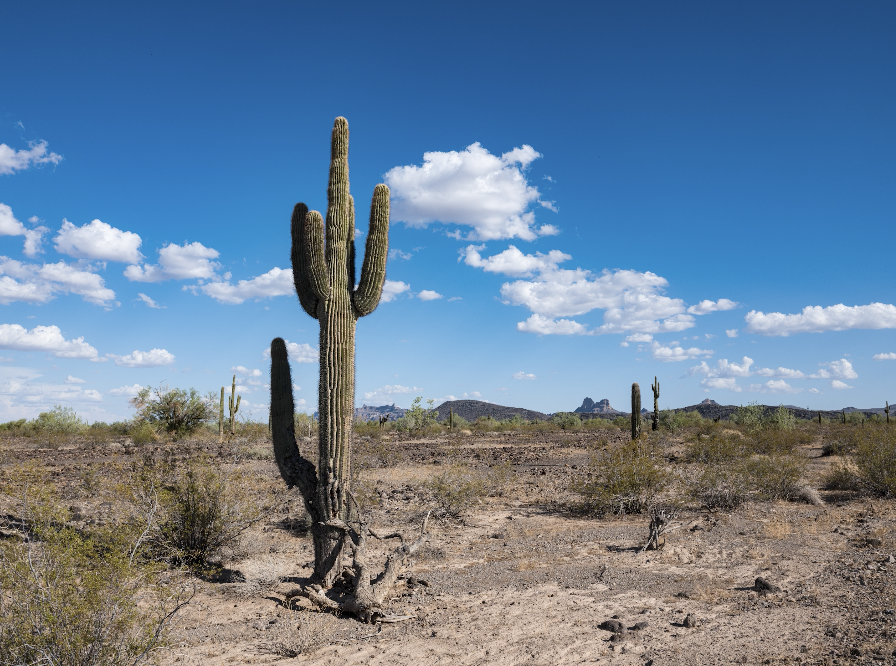 So, I think this camera is placed exactly where it needs to be when it comes to frames per second. And for the application that most every person is going to use it for, and that is scenics, portraits, you know, just a walk-around camera when you’re on vacation, but you want beautiful full-frame images or you want images you can blow up and make great prints from. So, I think the frames per second is exactly where it needs to be for this camera.
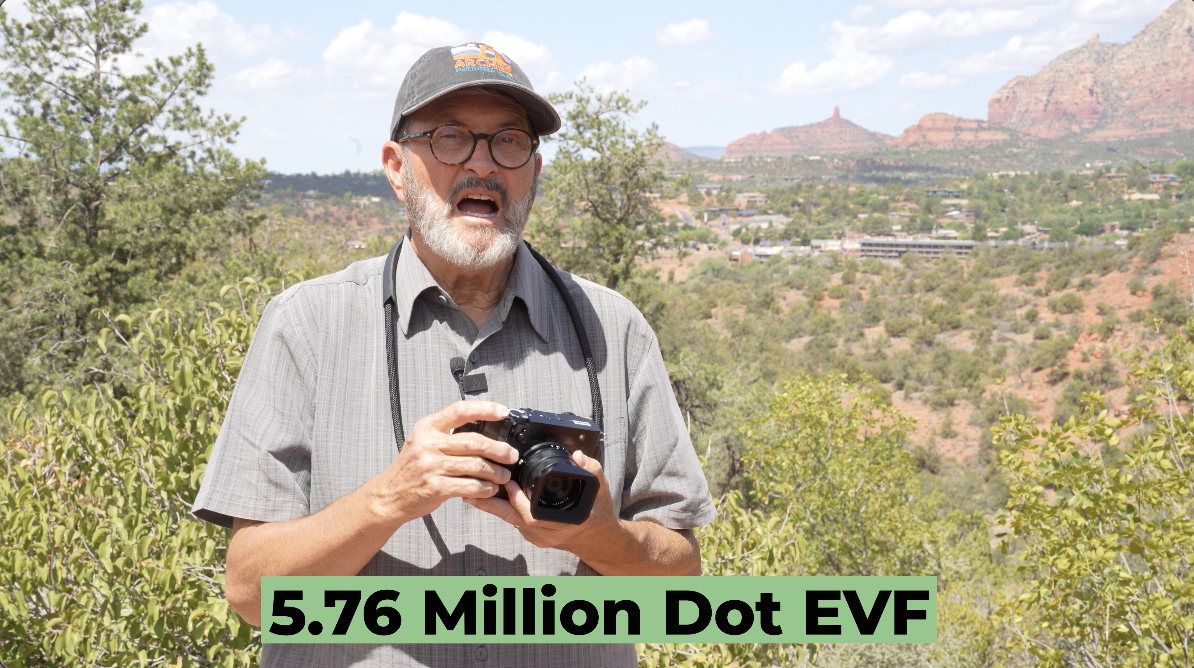
So, the EVF has a 5.76 million dot resolution. I’ve enjoyed looking through the EVF. I really get a good idea of what the images are doing. I punch in on them in the EVF. I can see exactly what’s happening. I mean, there’s a lot of quality there that allows me to see exactly what’s going on.  The rear screen is like a 2.10 million dot screen, so it’s not near as good. I don’t use the rear screen near as much. I don’t love the tilt out of this rear screen.
 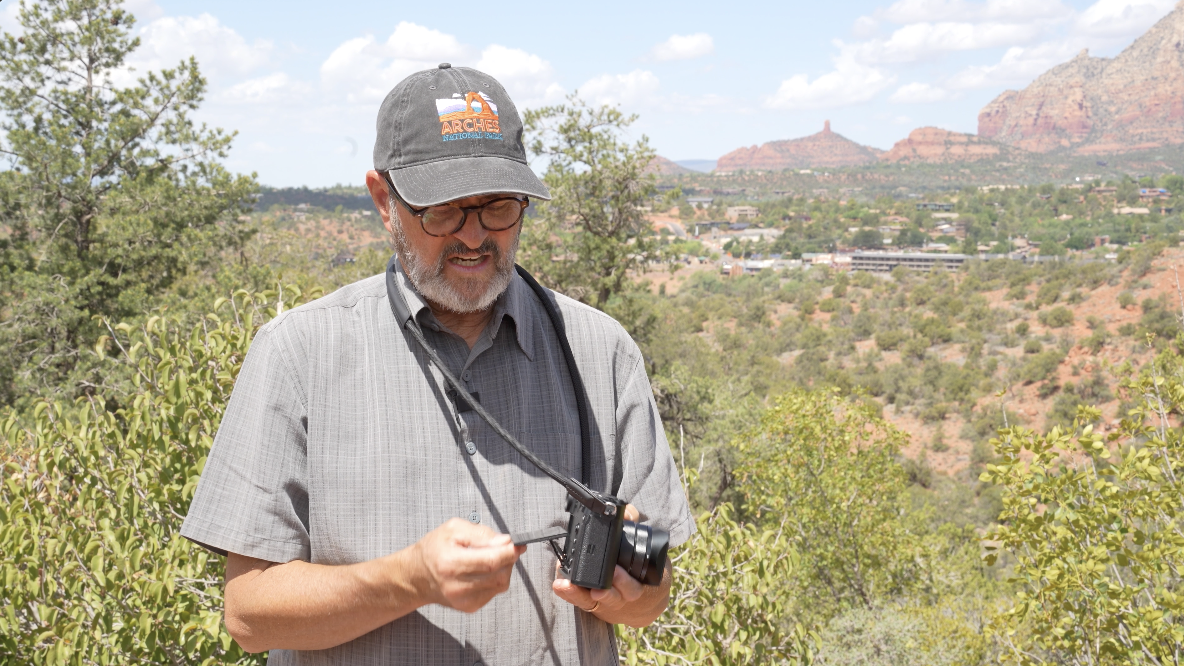 It’s the old-fashioned just one angle, you know, which I mean, no one’s going to really use this as a vlogging camera. But anytime I want to get this camera in a place where I can’t really see the back of the screen, I love it that it flips out to the side. But this screen just simply goes up or out, and that’s pretty much it.
Couple of things I found a little interesting about this camera is that if I turn this camera on when I’m in any kind of auto mode like aperture priority, the camera takes a little time to find its exposure. It starts out with a white screen and it slowly kind of closes down and so it’s a little slow to find its exposure. If you want to get up and get running quick, it’s a tiny bit slow. I found that interesting, but once it finds it, it stays right with it. It’s not changing after that. It’s just that initial turn on and getting started.
So, let’s wrap this up. I’ve now shot this camera in several national parks over the last month and a half, and it has really been absolutely fabulous to use. It’s lightweight. It’s easy to carry with me. It just makes it for a very simple travel companion that gives you large images that you can make beautiful images, beautiful prints out of. You can crop in to be able to get your cropping. I think perspective is your biggest challenge with a camera like this. So you got to really learn how to use perspective. Otherwise, everything’s going to look like 35 millimeter. Sometimes you got to step back and know that you’re going to crop in. That’s going to change the perspective. And I think you got to be comfortable with that idea that you’re going to crop in. Sometimes I look at that sensor and I go, “Oh, I’m going to be cropping in.” I’m realizing, okay, I’m probably going to get it, still be getting a 50 megapixel image when I crop in. 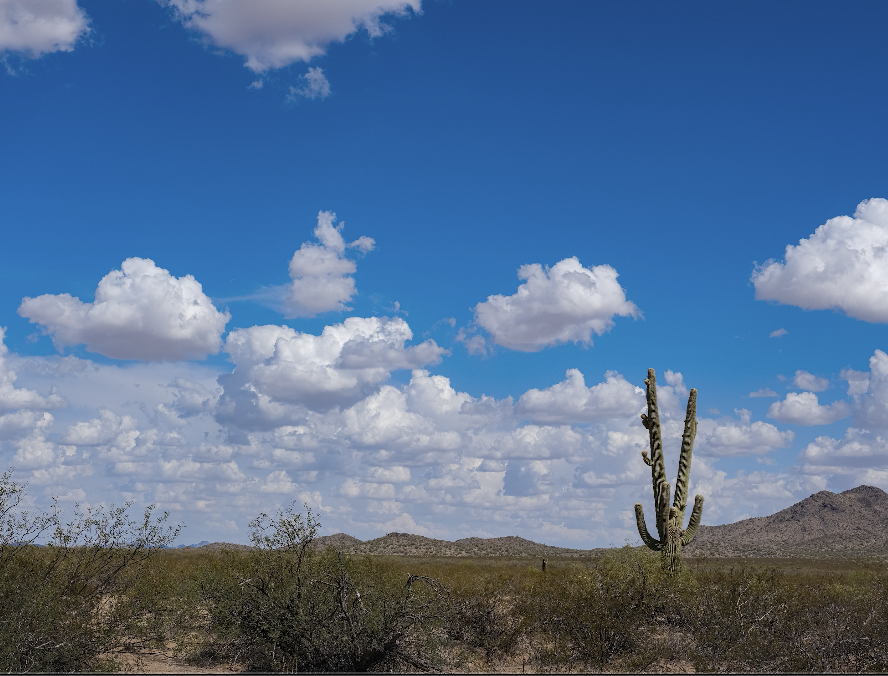 So, I think that’s a matter of move your feet for perspective change and give yourself a different look for portraits. Move your feet when it comes to getting in tight on things, getting away from things, you know, kneel down, get up high. Just really use this lens in a way that’ll make it look different in different situations. Otherwise, your images could start to look all pretty much the same. But it is a lightweight, easy to carry, great EVF, enough frames per second for any application that I’m going to use for this camera. And beautiful images that I can print later, make prints out of. I’ve got a quest to shoot in every national park, 100 national and state parks in the United States and Canada. And this would be a great travel companion to have on that journey because now I can shoot in all those parks and I can get different images. I can crop in, I can crop out. It just is really a perfect camera for that kind of an application. So, there’s a look at the GFX100 RF from Fujifilm. So, keep those cameras rollin’ and keep on clickin’!
