The Slanted Lens

Tutorials, Reviews and Tips for Photographers & Filmmakers

  • Mentoring
  • Giveaway
  • About
  • Members
  • Newsletter Sign-Up
Home / DIY / High Speed Photography – How to Shoot a Light Bulb. Literally.

High Speed Photography – How to Shoot a Light Bulb. Literally.

October 1, 2015 By Judy

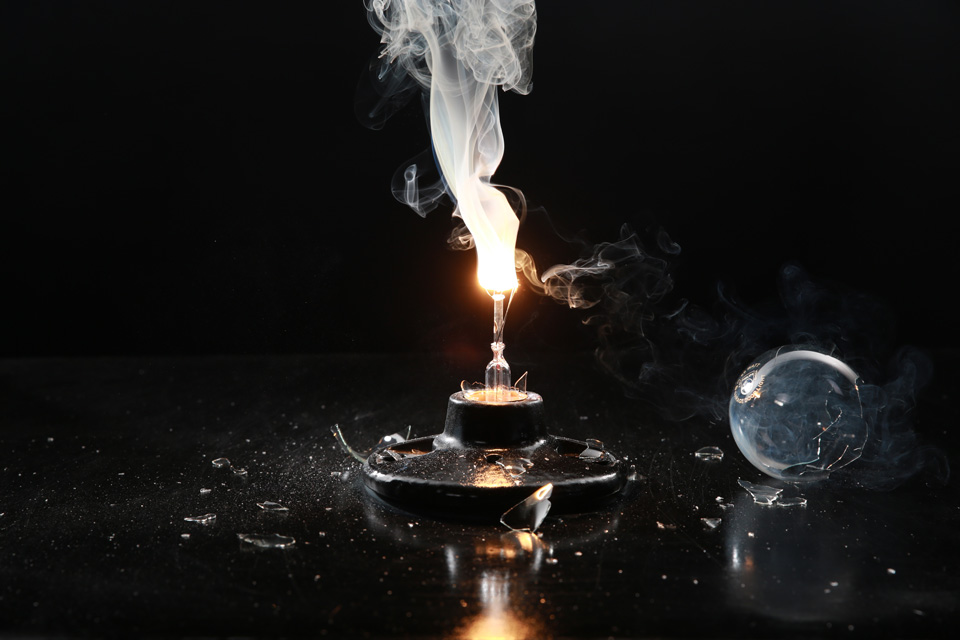
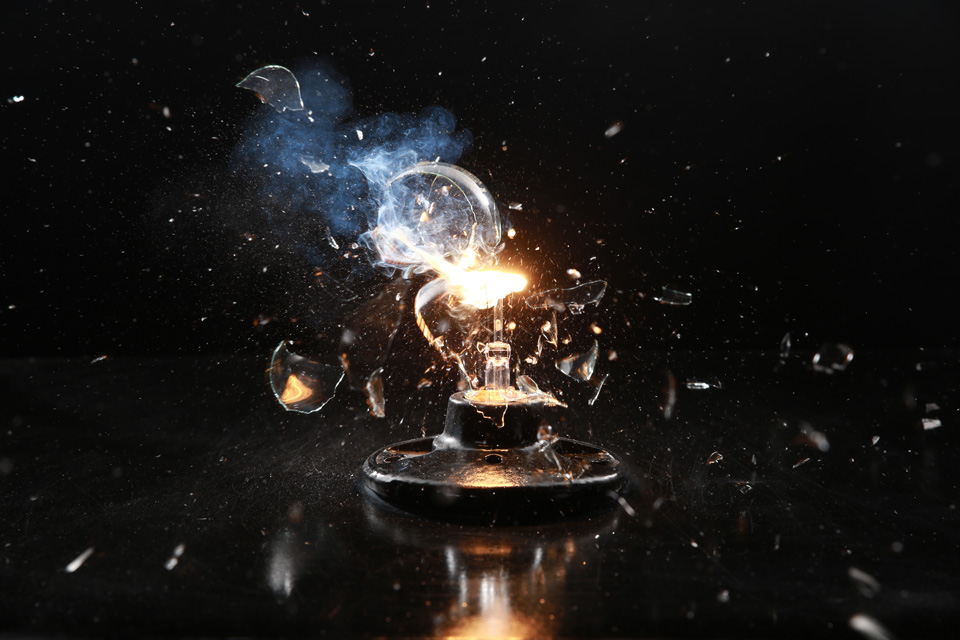
Hi this is Jay P Morgan and today on The Slanted Lens we’re going to do some high speed photography using a new trigger called Miops Smart. We’re going to shoot a light bulb.

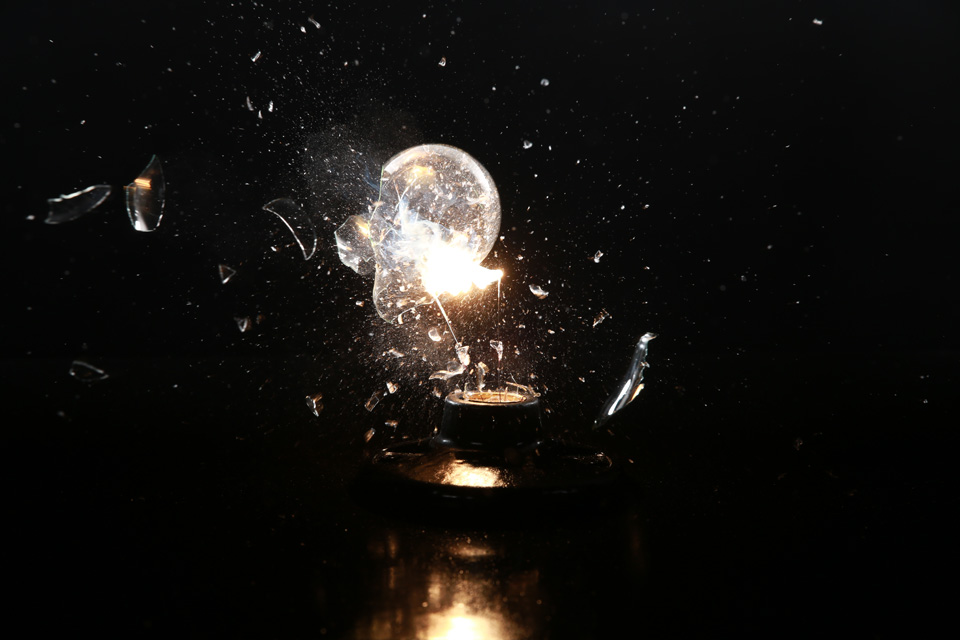
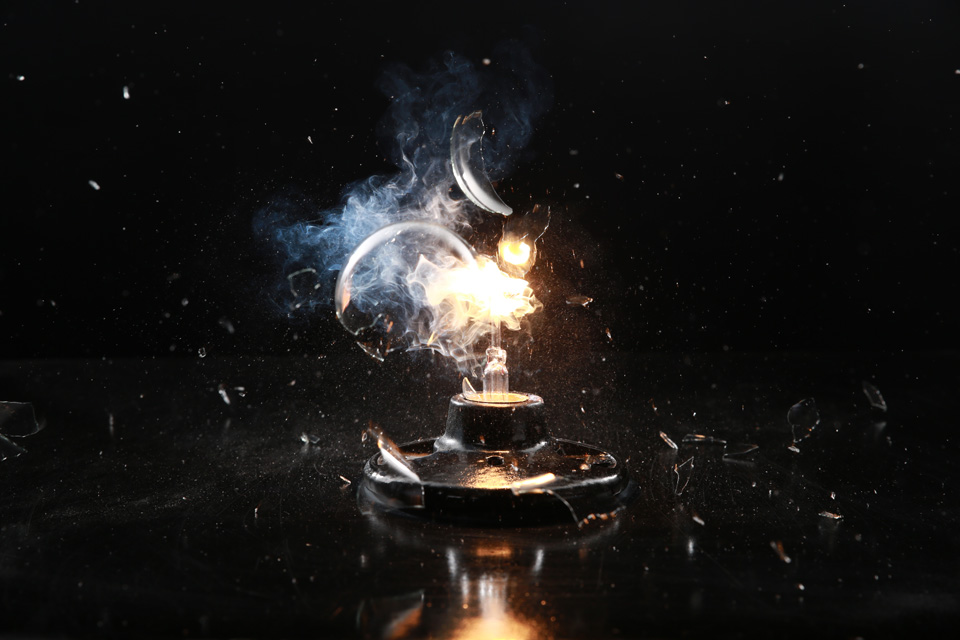
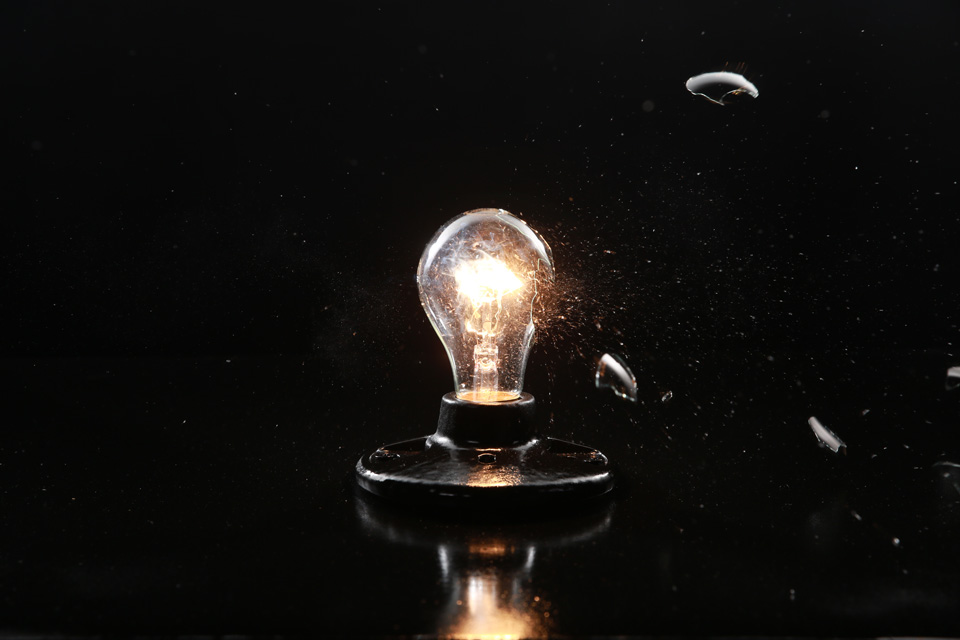
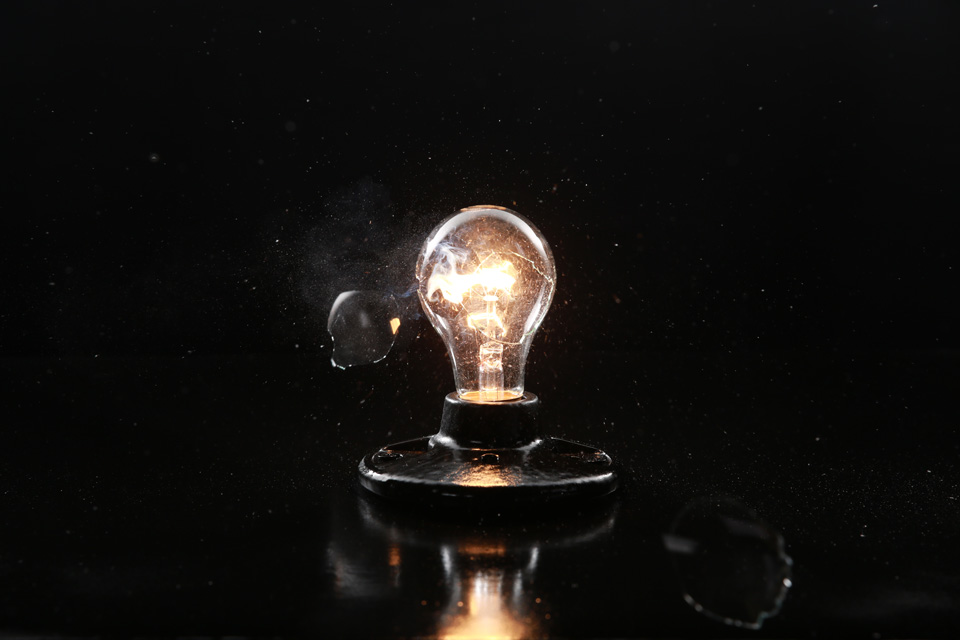
Literally. We’re going to shoot a BB through a light bulb.

Setup

We’ve got a BB gun on two c stands. This way it won’t move, it’ll be nice and stable. We’ve got a box full of hard Styrofoam so that the BB won’t go through it. We’ve got a piece of duvateen for a backdrop. We’ve taken a piece of foam core spray painted glossy black and drilled a hole through that. We dropped the cord of the light bulb through there and screwed it into place.

Exposure

Don’t pay attention to the softboxes you see. Those are just so you can see us.

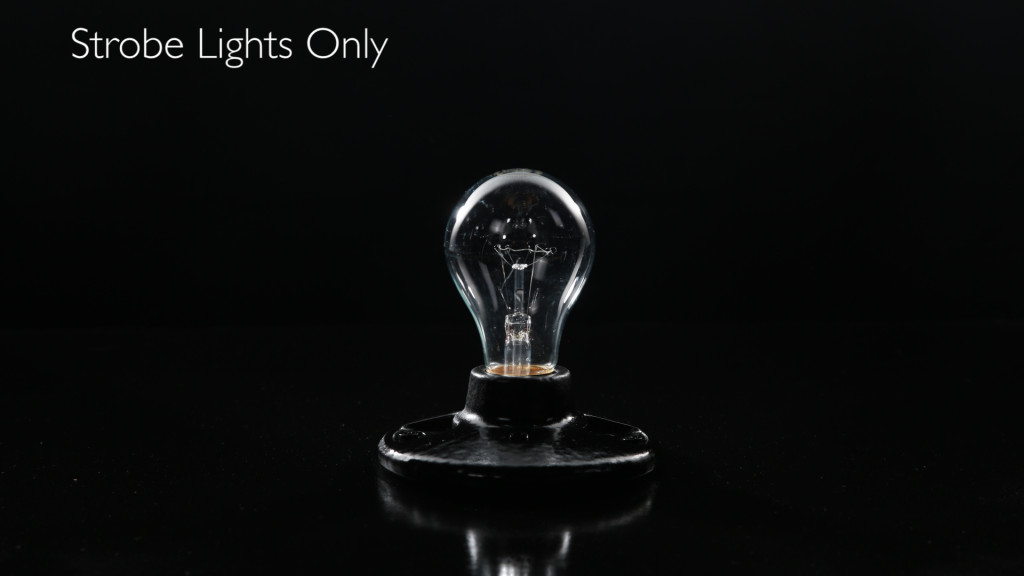
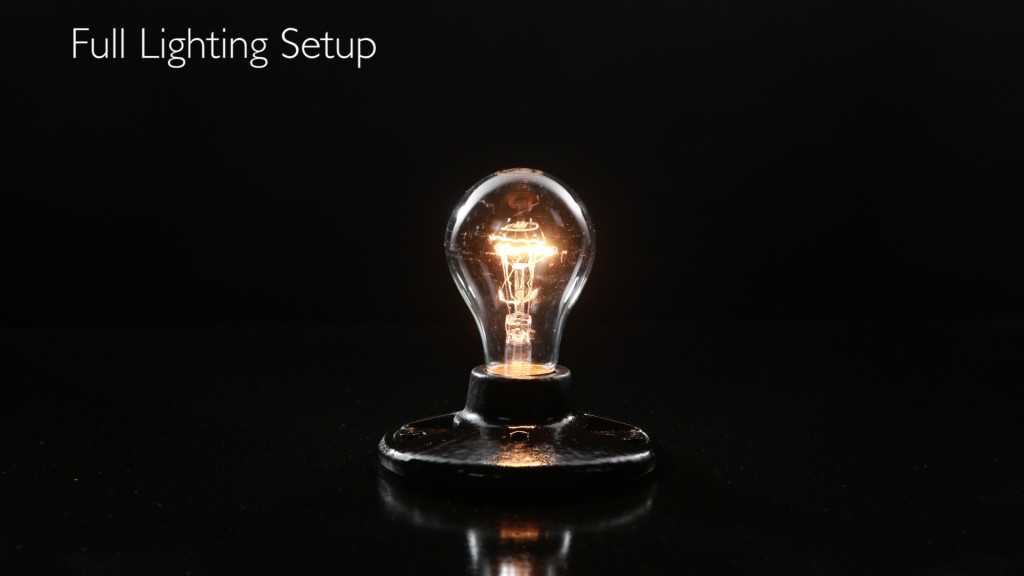
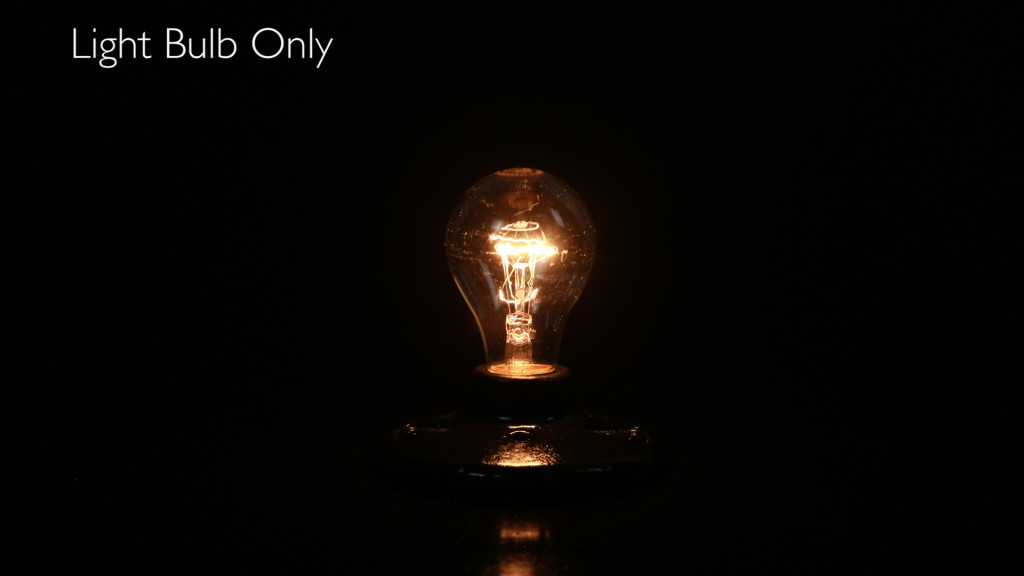
We balance our exposure to the ambient exposure of the light bulb. We put a piece of diffusion which we cut a hole in to view that black backdrop behind the bulb. We’ve got one Dynalite Baja head on each side of the bulb. The power is low so that it just rims the light bulb. We’ve got a ten and a twenty grid on each head, because we just want to fill the area right around the light bulb.
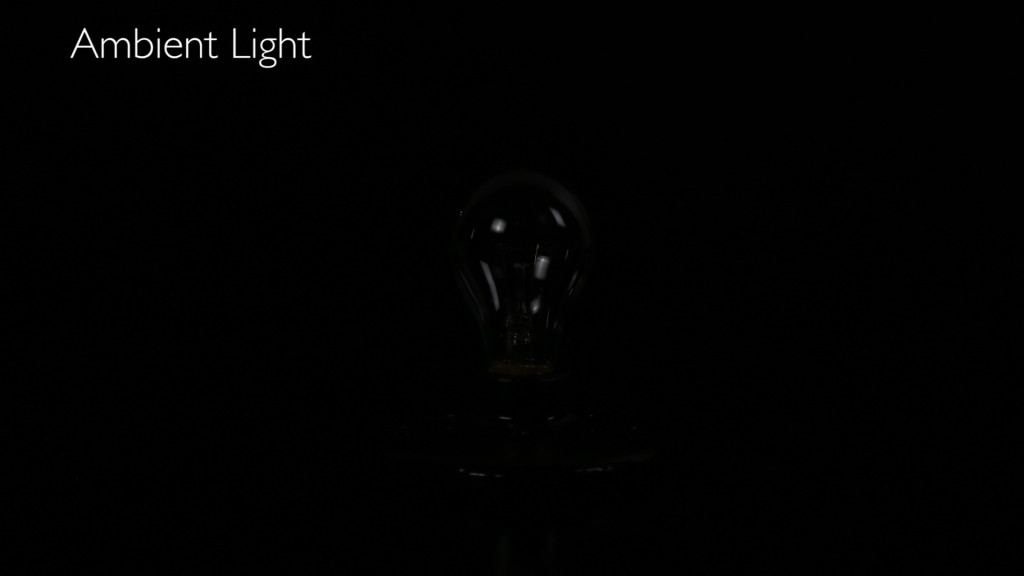
Breakdown 1
Breakdown 2
Breakdown 3
Breakdown 4 Full

We’ve got our Pocket Wizard and Miops Smart trigger hooked up to the camera. First we’re going to shoot a couple of background plates so we have a clean shot to work with in Photoshop later if we need it.

Finally, we’re going to experiment with different velocity settings on the BB and sensitivity of the Miops to get a look we’re happy with. Have fun with it. Shoot lots of different combinations.
CH4A3421
CH4A3426
CH4A3435
CH4A3441
CH4A3461
CH4A3516
CH4A3532
CH4A3538

Hope you learned something today.

Keep those cameras rollin’ and keep on clickin’.

Filed Under: DIY, Lighting Tutorials, Photography & Video Lighting Articles, Photography Tutorial

TAMRON HOLIDAY SAVINGS

Click on the image above to find out more about Tamron's Holiday Savings!

Our Sponsors

Red SKB Cases logo with stylized text and a curved line.
Westcott Logo
Logo of Imagen, a Google AI research company, in bold pink letters.

Shop Our Affiliate Links

Categories

  • A I in Photography
  • Advanced Lighting Tutorials
  • Beginning Lighting Tutorials
  • Behind the Scenes
  • Business Tips
  • Camera Comparison
  • Camera News
  • Camera Review
  • Camera Settings
  • Camera Settings & Lens Choice
  • Celebrity
  • DIY
  • Equipment
  • Film Photography
  • Gear Sweepstakes
  • Intermediate Lighting Tutorials
  • Landscape
  • Landscape Photography
  • Laws of Light
  • Lens Comparison
  • Lens Review
  • lighting diagram
  • Lighting Tutorials
  • Making Money In Photography
  • Meet the Photographer
  • National Park Photo Spots
  • Photography & Video Articles
  • Photography & Video Business Tips
  • Photography & Video Lighting Articles
  • Photography News
  • Photography Tutorial
  • Portraits
  • Posts
  • Product Photography
  • Product Review
  • Quick Tip
  • Special Effects for Photo and Video
  • Speedlight Basics
  • sponsor
  • Stop Motion Photography
  • Street Photography
  • test
  • Time-lapse
  • Travel Photography
  • Trends
  • Uncategorized
  • Videography
  • Wedding Photography
  • Workflow
  • Working with Talent

Thanks for your support. When you click on a logo or link you help support The Slanted Lens. Some links shared on our website may be associated with sponsors or affiliate programs where we benefit from a commission.

The Slanted Lens Copyright © 2025