


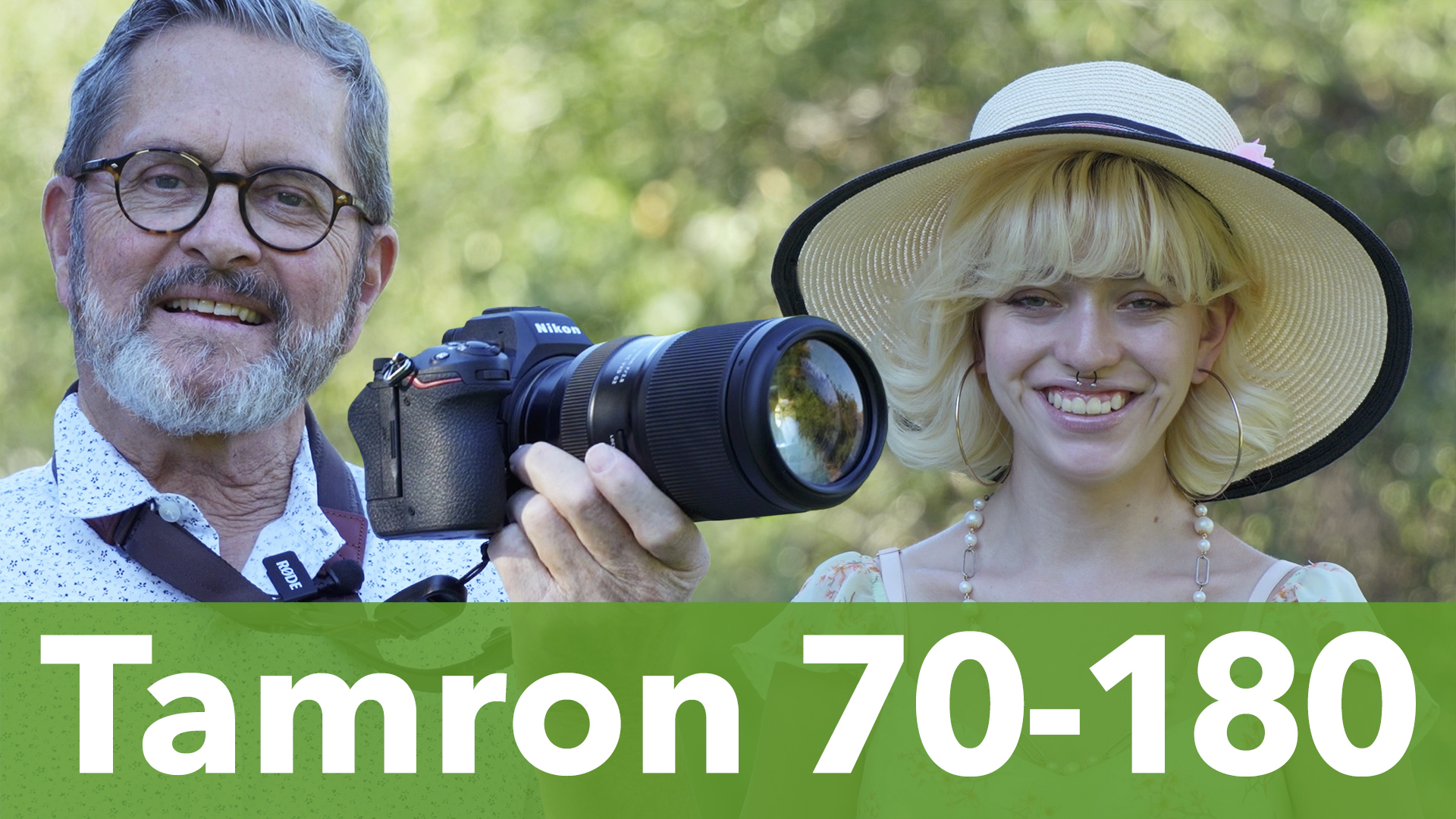
Hey, it’s JP here. I’ve got Tamron’s new 70-180 millimeter f/2.8 lens Z-mount for Nikon. We’re going to test this new lens they made for Nikon. I love this style of lens. This long telephoto, an f/2.8 zoom, f/2.8 throughout, is probably one of my favorite lenses to shoot on location, to shoot people. 

I’ve got Elizabeth here with me today. We’re going to take some images.
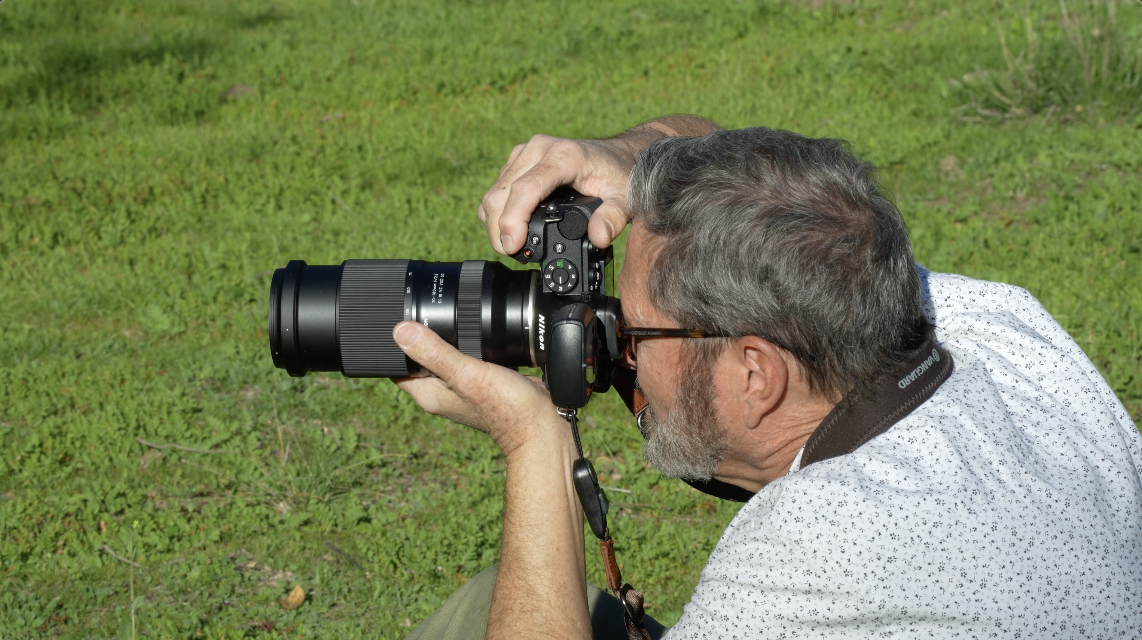

We’re going to get started. Let’s just see what this can do. Let’s see what the close focusing distance is. Let’s see exactly what this lens is going to give us. Let’s look at some beautiful images. I think we’re going to be very surprised.
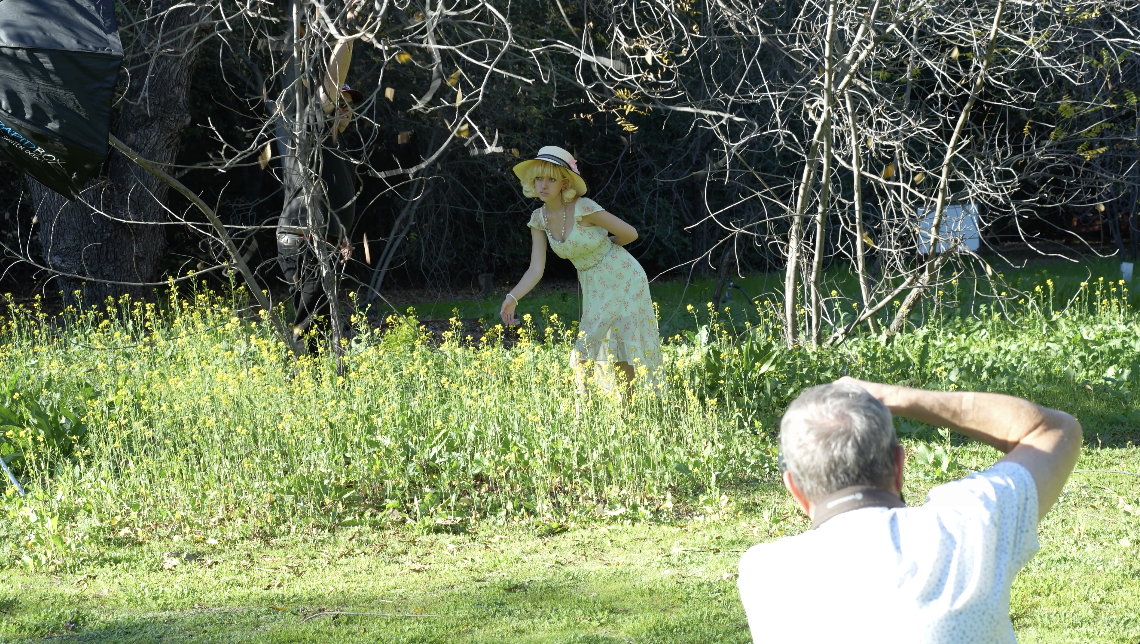

Special thanks to Nikon that lent us a Z5II as we review the Tamron 70-180mm lens. Later in the video, we’re going to take a look at Nikon’s Imaging Cloud that allows you to give great recipes that give your look to each of the images you shoot.


So, this is super impressive because this is one of the world’s lightest, it is the world’s lightest weight, smallest compact tele-zoom. 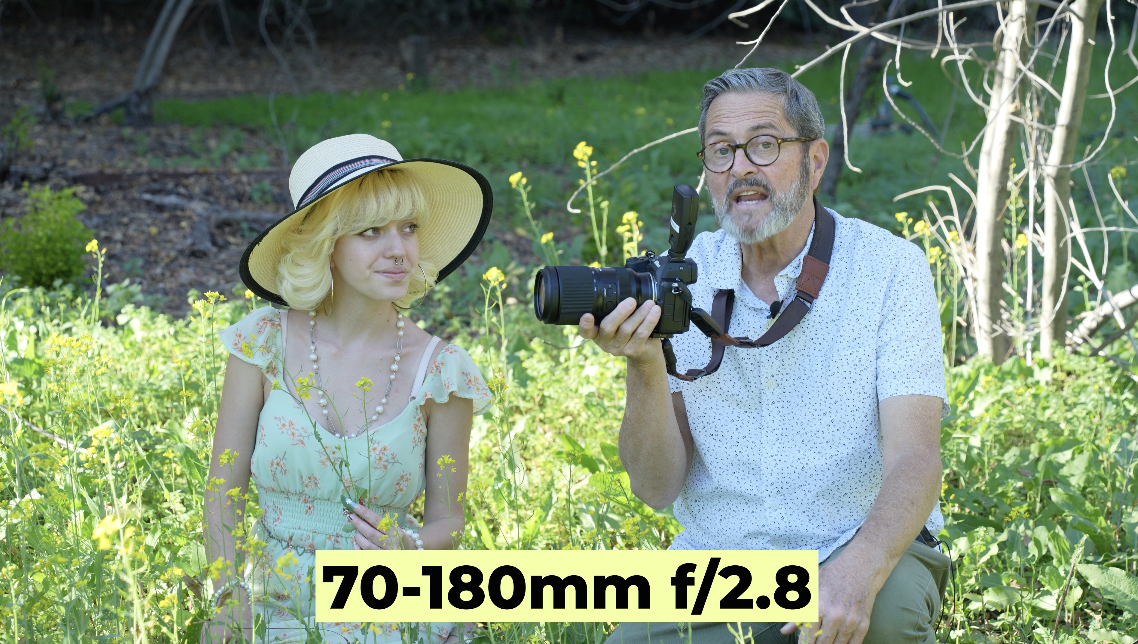

It’s a 70-180mm f/2.8. Which really what makes it so valuable is that it’s so compact and so small. 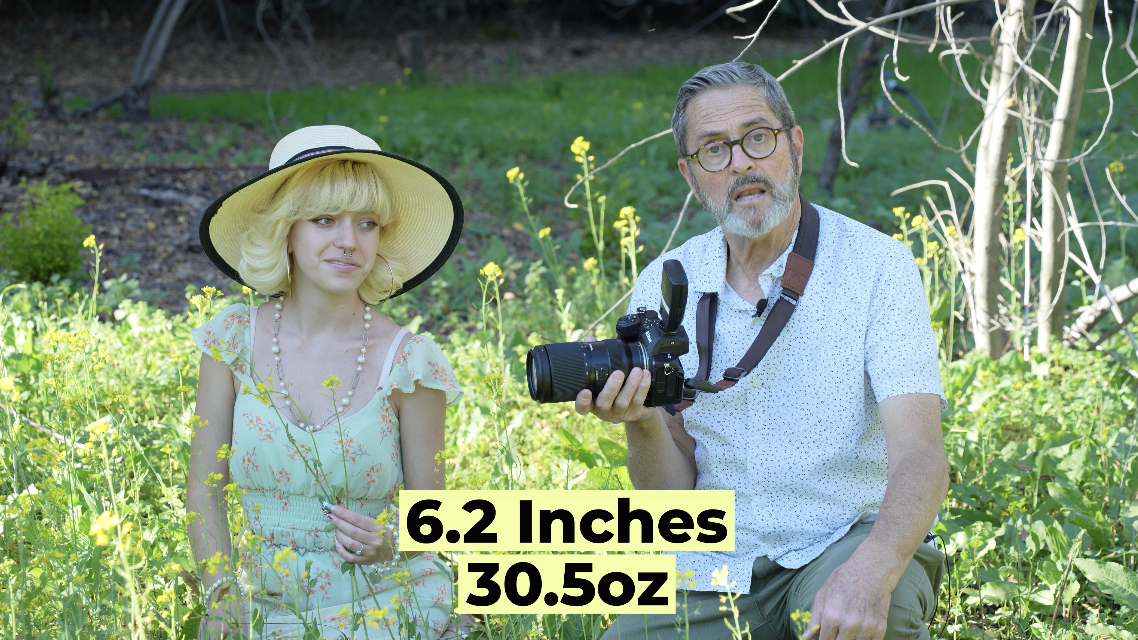

It’s only 6.2 inches and it’s 30.5 ounces. That was my line. And it’s 30.5 ounces. I mean, it’s small enough to be able to carry. When you carry a trinity in this series from Tamron you have these three lenses together. It takes up very little weight in a bag and space in the bag. It’s very easy to carry. So, it really fits ergonomically into that whole ecosystem.
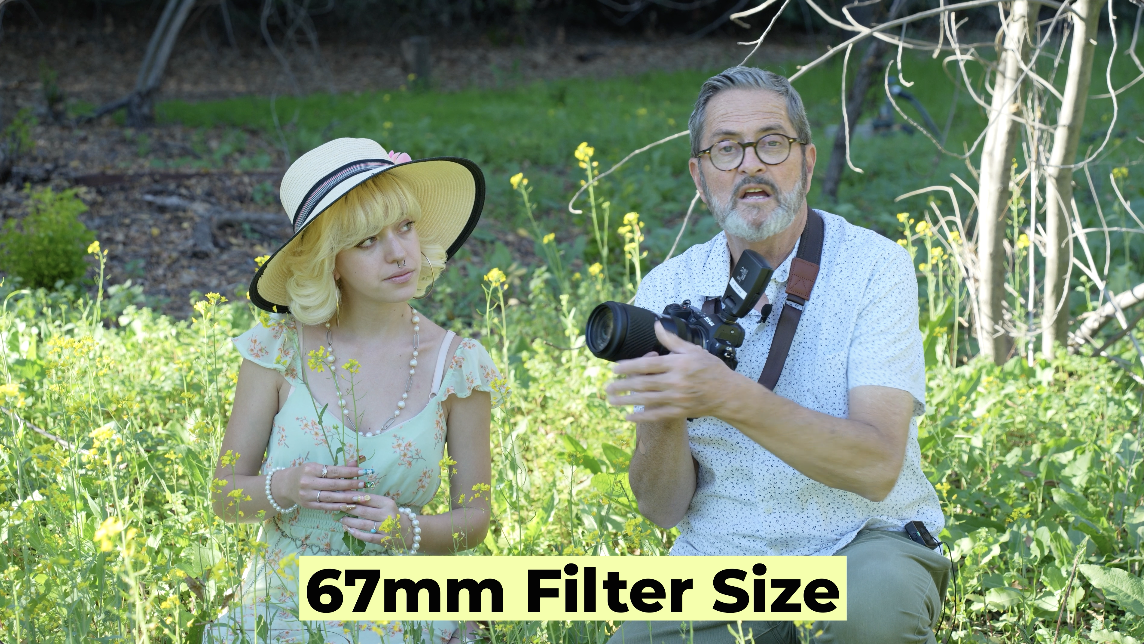

It’s 67 millimeters on the front which matches all the other filter size of the other lenses in this series and just makes it so universally it’s a very adaptable, easy lens to use. So, world’s lightest weight tele-zoom.


So, I’m shooting 180mm. And at 180mm, I can get about 33 inches away. 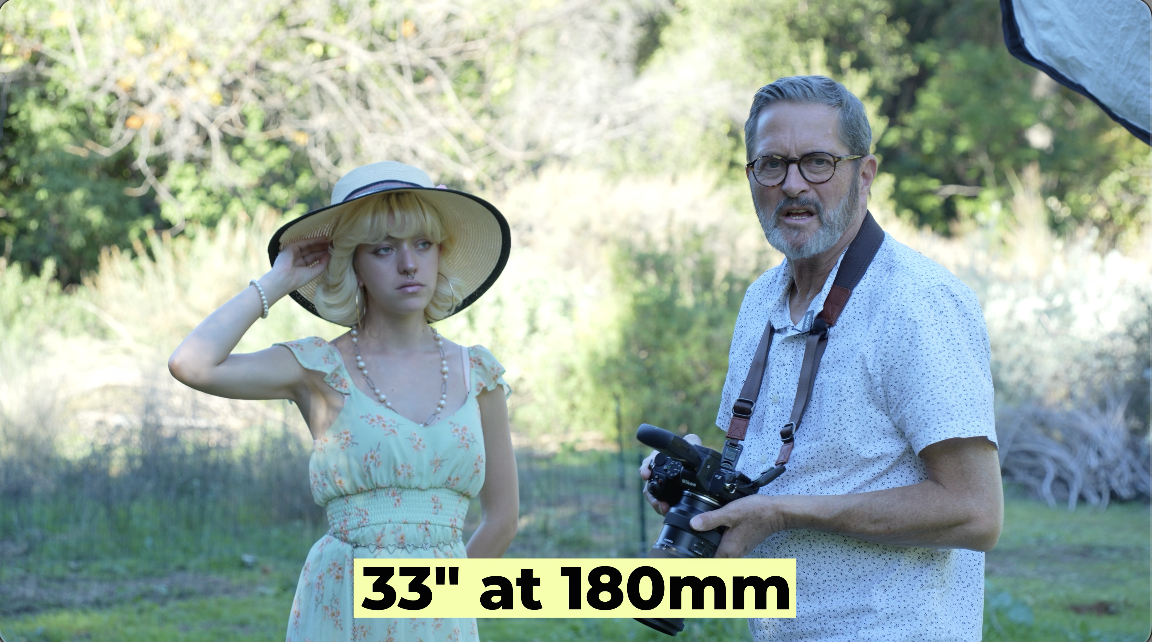

And it just gives me a beautiful image of her eye. I’m in close.
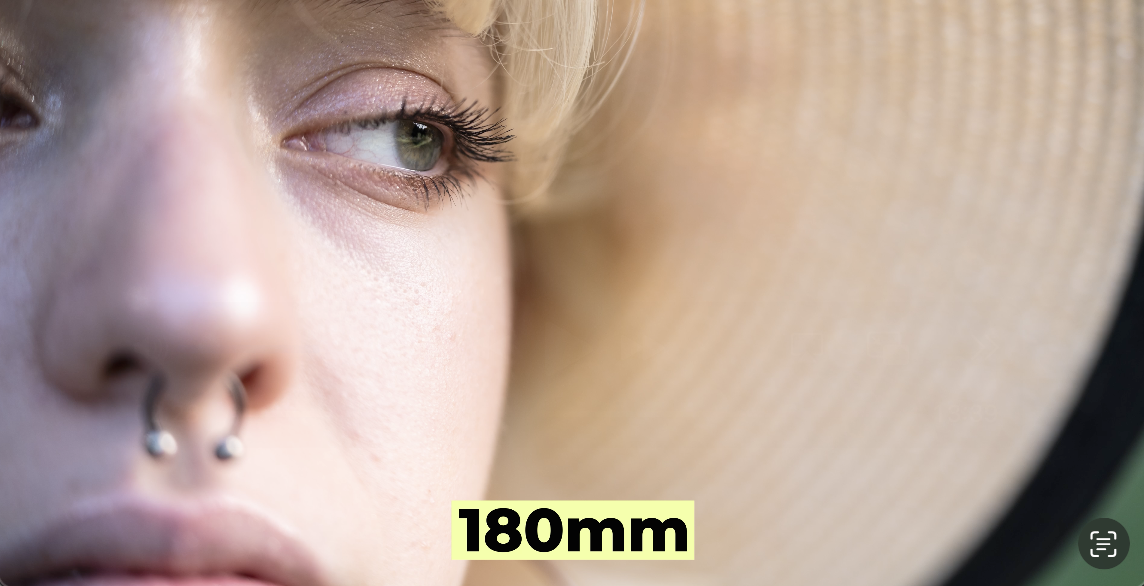

I’ve got that FJ400 II to just open up the light on her face. It feels kind of bright and airy. It just makes it so I can get in very tight on 180mm.
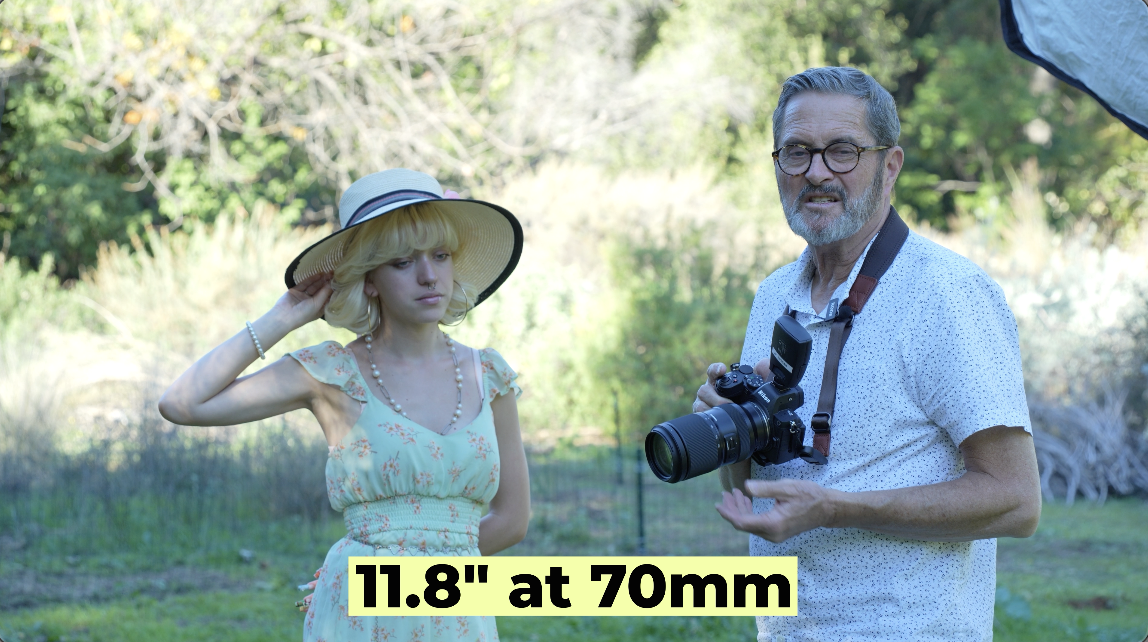

If I go to 70mm, it’s like 11.8 inches. But because it’s 70mm, I can’t get her eye as large in the frame. So if I come in close, turn towards that light right there.
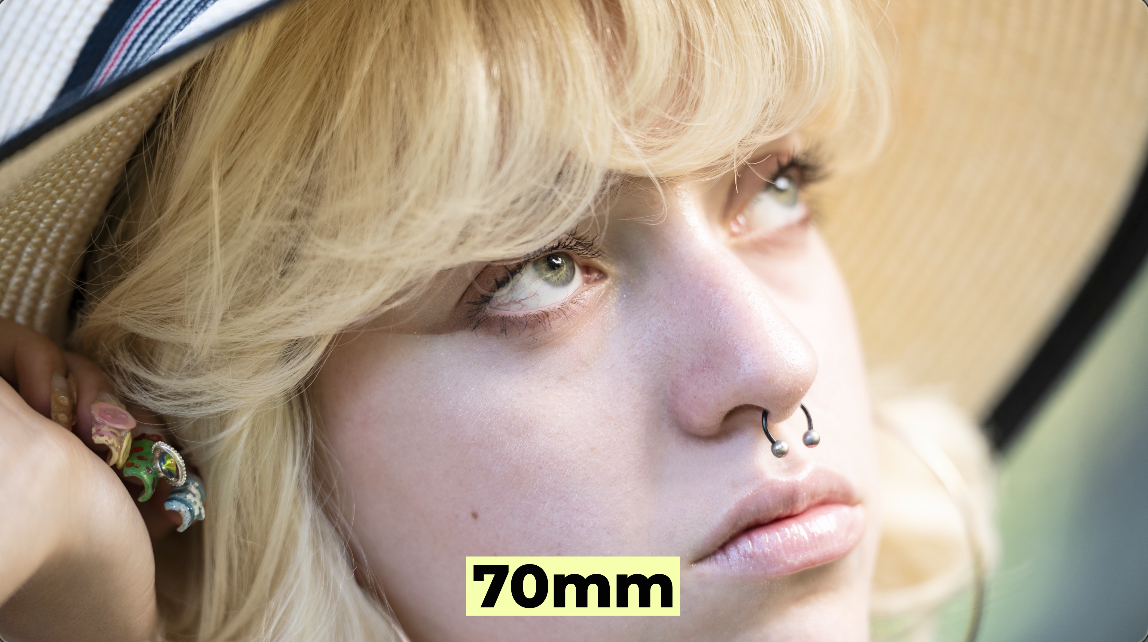
If I come in close, I can get in pretty close with that 70mm. It looks really good, but it just doesn’t have quite the same feel as that 180mm. And even though I’m back further, it looks like the eye is a little larger in the frame, and it just compresses the image really nicely. I think it’s a beautiful look.
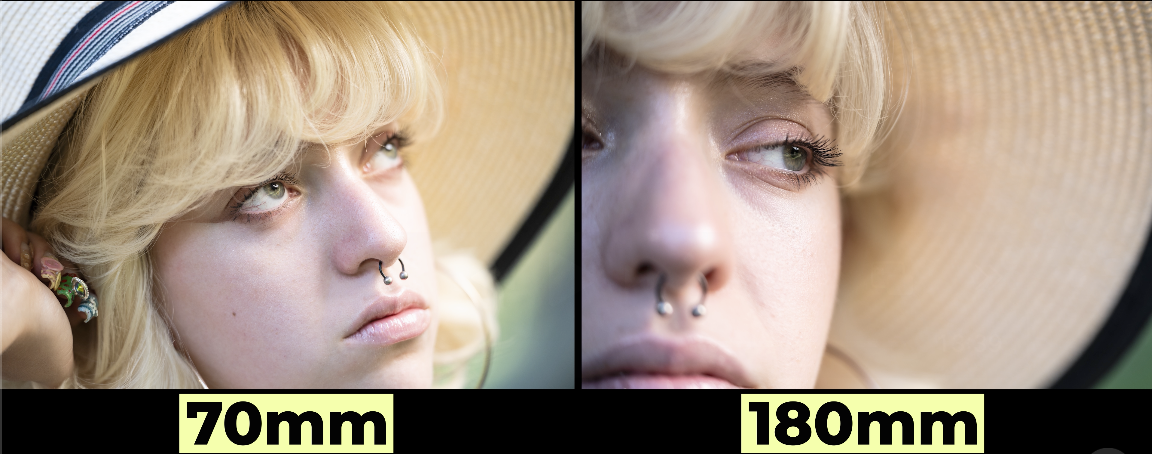

So, it’s not a, it’s not a macro lens by any means.
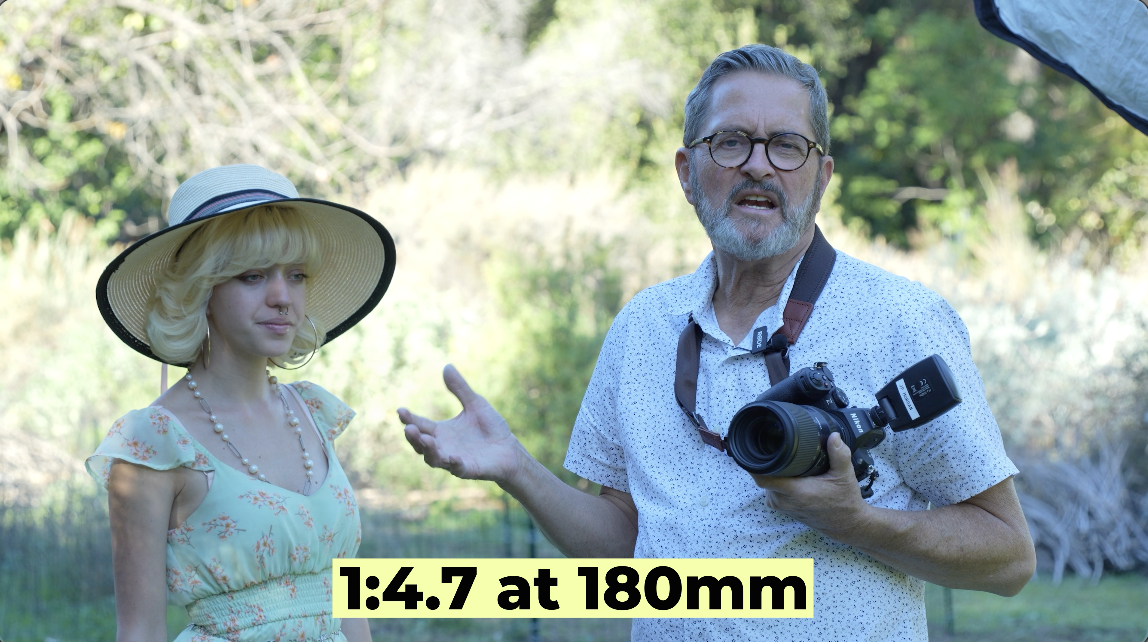
It’s a 1:4.7 when you’re on 180mm, which is, that’s really not a macro lens at all.
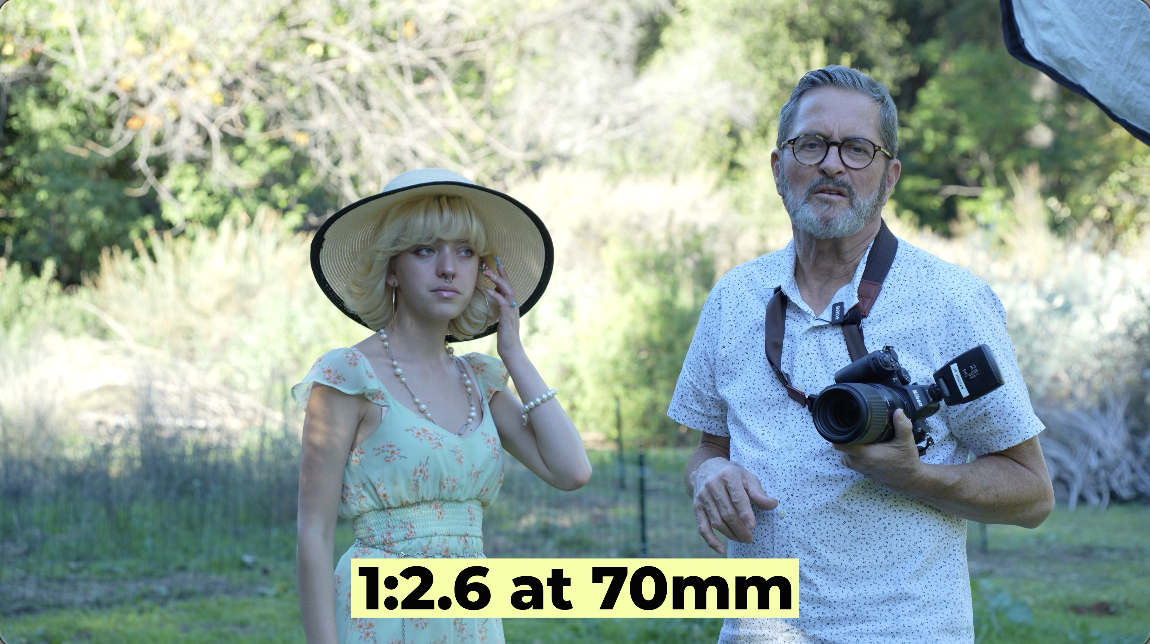

When you go to 70mm, I think it’s about 1:2.6. No, it’s exactly 1:2.6. And that gets you in close, but it doesn’t look near as good as it’s not as close as you get with that 180mm.
So, you don’t buy a 70-180mm lens because you want to have close focusing distance or a macro capability, but it’s nice to have because it allows you to get in pretty close on the face. It turns this into a better portrait lens because you can get in close. It gives you a lot of options, which means you have a scale, a range of scale from full body into tight, tight eye that really just gives you beautiful images.
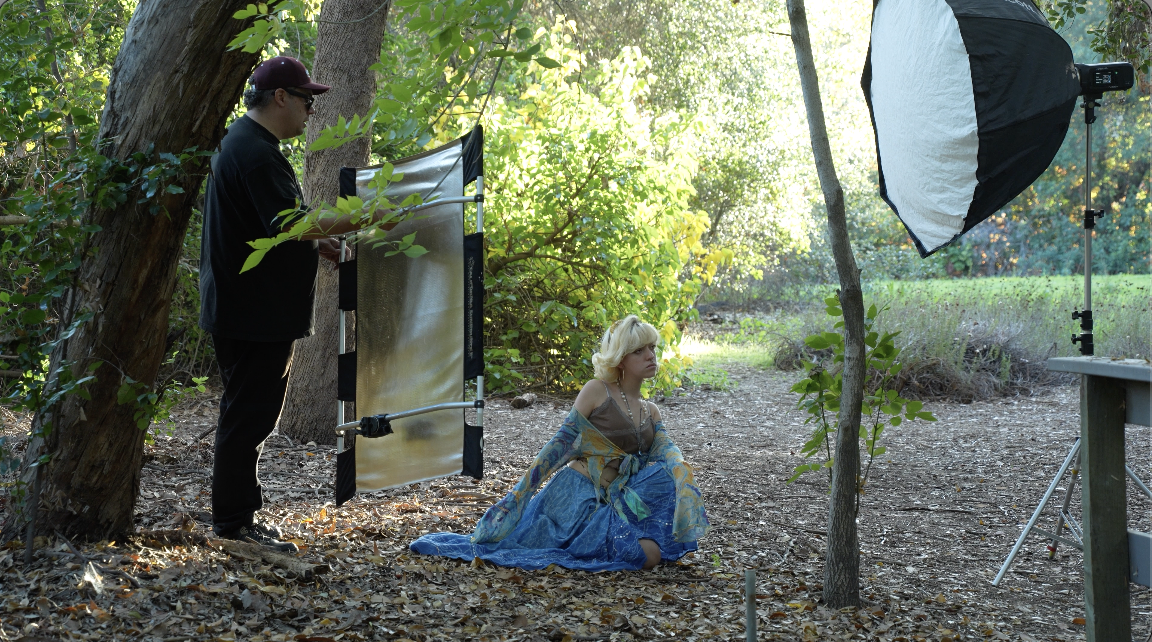
So, when you have an f/2.8 lens like this and you’re at 180mm, the bokeh is beautiful. Especially, we don’t have a lot of light behind this shot. 

She’s sitting on this little bridge, but the leaves in the background, that brown just starts to kind of swirl in a beautiful circle. It looks really nice. I love that look when the bokeh will just kind of move in a circular motion in the background. I’m seeing a little bit of that with this lens. But it looks really beautiful. Let’s take a look at some of these images.
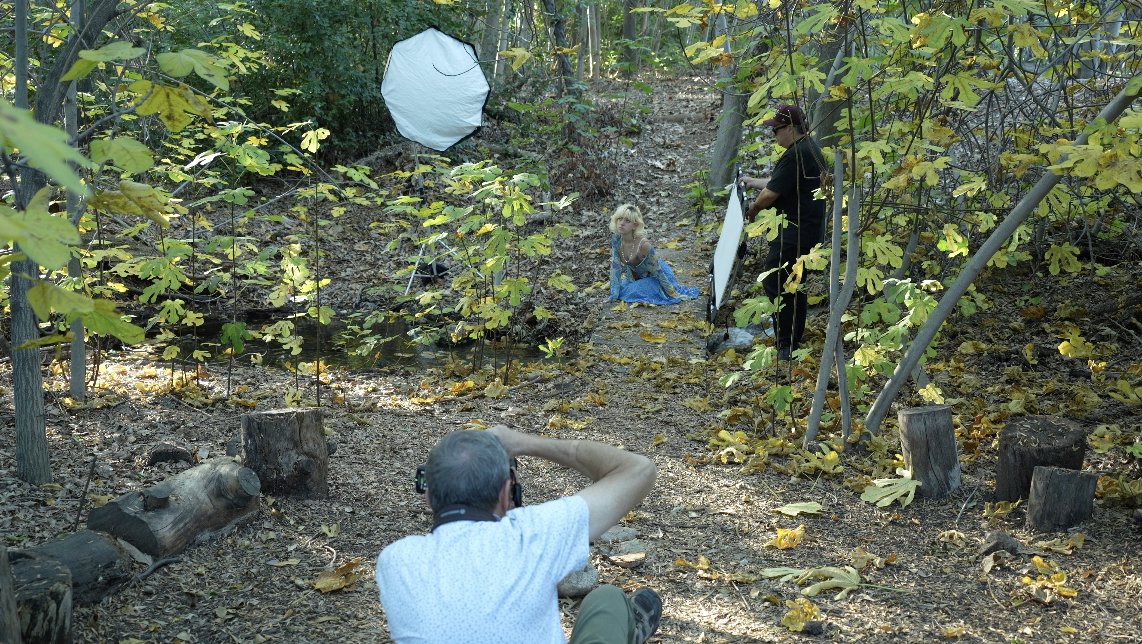

So, I love the FJ400 II’s. They’re excellent because the recycle time is so fast on them. They just recycle immediately.

I can shoot, I can shoot a lot faster than the camera can keep up. That’s for sure. And just gives us great light, great battery life. I’ve really enjoyed using them. So, it’s a step up. The FJ400 II’s are definitely worth it because of the speed of the recycle time. 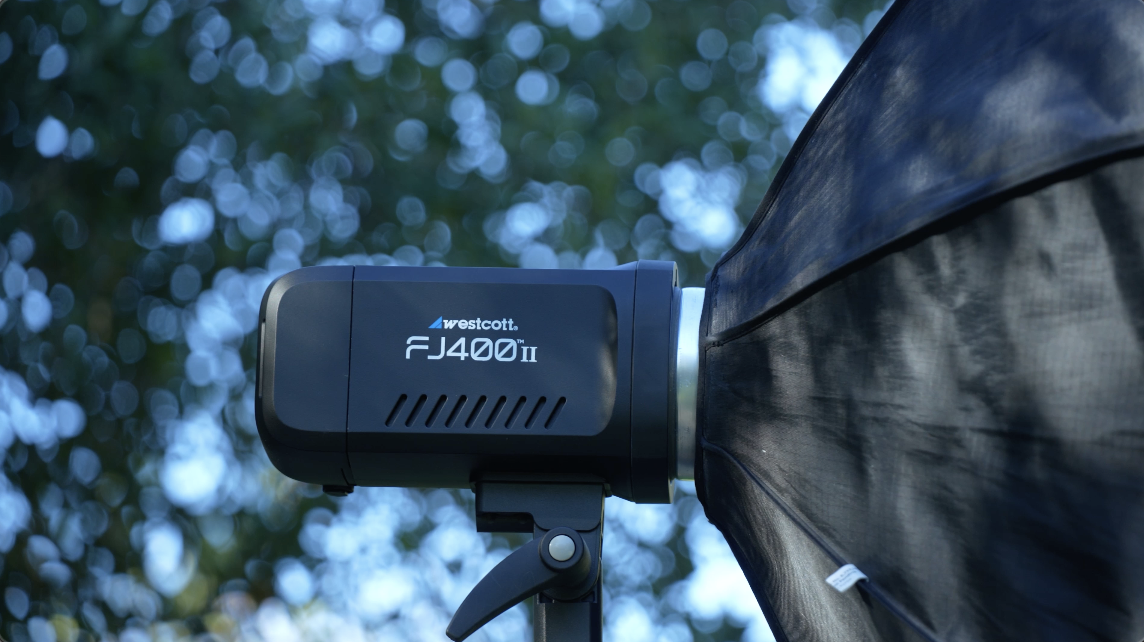

That’s really the main reason I think they’re amazing. So, if you’re interested in any Westcott lighting gear, any equipment that Westcott makes, soft boxes to strobes, click on the link below. It’s the FJ400 II’s by Westcott.

So, the vibration compensation with this lens is working really well. I was just shooting down in the little area here with the, like big fig leaves. I was at a 1/15th of a second. When I went to a quarter of a second, I couldn’t hold it at 200 millimeters. But up to that 1/15th or at 1/30th, I was holding it, hand holding it without any problem. It works extremely well for video.
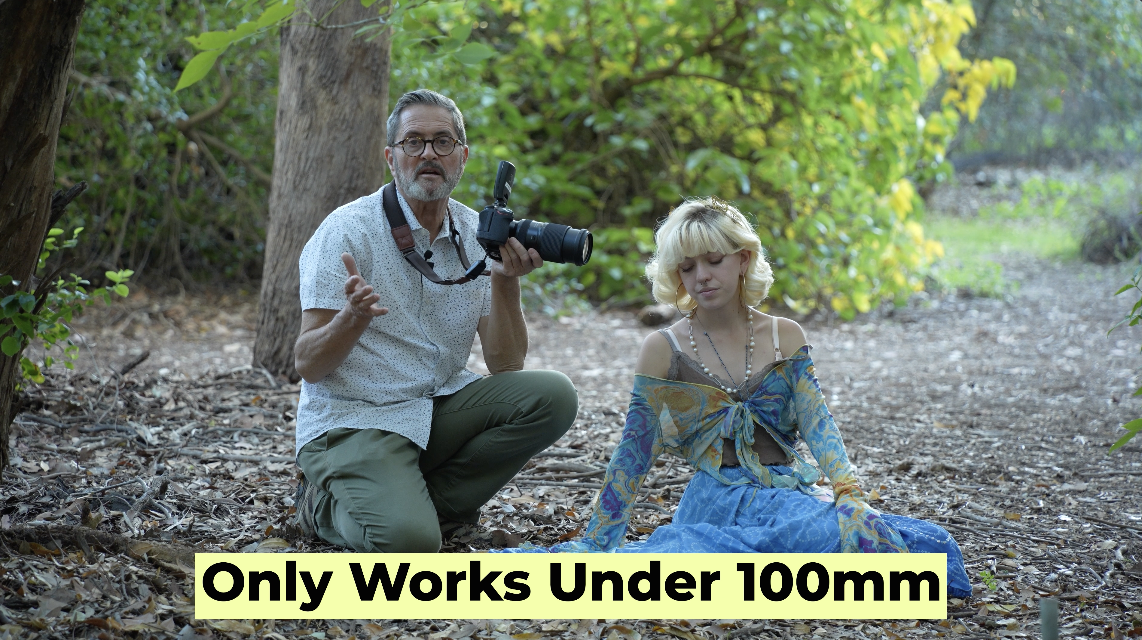
All these Tamron lenses in this new series have under 100 millimeters, they have an AI compensation process where it picks the best AI for the type of movement that you’re doing. And it’s going to give you the best stabilization it can. But that works under 100 millimeters. Above 100 millimeters, you’re on a longer lens. 
It’s not going to going to work as well. But under 100 millimeters, it’s really very effective. It gives you a stabilization. You choose your shot. It chooses the stabilization that’s going to make it look the best that it can. So that makes this lens very useful for video. So let’s take a look at some of those images I was handholding.
So the VXD motor mechanism in this lens is very quiet and so you can use this for video. You can focus and follow with it. It’s made for motion. So if you’re doing sports or cars, any kind of motion, it’s really made for that. I love it for portraits. It works great for portraits for me, but it really delivers when it comes to tracking and focusing. That linear motor really gives you quick response and great images and you can use it for video because it’s so quiet.
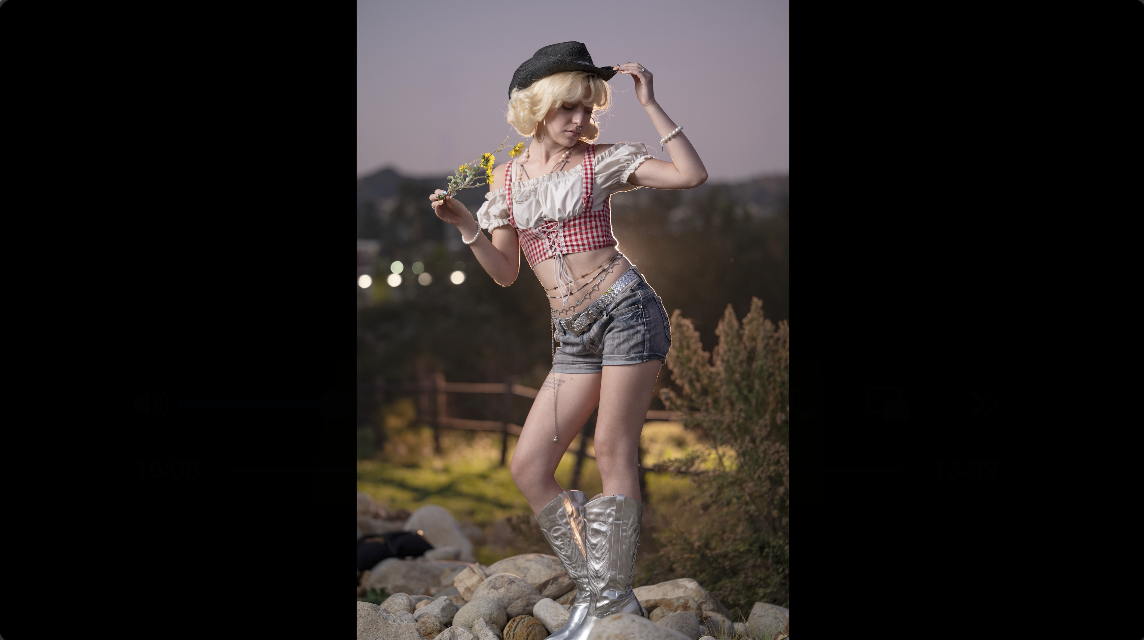
So, Elizabeth is going to go change. We’re going to shoot some cowgirl stuff as the sun goes down. Kind of looking forward to that. It’s always a lot of fun. Love that on this long lens. But we’ve got a second here. I just want to talk a little bit about what Nikon has on the new Z5II. On the top there’s a button here. This button allows you to get into the menus and to apply recipes to the different images you’re shooting. When you connect your camera to the Nikon Imaging Cloud, you now can create your own recipes and load those back onto the camera. So, this gives you the ability to, if you have a nice kind of bright airy look when you’re doing weddings, you want to add that to your camera, you can shoot in that bright airy look. Now, when you deliver your JPEGs, it’s going to look very much like your final edited images that you give to the bride, but it gives you something you can get out there really fast. So, there’s a whole variety of these. You can scroll through them. You can create your own. There’s different artists who have shared their recipes and you can take a look at some of those, download some of those if you like them, or you can create your own. If you’re doing social media, that directly to JPEG and then Wi-Fi to your app is a great way to go because it allows you to give a great look and to be able to post that look immediately and not have to go in and edit and process and do a bunch of things later in the camera. Here’s some of the images I shot with the nine recipes I downloaded on the camera. 
So, let’s take a look at those. Each of those is a little different. This gives you just an instant application for your style. You know, it’s going to work both for stills and for video. So, you can use it for both stills and video. And it gives you creative control.

You can load your own recipes and shoot in a style and a look that you want. Editing is a lot of the process these days, especially for people who shoot kind of ambient or shoot natural light. That editing process is super important. You can get your look on the camera, apply that to the JPEGs, and it just gives that creative look immediately. Easy to change back and forth. There’s another set of those images you can take a look at. Just fun to play with. One thing I love about using Nikon’s imaging cloud is that when you have your camera connected to either the app or to your desktop and you make changes to the recipes or any changes in that process, when you turn your camera on, it knows there’s been a change and it says, “Do you want to update?” And I hit yes. Updated immediately. When there’s a firmware update, I just go to that. I see it. I hit yes. It automatically updates it. I don’t have to do anything else. It just does it automatically, seamlessly. So, the recipes just allow you to give a quick look. Easy to toggle back and forth with a button on top of the camera. So, great thing to look at. But, let’s go shoot some images. Cowgirl images at sunset. Here we go.

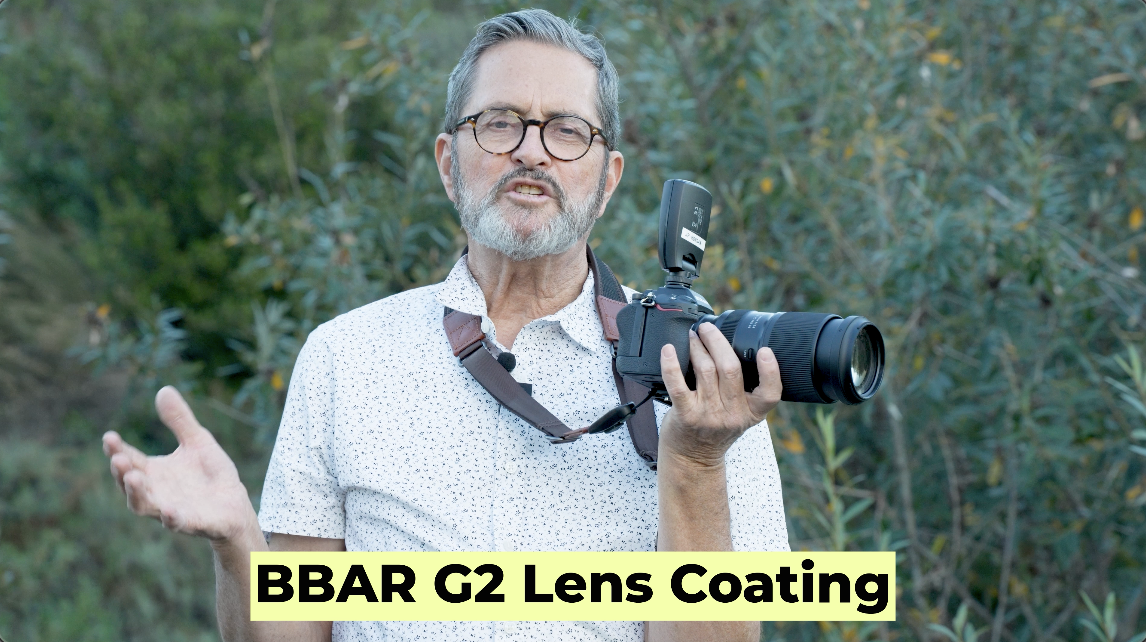
So, this lens comes with the BBAR G2 lens coating that really suppresses flare and kills a lot of the other like chromatic aberration, those kinds of issues. It’s really the standard for this new line of lenses from Tamron.
Ergonomically, it’s in the same category as the other lenses that I have talked about with Tamron. You have the USB-C on the back of the lens so you can plug this in to be able to change the distance or the direction of focus. You can completely modify the lens. I use it for video applications and those kinds of things as well with the app. I love the fact that you have your millimeters up front. 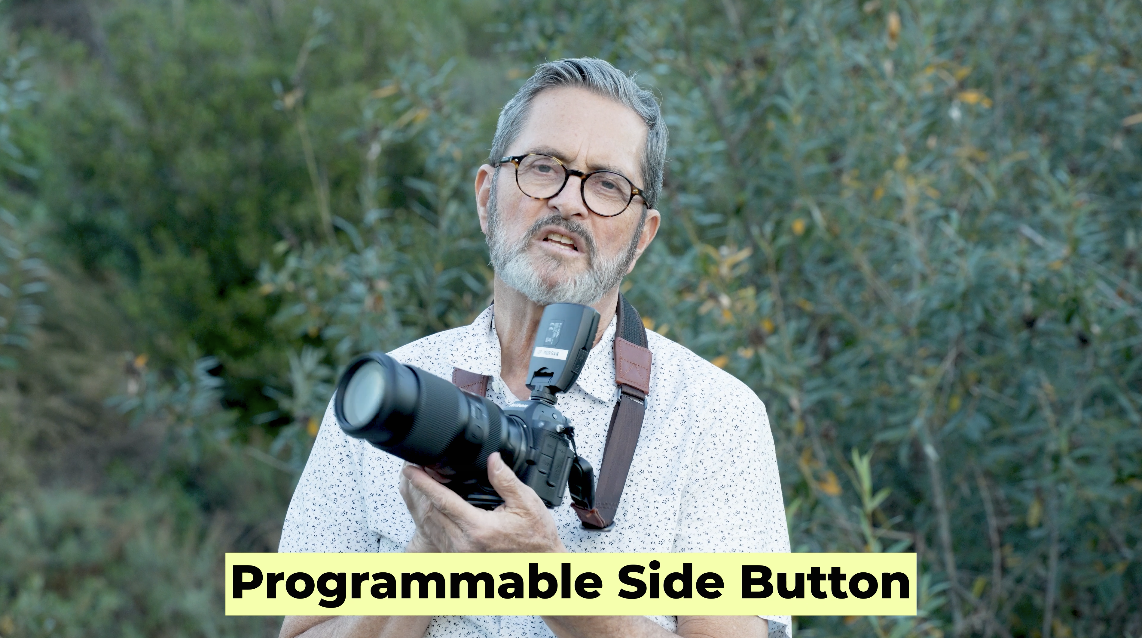

A nice area so I can feel that transition. I go to the focus in the back. Got a single button here which allows me to program that. I usually set it so I can change from autofocus to manual focus. And then you have your different, three different modes of stabilization on the lens. So it’s really very much in line with the things that Tamron’s used in the past. I have shot on this lens, the Sony version of this lens since it came out two years ago and been extremely happy with it. Happy with the bokeh. 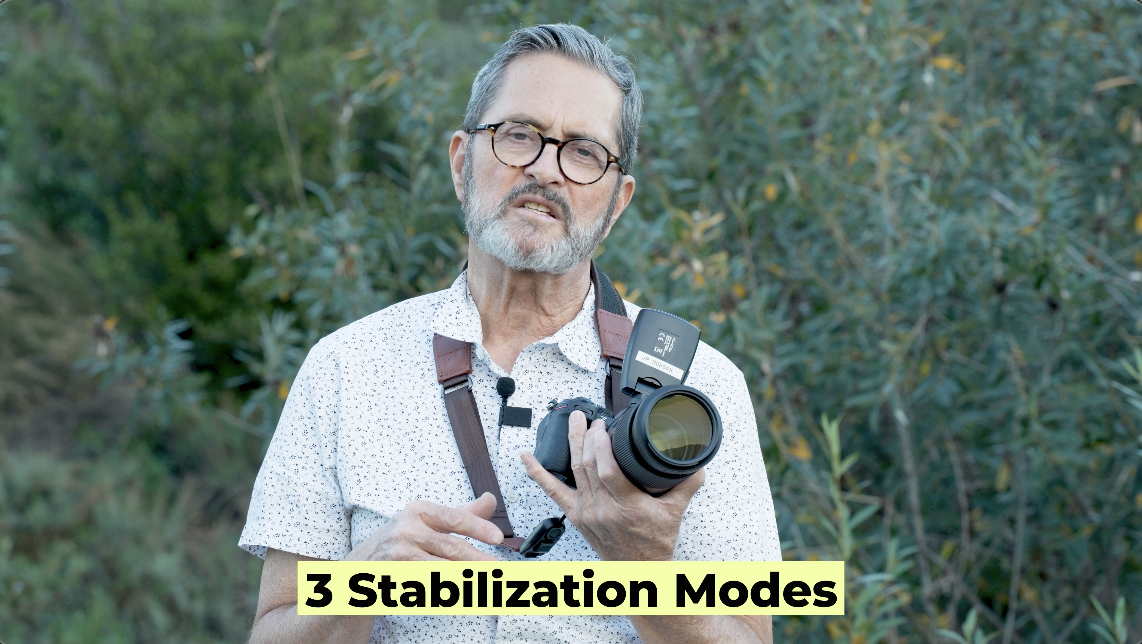
Very happy with the way that it focuses, the quickness it focuses. It’s just been a very useful lens for me and I’ve shot with it a lot. Julene uses it a lot when we do our BTS and things for the channel here. Because you get that nice reach. It lets the background fall out of focus. So, all right. Ergonomically, right in line with what you expect from Tamron. Lightweight, very compact, and easy to use.


So, let’s wrap this up. This is the final installment in the trinity when it comes to Z-mount lenses for Nikon. And it’s really fills up that entire ecosystem. It’s a lens that is needed. It’s a lens that is probably my most desirable lens in the entire trinity because I love it for people. It’s beginning to be a sports lens. It’s just a great all-around lens. At f/2.8, it’s very sharp. you get just a great lens to do a variety of different things both in video and in stills. 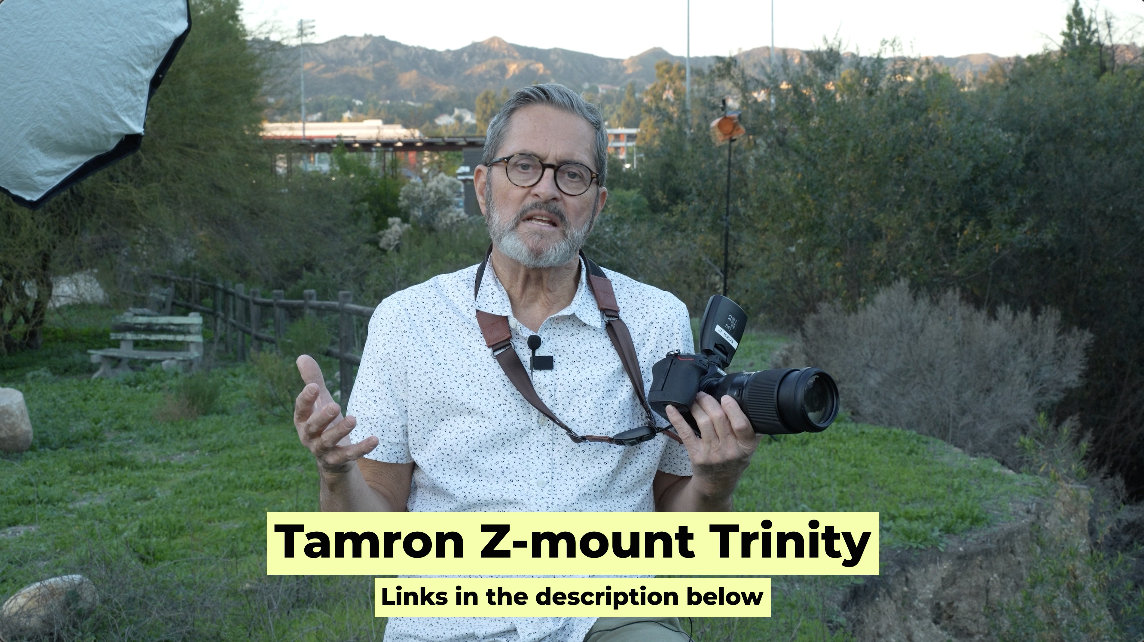
(Tamron 70-180mm G2, Tamron 28-75mm G2, Tamron 16-30mm G2)
So it comes with all the things that Tamron has put into their new lenses, a pretty close focusing distance. We’ve got really the same 67mm filter size, so it’s going to match all my filters as I trade filters across the different lenses when I’m doing video. 
It also has the same ergonomics. You got the USB port, so you can go in and and completely customize the lens to do exactly what you want it to do. Also it’s just super lightweight and small. And I think that is what makes it so useful because you can carry this lens and it doesn’t feel like back in the DSLR days, a 70-200mm is a heavy, huge lens. So, this is smaller, more like the mid-range lenses we used to get in the trinity, which makes it really easy to travel with and something you’re going to carry with you. 

So, I think it’s a great offering. It’s a great lens, great sharp lens. Here’s some more of those images. I enjoyed shooting with it. It was a lot of fun. So, you keep those cameras rollin’ and keep on clickin’!