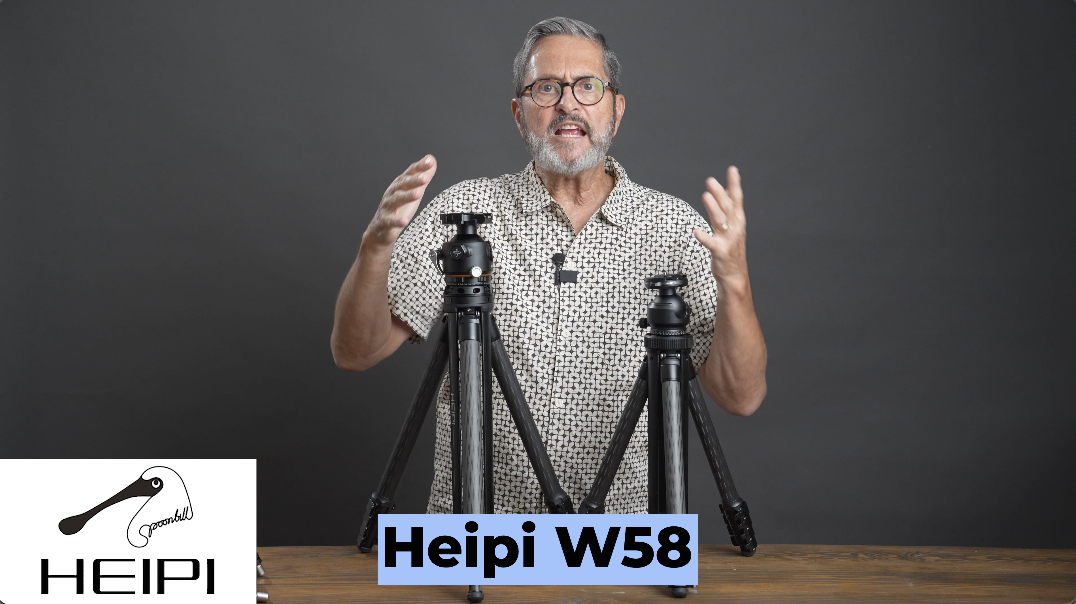
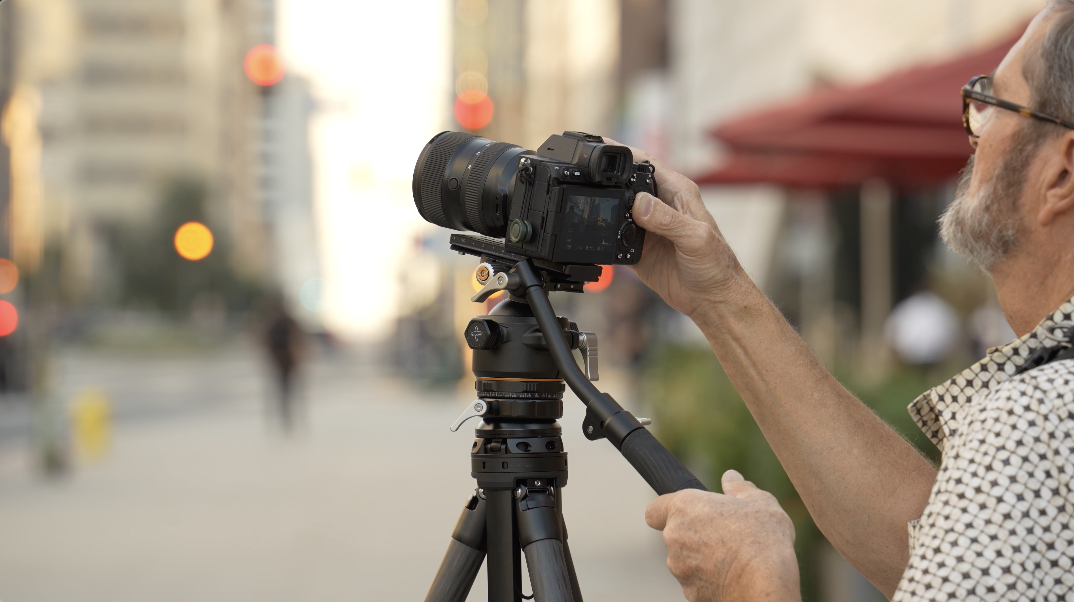
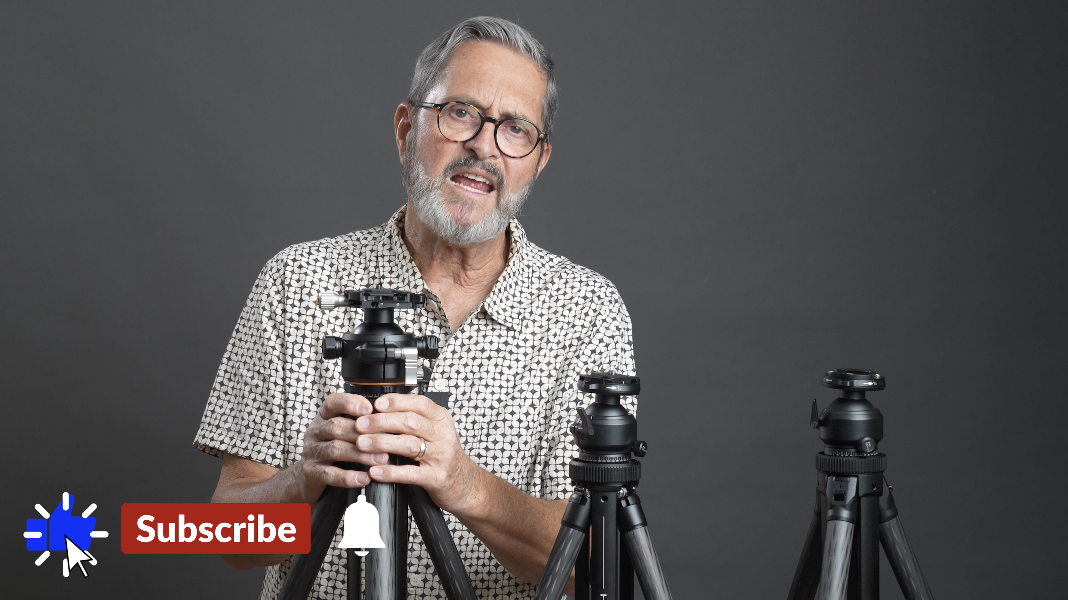
Finally, a crossover tripod that’s a great professional video tripod and a professional still tripod. This head switches quickly from a fluid head to a ball head on the Heipi W58. Let’s take a look and see what you think. Hi, this is Jay P Morgan, today on The Slanted Lens, we’re going to take a look at the new Heipi W58 tripod. This is a crossover tripod that is incredible both for stills and for video. What an interesting concept. It’s got a ball head that will lock and turn into a pan tilt head. You can unlock it and it turns into a 360 ball head like you would use with any still photography application. So, it truly is a crossover tripod. I have been looking for something like this for a long time. Something that is going to be lighter weight. It’s going to be travel friendly. It’s going to really make it so that I don’t have to carry two different devices, two different tripods to be able to shoot video and stills. So, I can switch back and forth really easily. And Heipi has solved that with the W58.
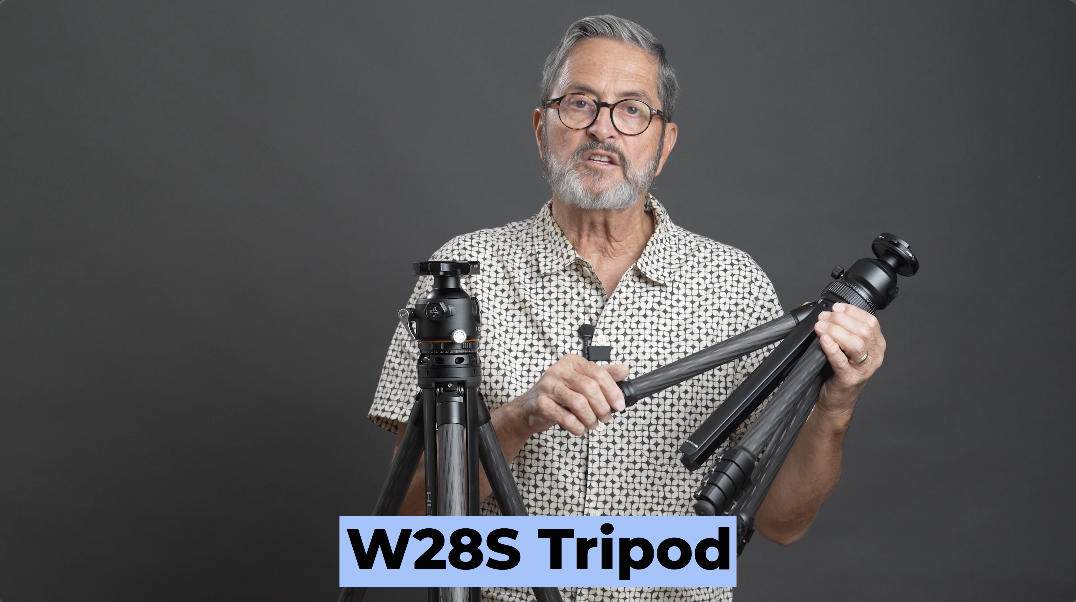
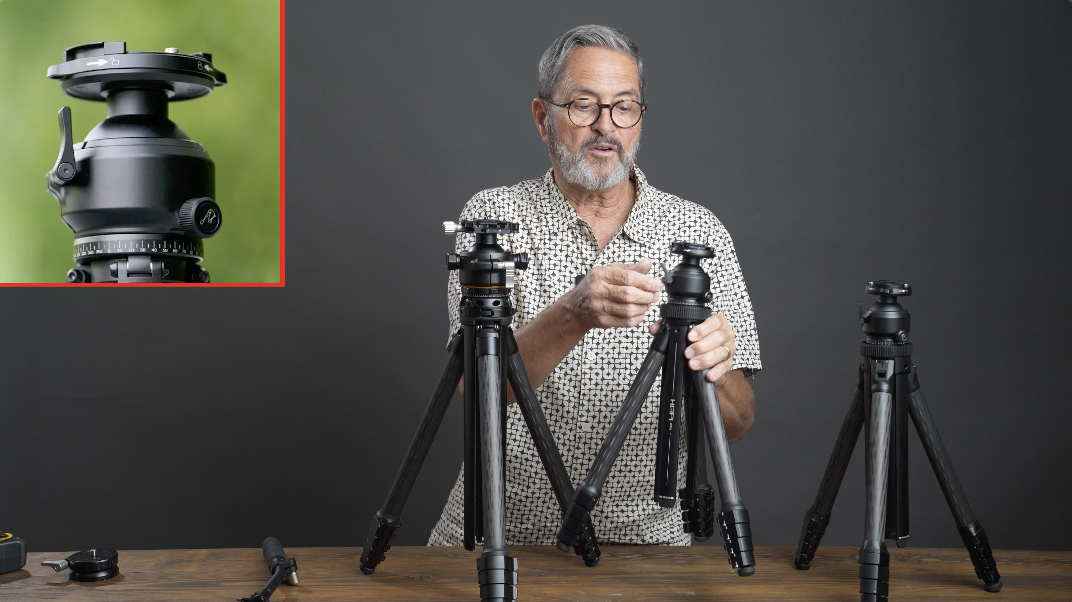
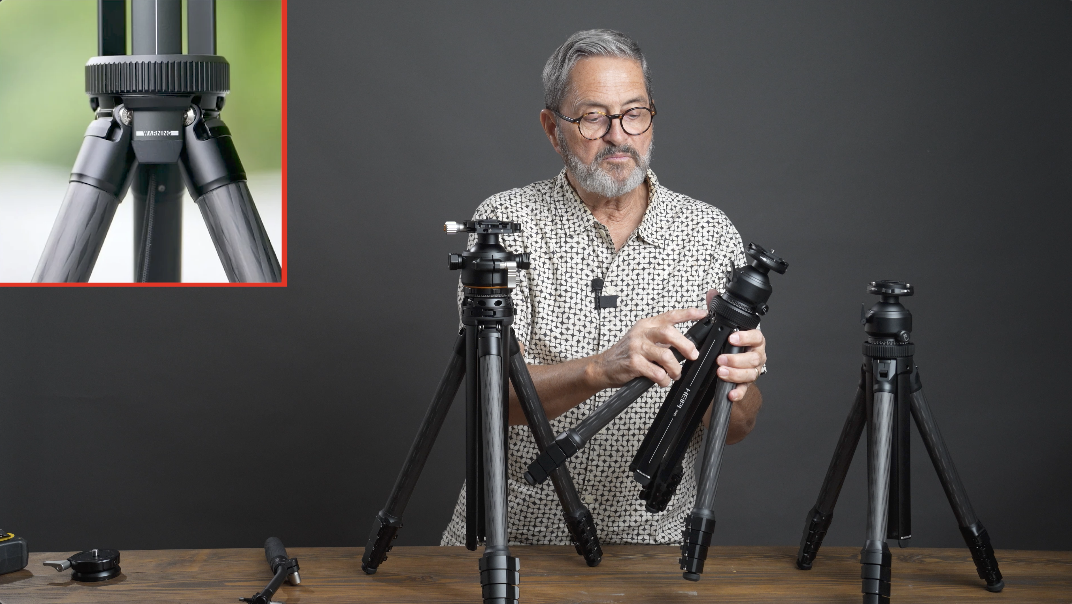
What I’ve really been pleased with, with Heipi is there’s been a lot of research and development that’s gone into creating, really culminating in the W58 flagship tripod. So, it’s been a progression. The W28 was the first tripod from Heipi that we were introduced to. This was an incredible tripod. It was very unique. I called it the Swiss Army of tripods, Swiss Army knife of tripods because of several things that it does. One is it has this three-post center column. That three-post center column comes all the way out and creates a second tripod. That concept was really interesting to me. You have three posts which makes this very, very stable when it’s in and extended. It becomes another tripod and you can take your ball head off and put it back on the original sticks or you can carry a second ball head to have two tripods. So that concept was really interesting to me. It was really a unique kind of entry into the market. It competed very well with the tripods in that category as far as that small, compact, lightweight tripod. They quickly updated to the W28S which really improved several things on the tripod. Bigger handles to be able to open the legs, larger knob for your panning. So I have loved shooting with the W28. I still shoot with it and love that tripod. Love shooting on the W28S. We’re going to talk more about these specs a little later on. But what I really want to concentrate on here is the W58. So, let’s take a look at the W58 and how this engineering has come together to create a really great crossover tripod.
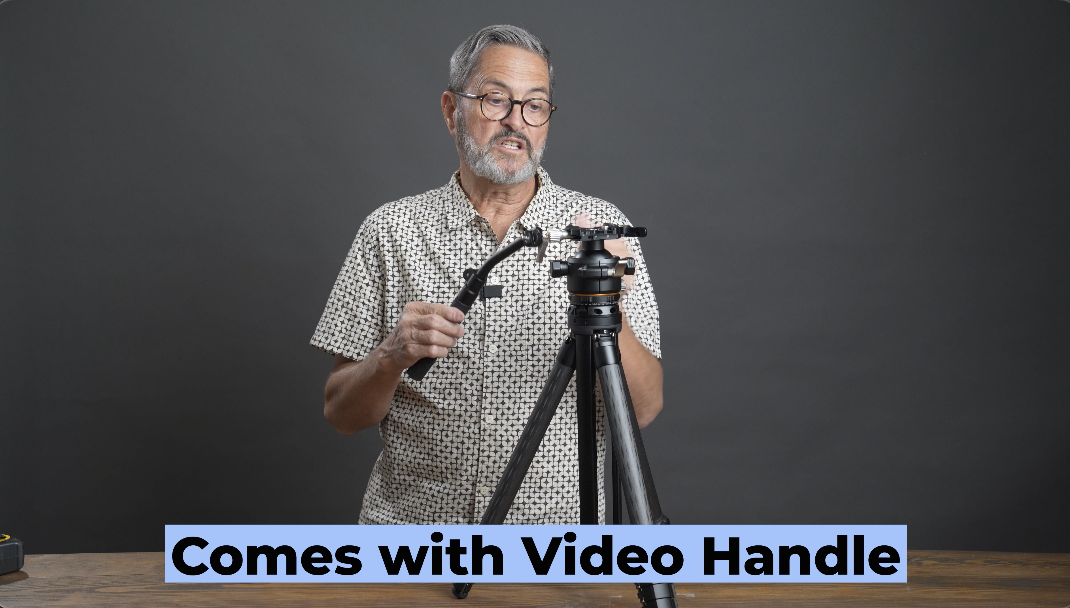
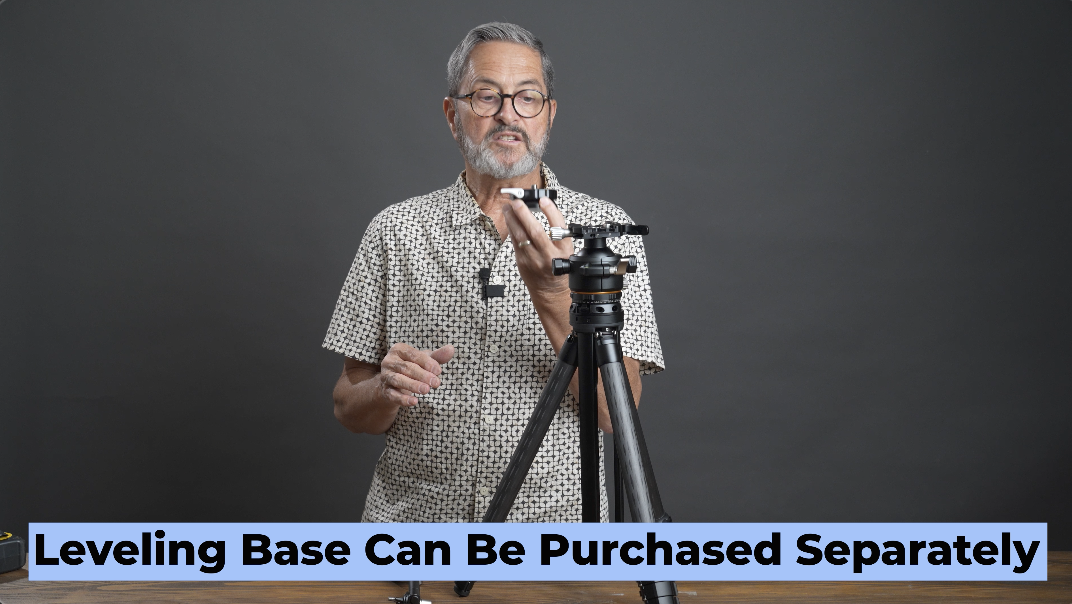
Let’s look at the specs and see exactly what it will do. It’s going to come with a handle so you can use this as a video head. We’ll talk more about that as we break down the actual head. It’s got a leveling base so you can level the tripod, which is essential if you’re going to be doing video. You have to have those two items.
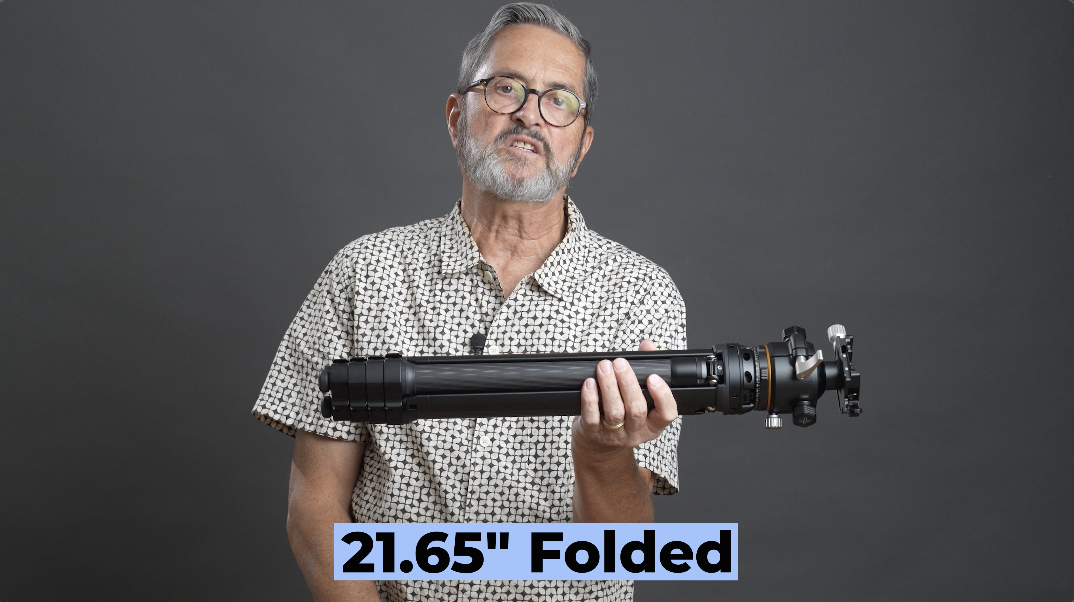
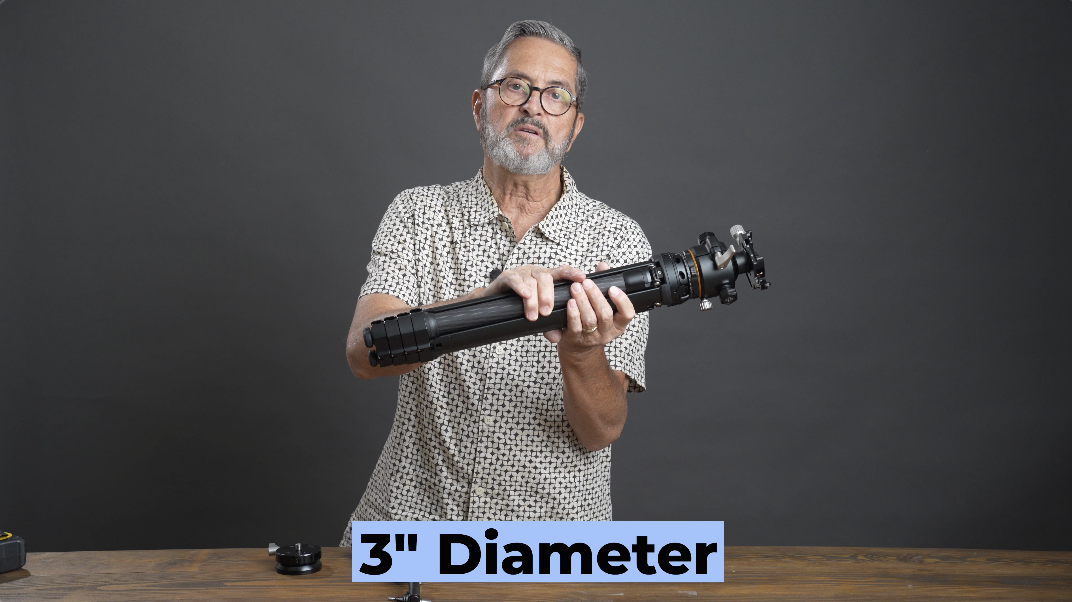
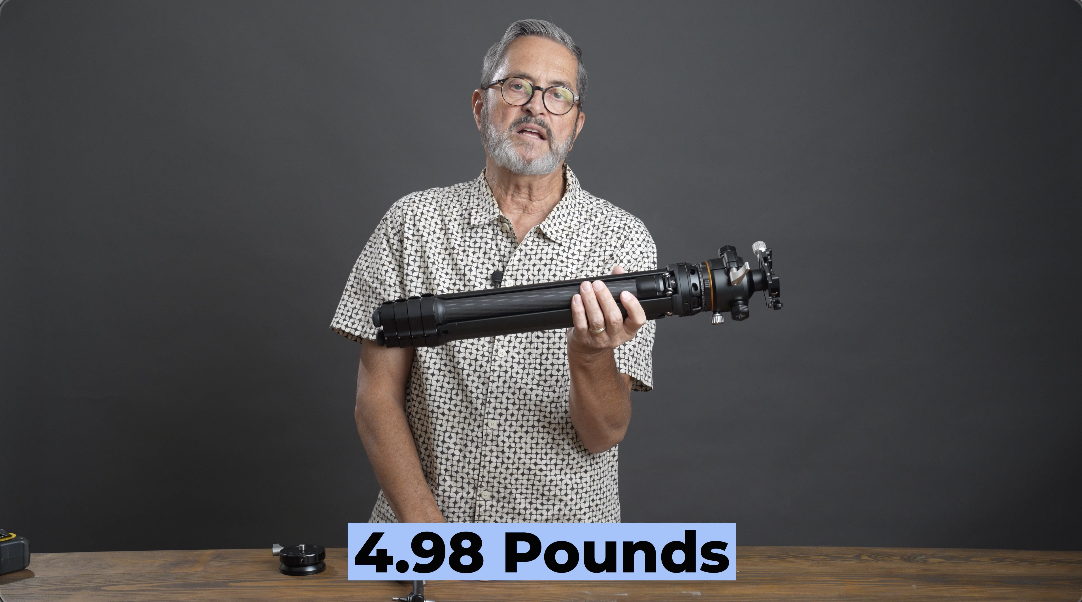
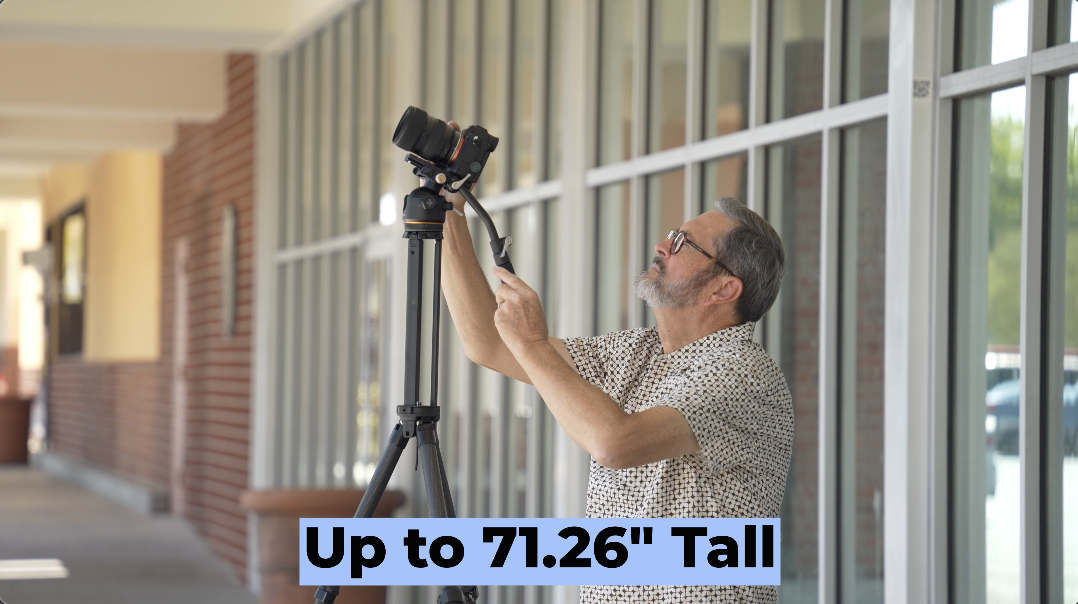
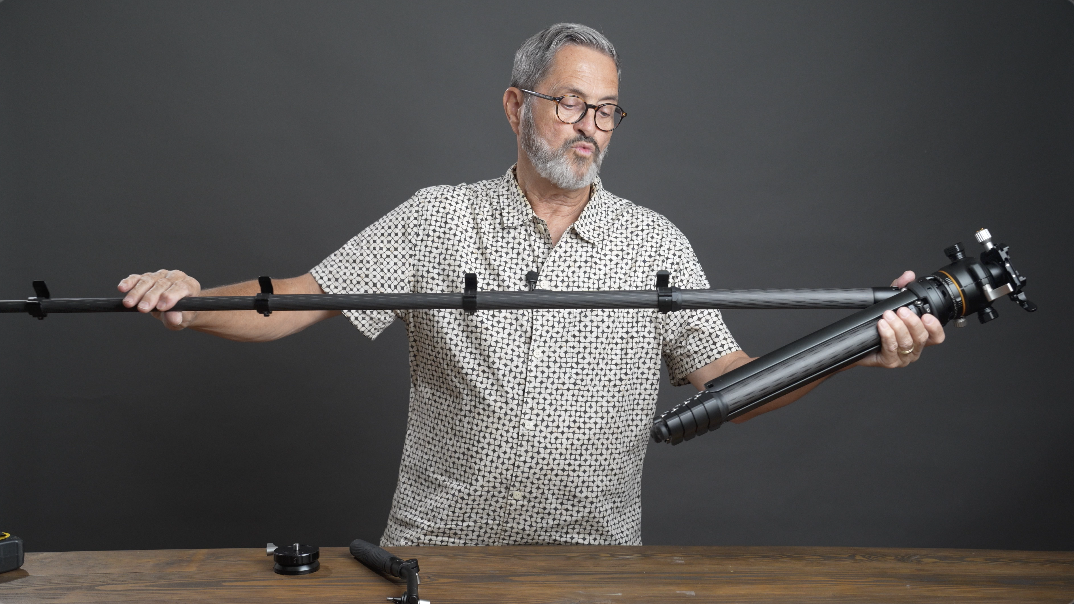
Folded this tripod is going to be about 21.65 inches. So, it’s about 21 inches or 22 inches and about 3 inches in diameter, and it’s going to weigh about 5 lbs. Just under 5 lbs, 4.98 lbs. But it’s definitely beefier than what you had with the W28S, but it’s meant to be. This is a flagship tripod. This is going to go up to 71.26 inches. So, it’s going to go up taller than I am. And that’s going to give you a taller platform. So, this is meant to be a travel compact type tripod, but heavier duty. So, it’ll handle more weight, longer, bigger lenses. It really is meant to be that type of platform.
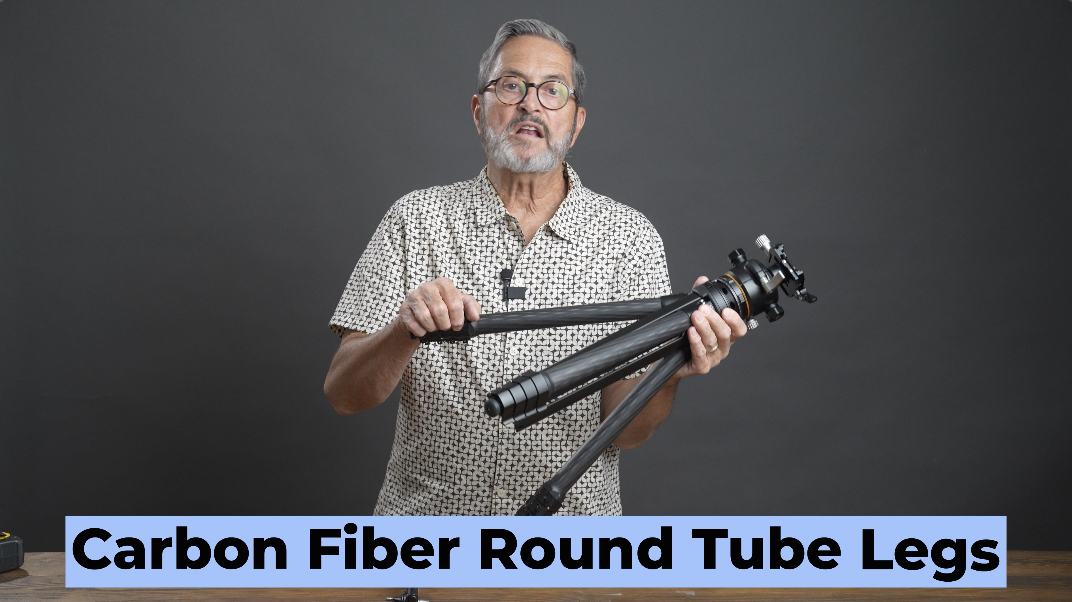
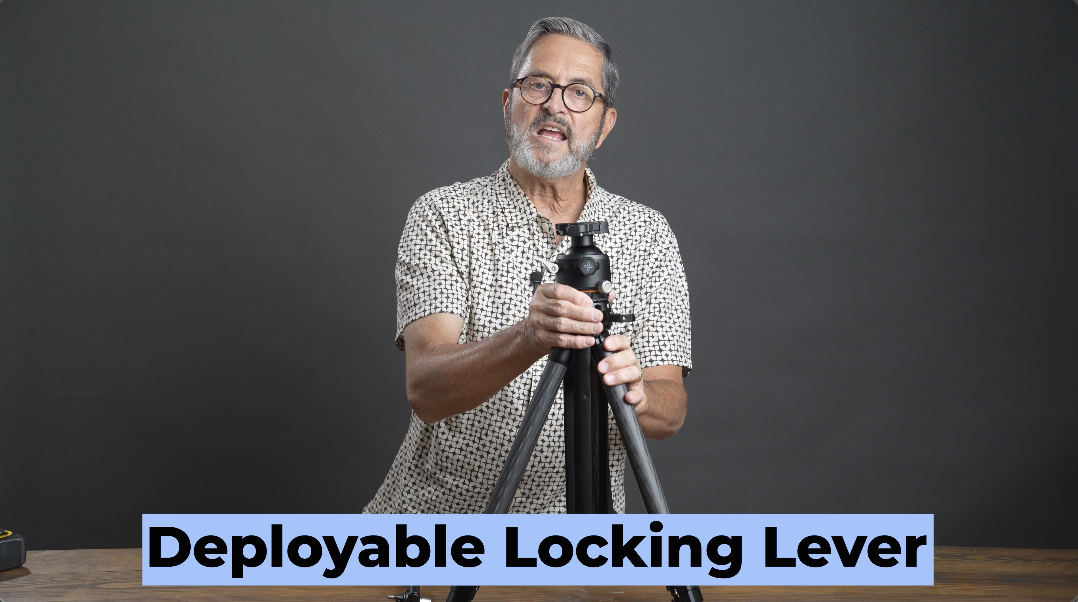
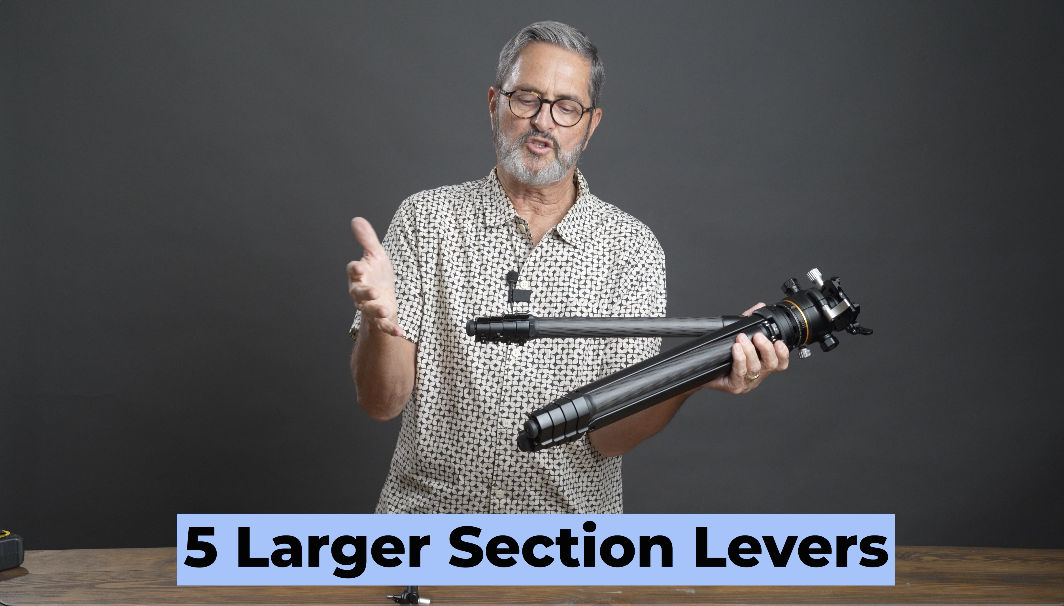
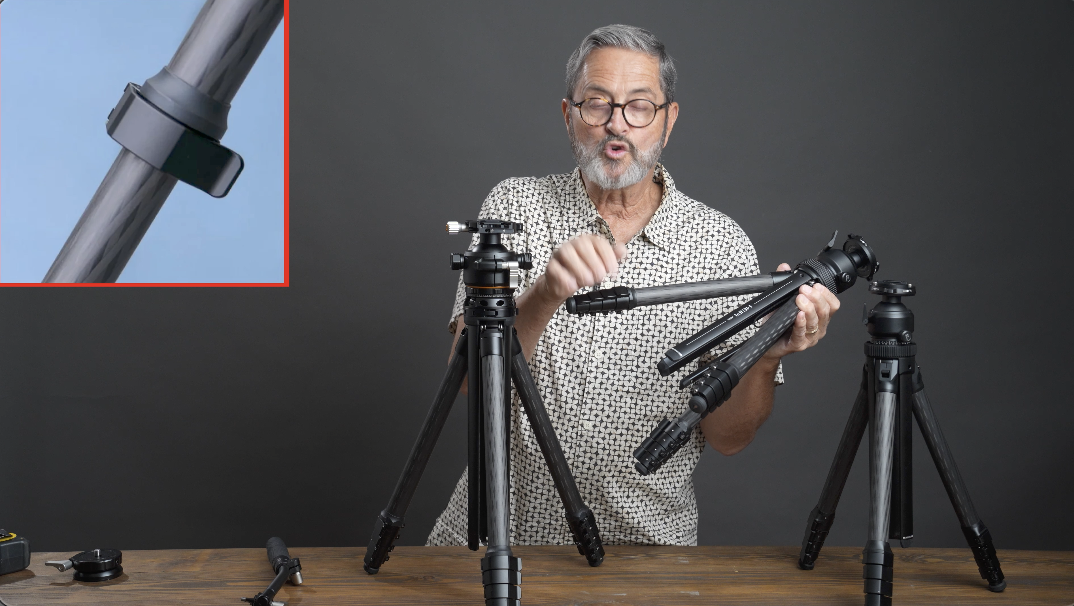
You’ve got carbon fiber on the bottom section of the tripod. It’s got the round tubes, not oblong. The round tubes give you a smooth deployment and collapsing. The interior which is the standard, it’s what we have on the other tripod, the three post center post, that is aluminum. So it does, it has aluminum. And the nice thing about that is that it allows it now to deploy with a clip and a lever. That lever is going to open and lock. Open and lock. That is so nice. It’s very quick, easy to deploy, and makes this simple to raise and to lower. It comes with five sections, but with the larger levers that make it super easy. Your fingers grip right around this, grab a hold of it, and it’s just easy to deploy that. That’s an upgrade that came with the W28S, and they used it in this as well. So, I love that, the way that deploys, very easy to close all those and to get your fingers on that to be able to make that quickly pop open and to close. So, that’s an upgrade that’s really nice to have with this tripod.
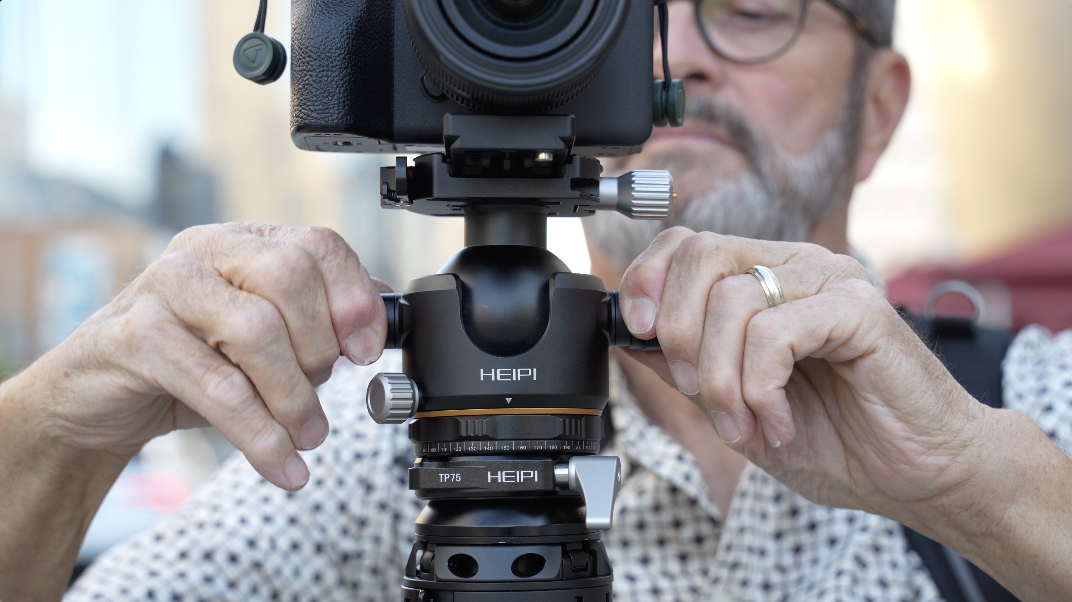
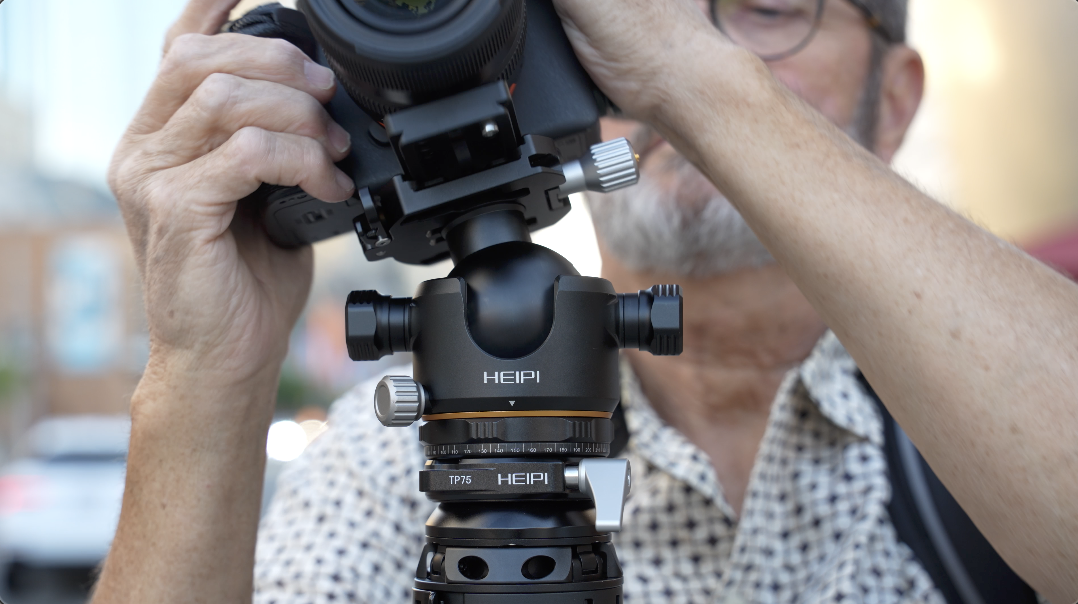
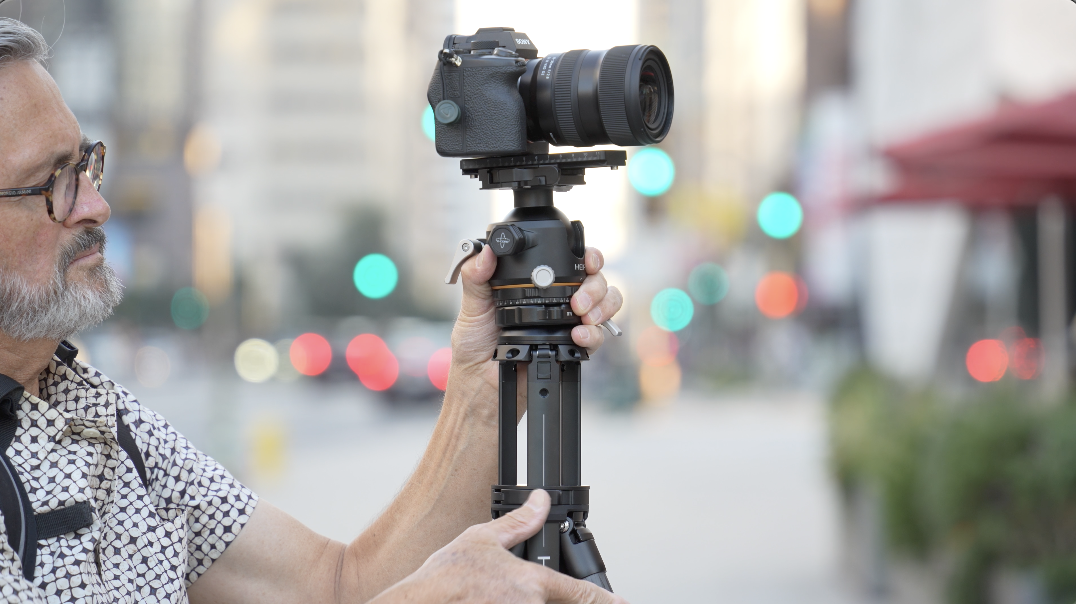
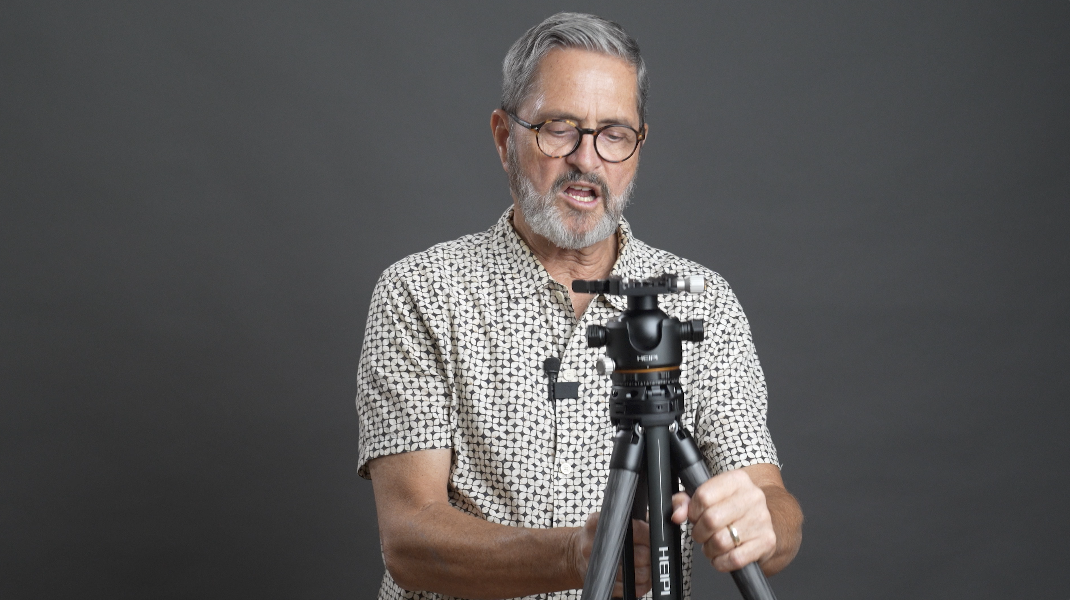
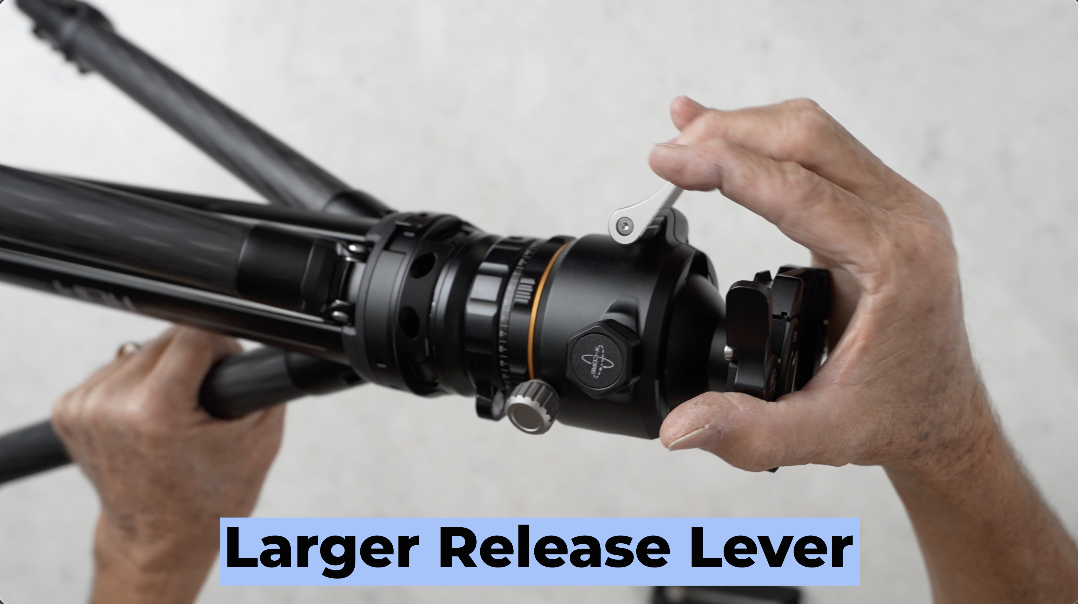
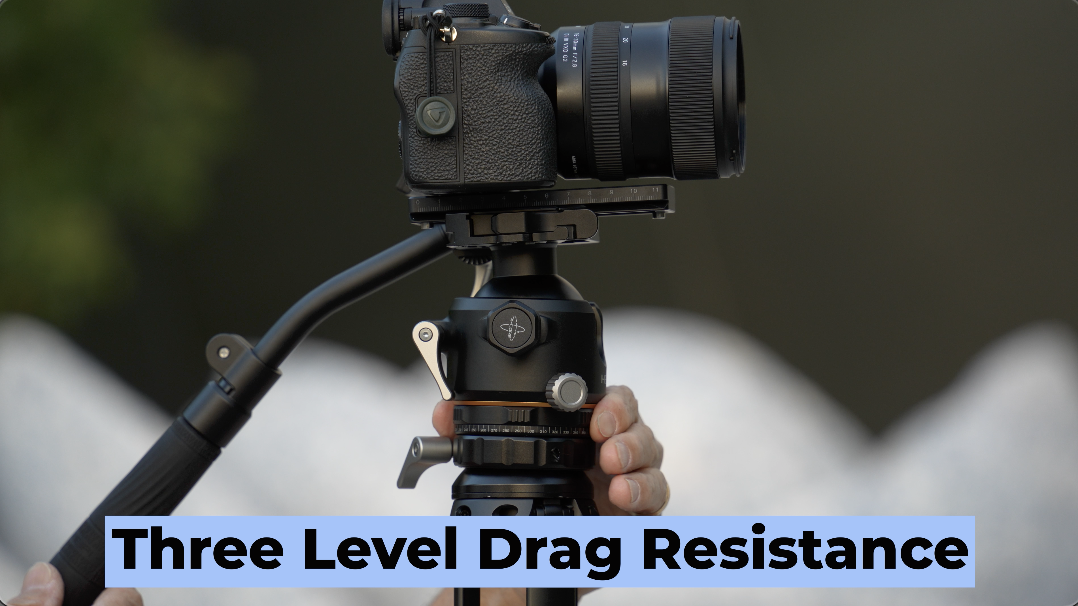
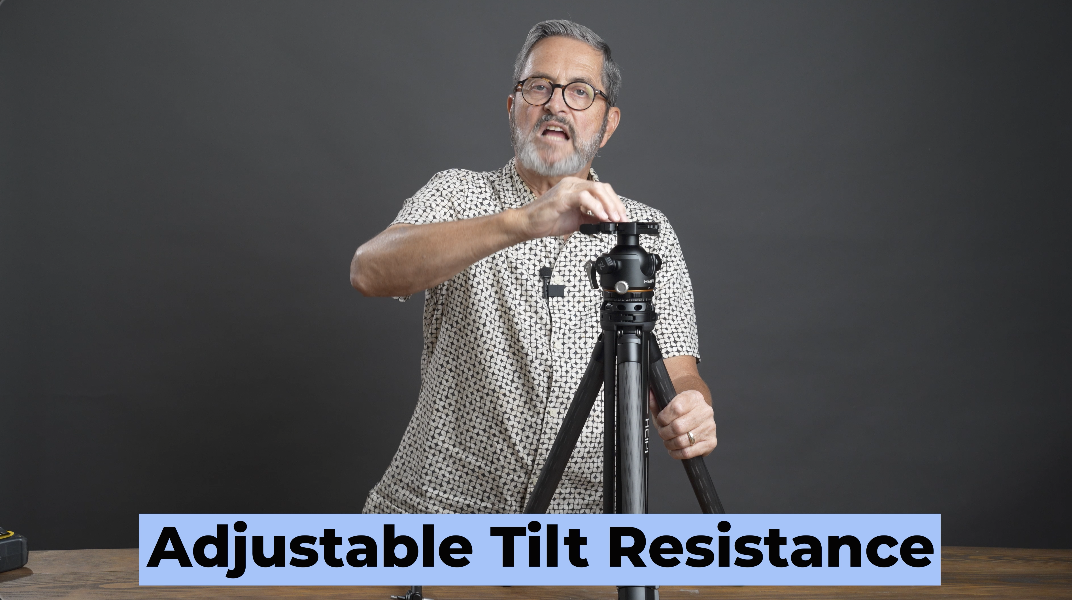
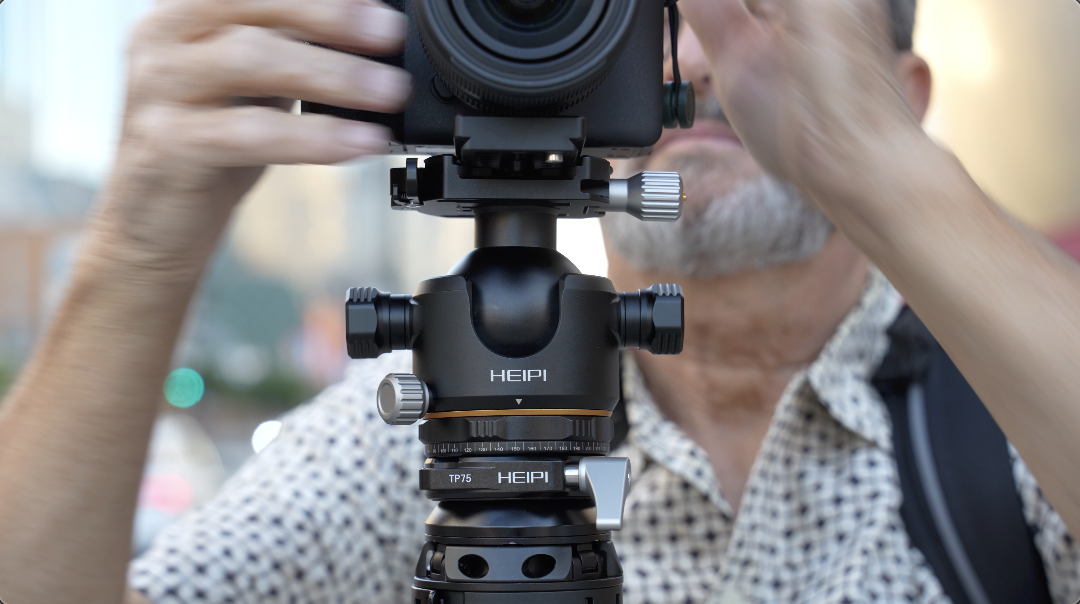
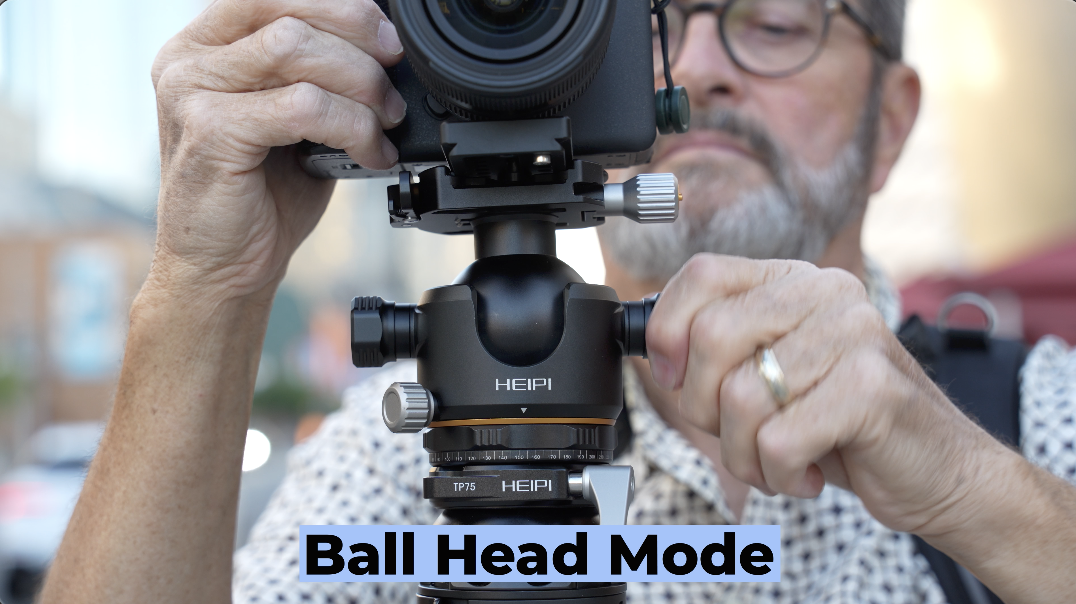
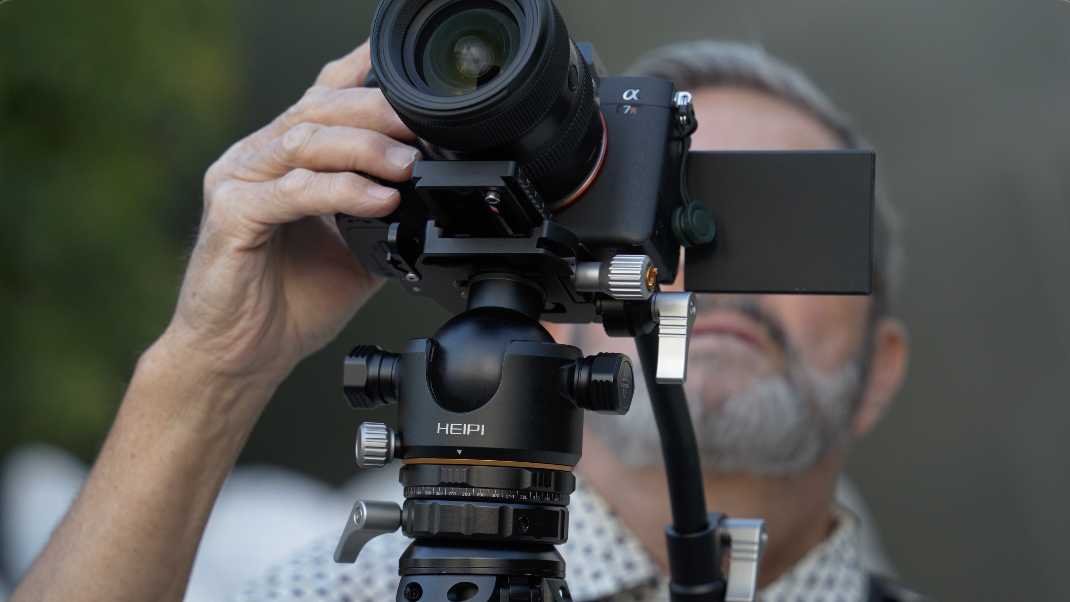
All right, so let’s talk about the ball head. This ball head is a crossover ball head. I can flip this lever in the back. It’s got a nice size lever. That’s also an upgrade that came with the W28s. A nice size lever to be able to release this. When I release this now, it’s in ball head mode.It’s going to give me a nice tilt. It’s going to give me now on the bottom when I release this lever right here, it’s going to give me a nice pan. There’s a collar here that gives me three levels of drag on the pan. So, I can choose which one of those works best for me. If I don’t like the resistance I’m getting on the tilt, I can use a wrench in here, a hex wrench, and I can tighten that resistance or loosen it. And that allows me to change that resistance in the top when you’re in video mode. When I pull these two knobs out right and left and turn them, it now breaks this loose and it is a complete free ball head for still use. And then when I raise this up in the background and tighten it, I can tighten it in whatever position I want this to be. It’s got a cut if I want to go vertical. And I lock this in the back with that lever. Very easy to do. But now if I come back up and I take and I can put these in, they’ll pop back into place. And this pops back into that video mode. So it’s very easy to go back and forth. I can lock the lever, which means even in video mode, it’s not going to go anywhere. If I choose to lock it, lock the pan as well. All locks down. Or I can release both of those. And now I have the panning and the tilting capabilities on the video aspect of the tripod.
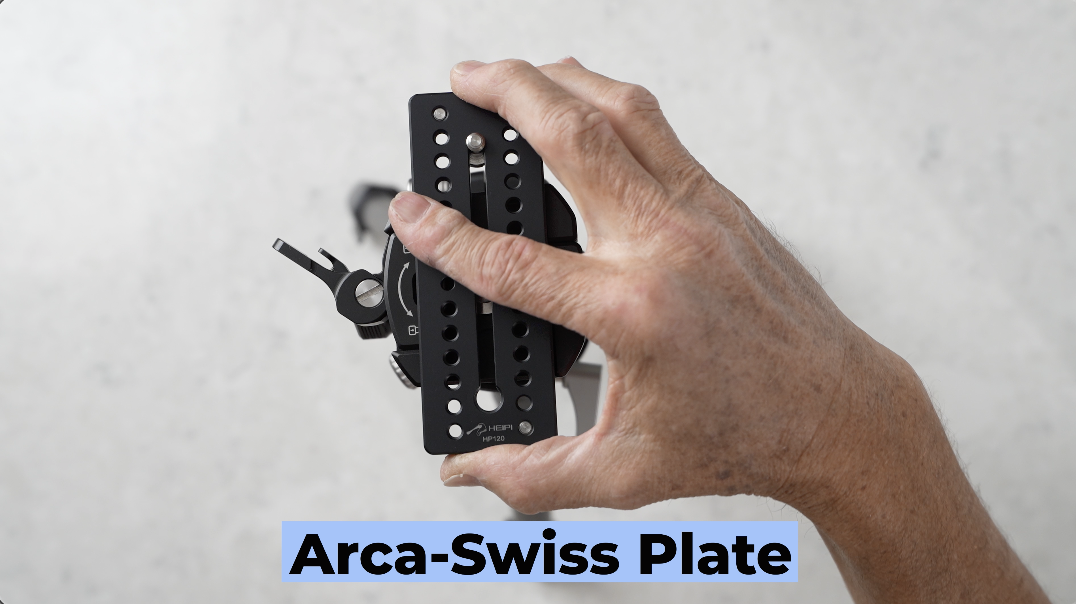
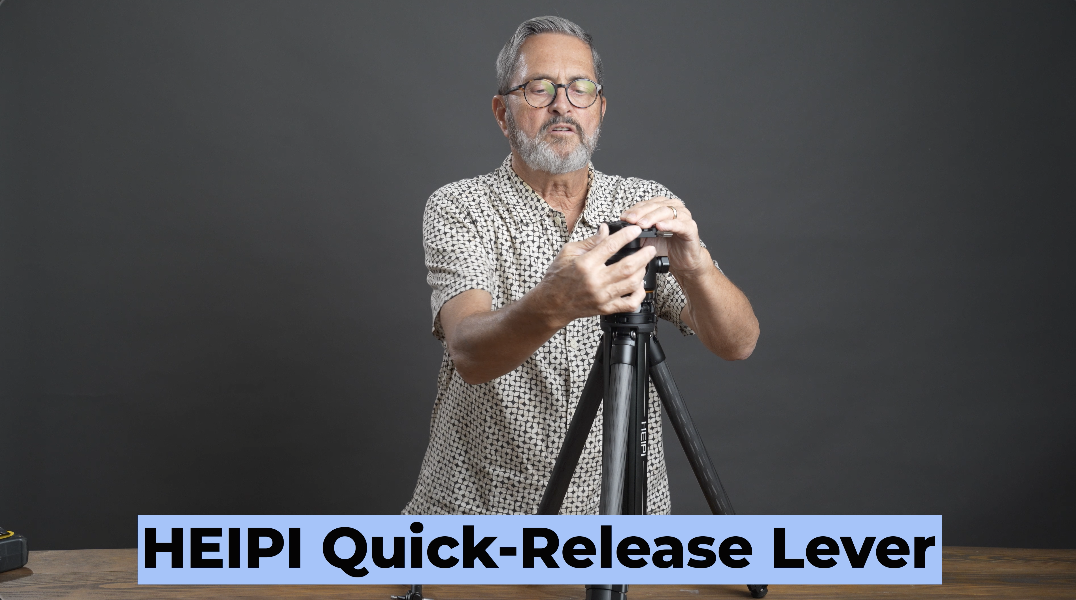
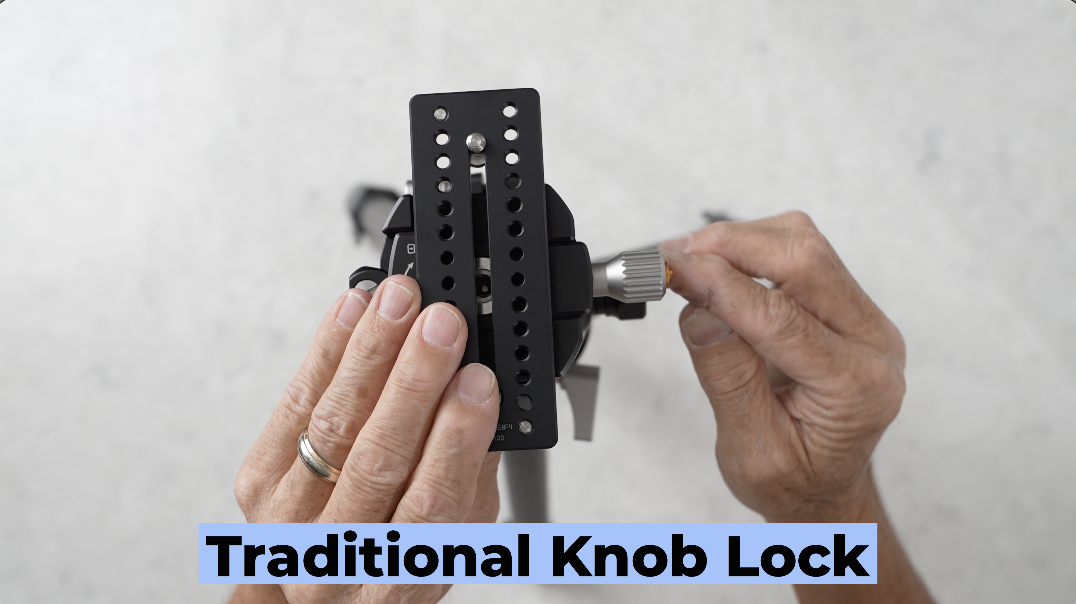
On the top, it’s got an Arca-Swiss plate. And the Arca-Swiss plate has got just a very simple locking lever. You close this in, you lock it into place, and it’s really easy to take your camera on and off using that locking lever. And it’s a simple way to deploy to get your camera on and off the tripod. Another way to release the plate is you can use this knob on the side. You can release the little gold column here inside little and you can twist this and use this to loosen and tighten your plate. I don’t like doing that personally. I think it takes too much time. I use this more as a way to create tension for the lever and I love the lever because it’s just easy to come on and off.But if you choose to use that, you have that option as well. Or that be serves as a way to tighten the contact with different size plates. When you’re using the lever, you can make that adjustment so that it tightens perfectly for whatever plate you’re using. So, the head works with just about any Arca-Swiss plate, which makes this very compatible for still photography because that is the standard in still photography. You have it on a lot of times on the foot of a long lens it’s an Arca-Swiss. You can drop that right on here without a plate and you can lock it right into that Arca-Swiss. You can make an adjustment here if you need to tighten it or loosen it. And just makes it very simple to do. I keep doing this, going back and forth. I just I don’t know why that’s so exciting to me. I just keep doing it. Oh, so there you go. All right, so let’s move on.
The video head’s going to give you adjustable counterbalance support for up to 9.9 lbs or 4.5 kg. This is perfect for anything from camcorders, cinema cameras, and certainly telephoto and super telephoto lenses. If you don’t need counterbalance, you can put much heavier lens camera combinations on this tripod. It does come with a long plate, which is really needed when you’re going to balance your camera when you’re working in video mode. So, it has a tilt range of plus 90 to minus 45. So, it’s got a great range.
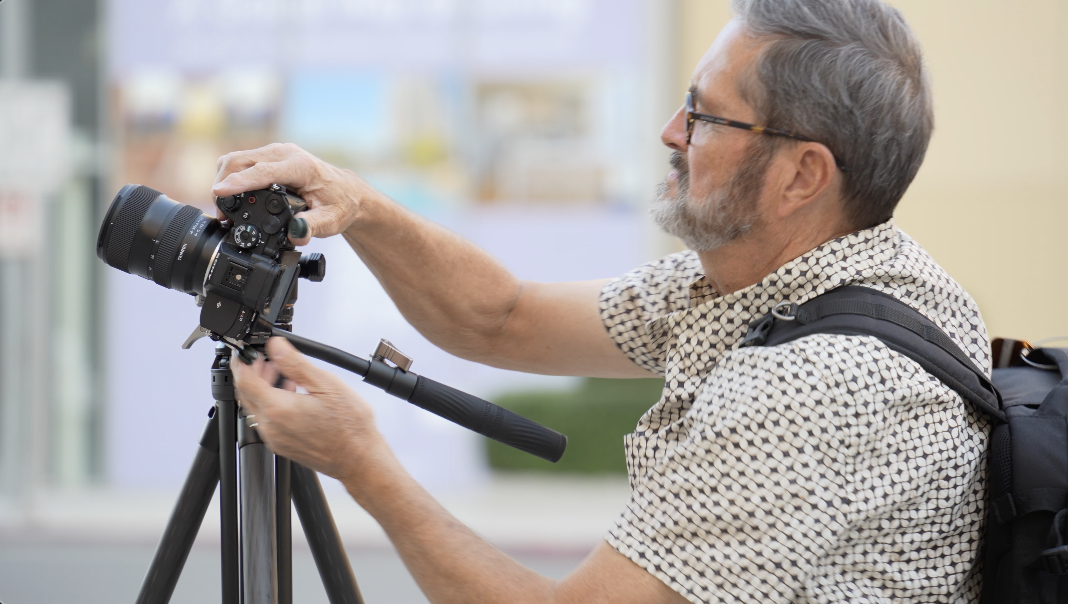
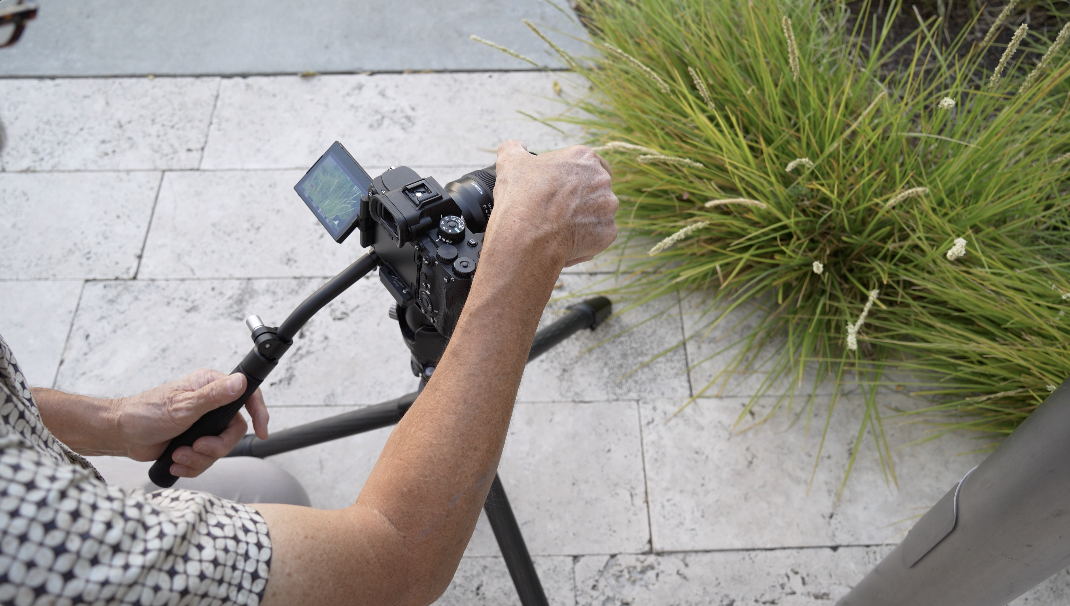
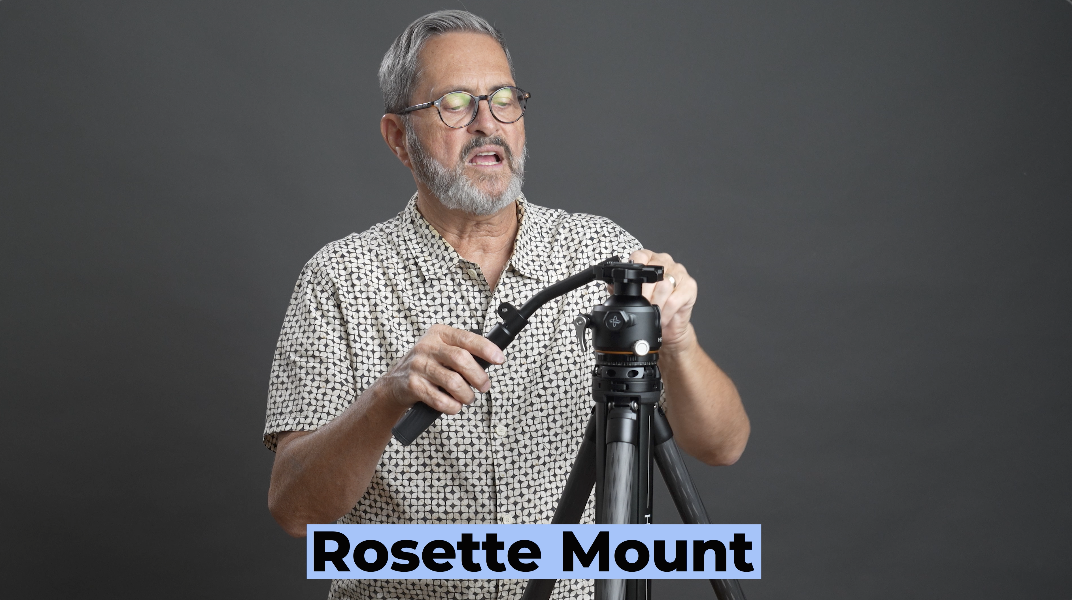
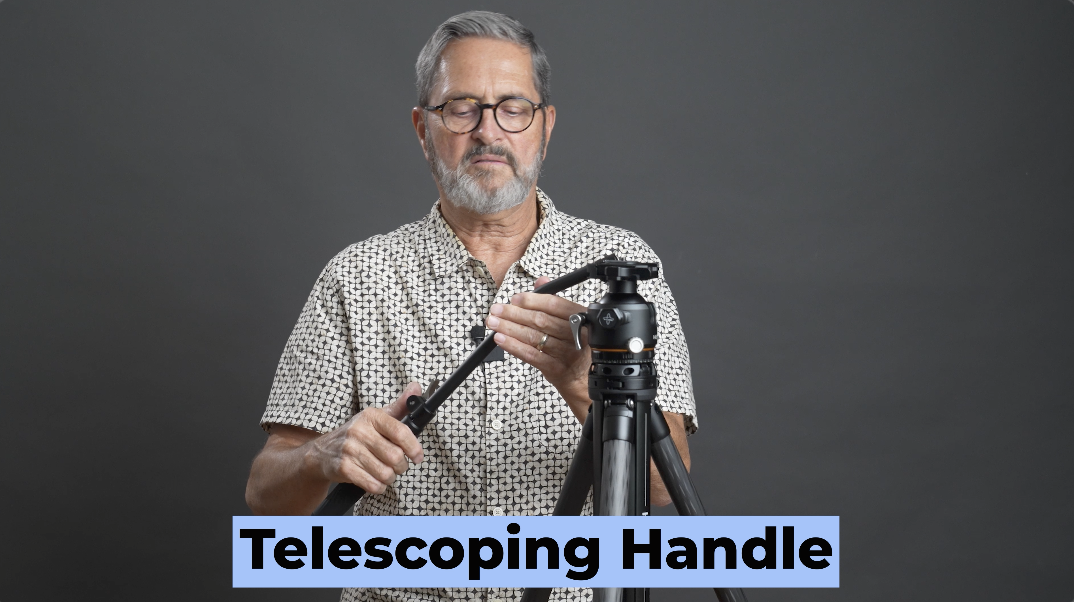
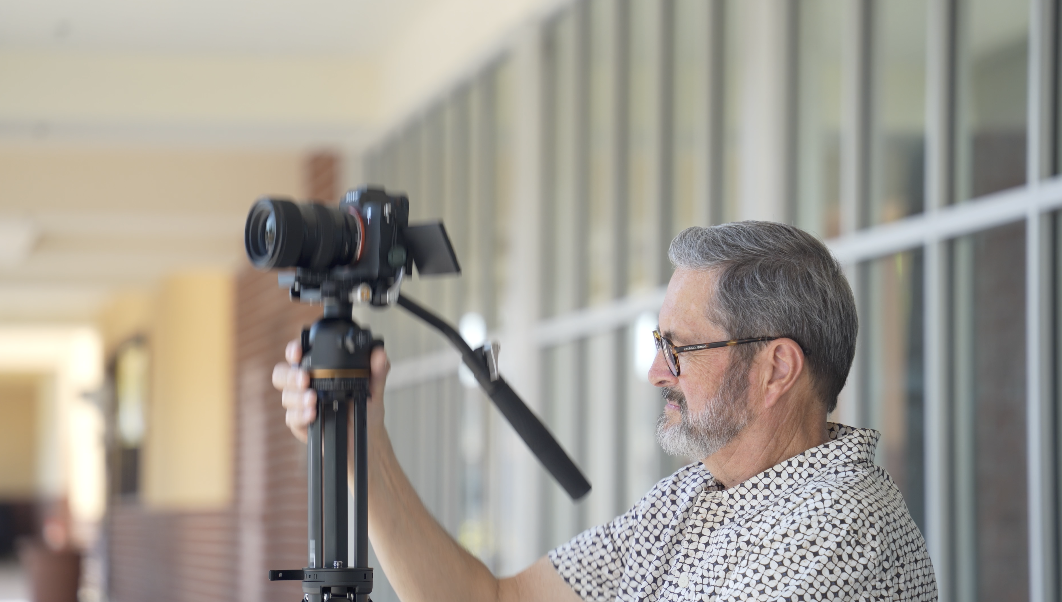
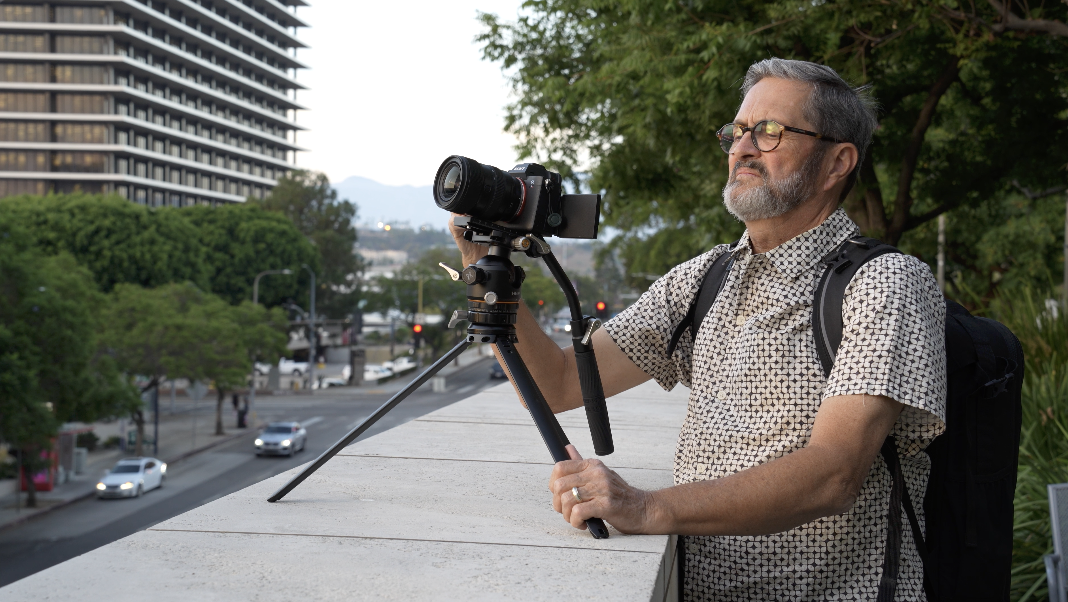
So, it comes with the video handle here. That video handle just inserts on the side. Twists right in. Go in the front or the back. And as you twist it in, it will hit that knob there. Just pull it out. Go around. And so, it deploys rather quickly. It’s got a Rosette mount, so you can pull this out and you can change this angle. The handle itself loosens here and telescopes out to give you that option as well. So that deploys very easily. It gives you that great, you know, drag as far as for tilting and for panning. That turns it into a complete video tripod. Very capable video tripod with that handle on the back. It works out wonderfully.
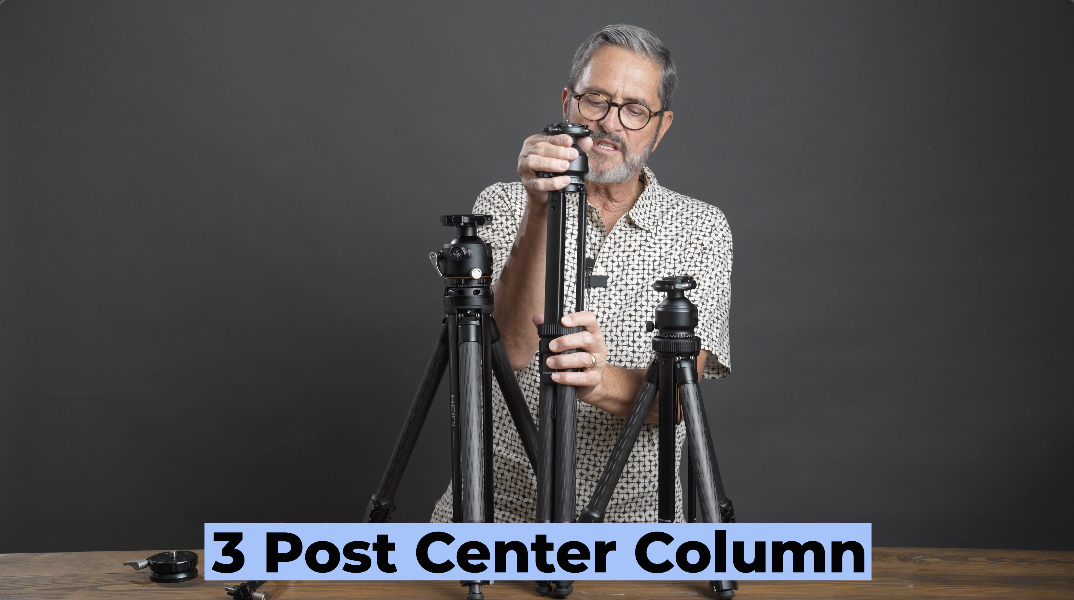
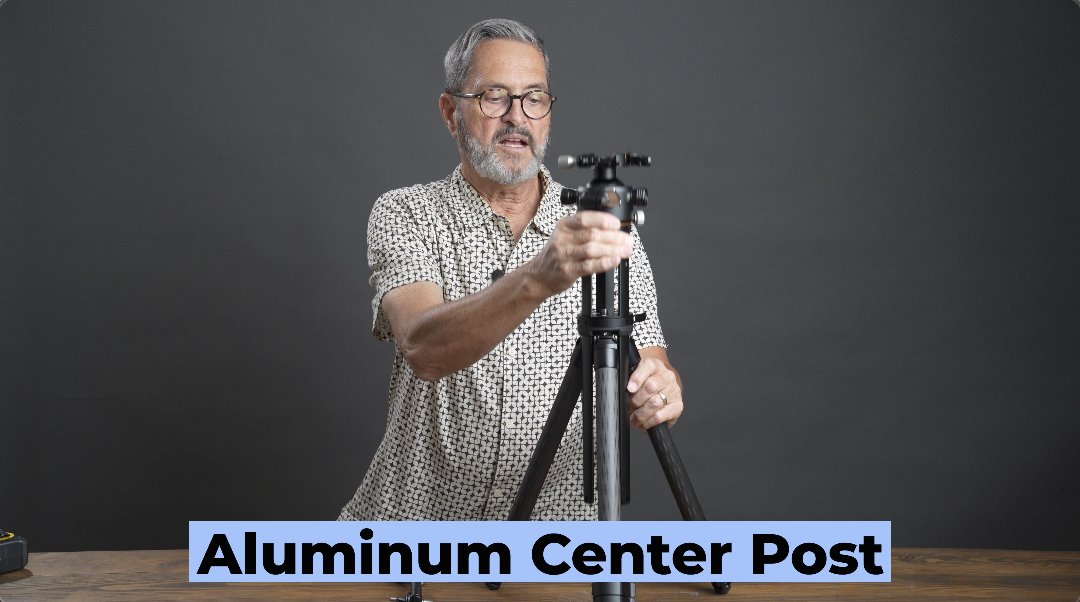
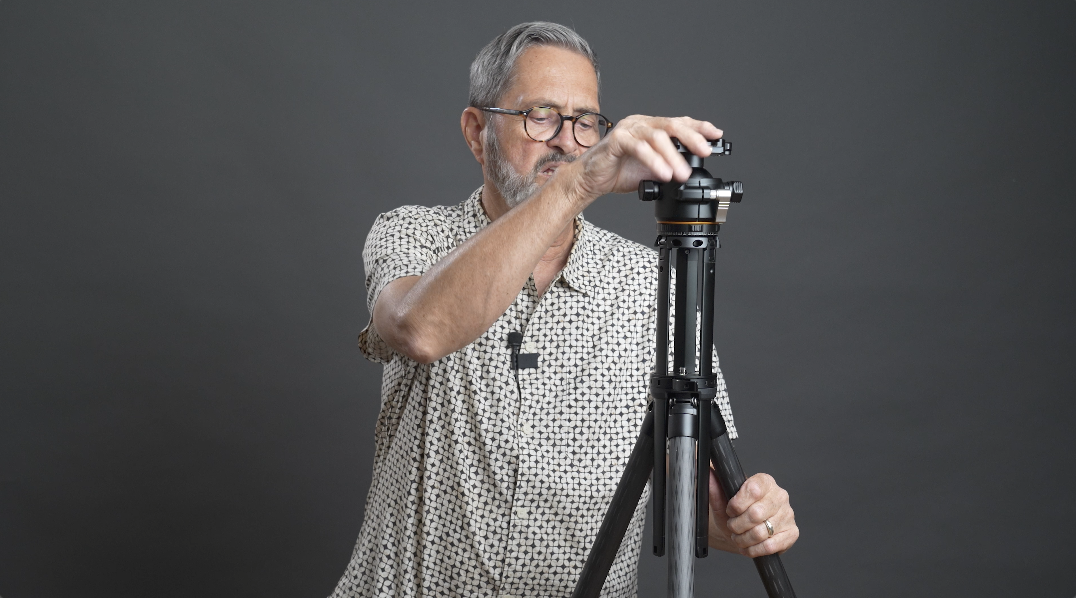
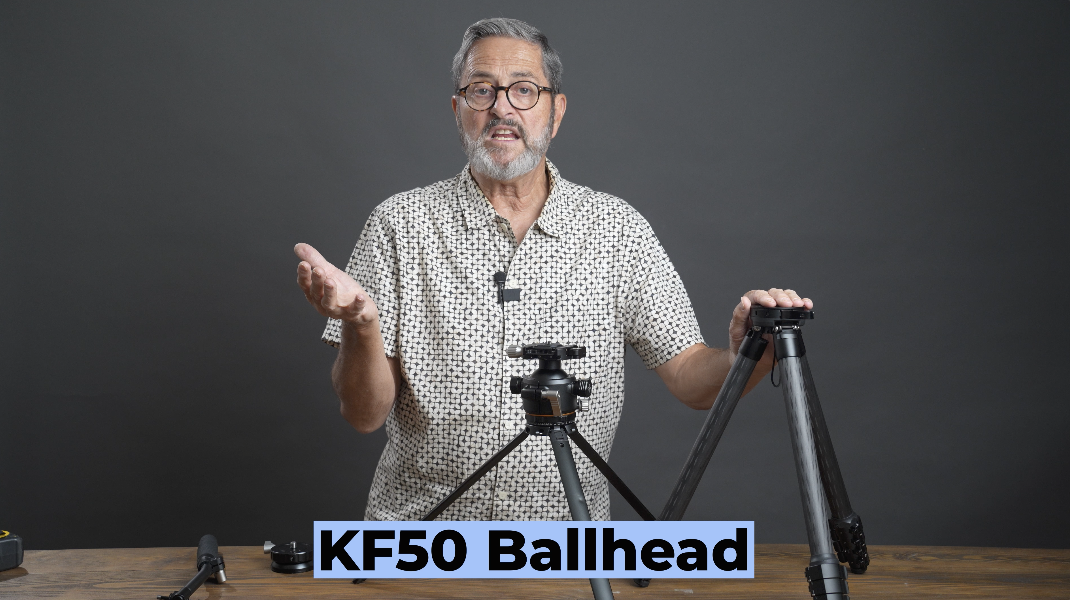
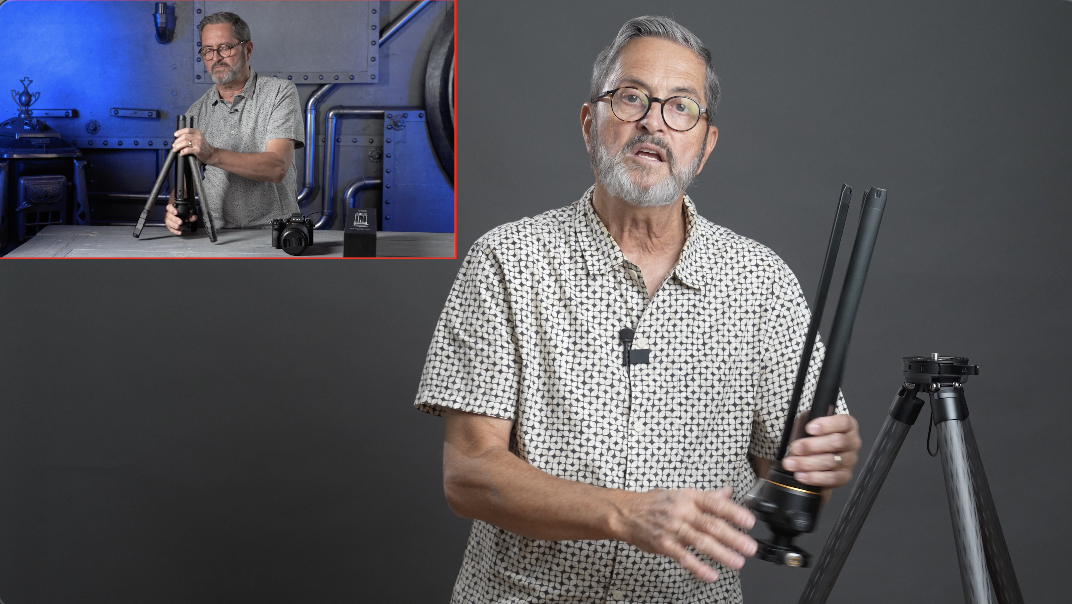
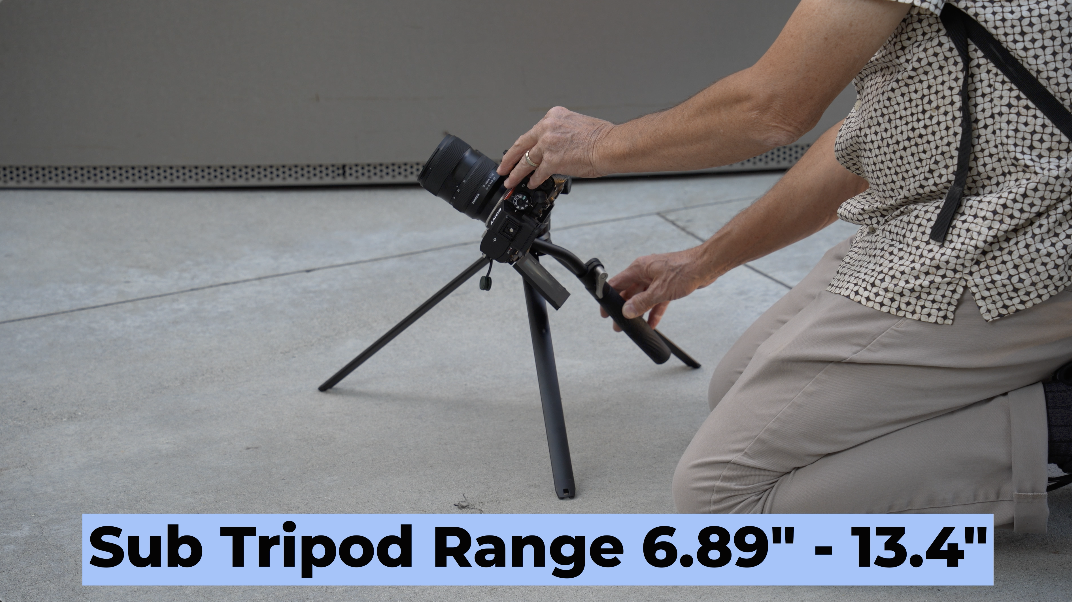
So let’s talk about the center column. They call it the tri-pillar center column, which makes sense. It has three legs. It’s really easy. It does several different things. It’s the unlocking lever there is very easy to be able to raise and lower it as a center column. That’s the first thing it does. So, each one of the legs has a quarter 20 and allows you to put in a magic arm or something if you want to use it for a phone or for a monitor, those kinds of things. But if we pull it all the way out, we can now set it up as a tripod. And when you set it up as a tripod, now we have the option for two tripods. I carry with me a KF50, which is the ball head from the, W28S, and that allows me, and you can buy that separately, that allows me to put that KF50 on here, or vice versa, and I have two different platforms for cameras. I can also put these legs together and bring this up underneath and I can under sling underneath. This will go right down to the ground, so I can get my camera right to the dirt, which I really like that option. Or if you spread these legs out, the center column pushes down and becomes a center post that hits the ground. Because you can raise the height of this, it allows you to spread the legs, but have that center post that gives you a lot of stability. Because that center column is its own tripod, I can quickly just pull the center column, go right to the ground. In a couple of seconds, I can go from 72 plus inches to 13.4 inches, which gives me a fast transition to get high angle shots and low angle shots without having to reconfigure the tripod. And I can put that column right back into the tripod. Go right back to that high angle.
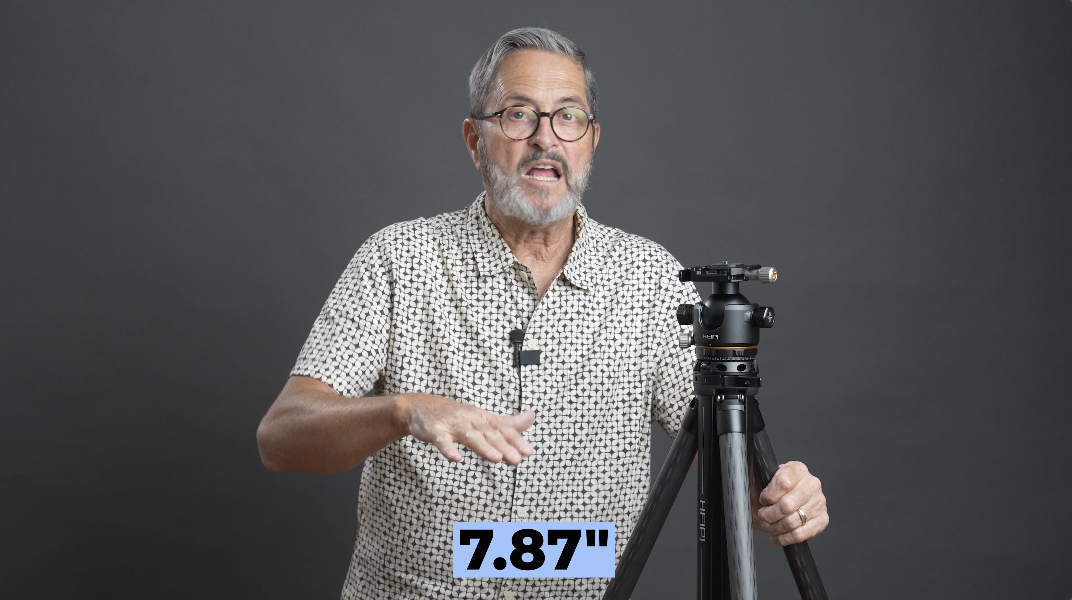
Last, it can become a mid-level spreader. What does that mean? Well, it means that when you extend these legs out, it’s got a clip right here, and you flatten this tripod out, and it connects to each one of those legs, and it gives you stability. When these legs are up really high, it gives you more stability, which will allow you to hold heavier weight. It’s just an interesting deployment using that center column, the three legs of that center column which I think is really an interesting kind of application. So there’s that center column. It’s really what makes this, part of what makes this really different and useful is just using that center column and the double tripod or the different applications. So when you use a tri-pillar center column on its own, it can go as high as 13.4 inches and as low as 6.89 inches or the main tripod will come down to about 7.8 or 7.9 inches. So, it gets you down pretty low. As you spread the legs out, it gets you down very low.
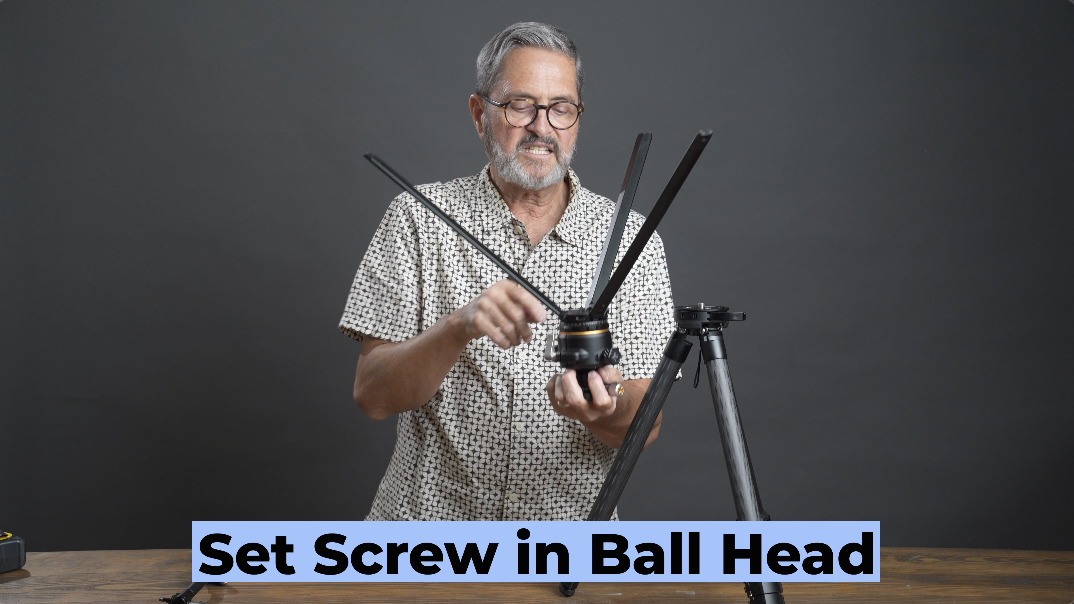
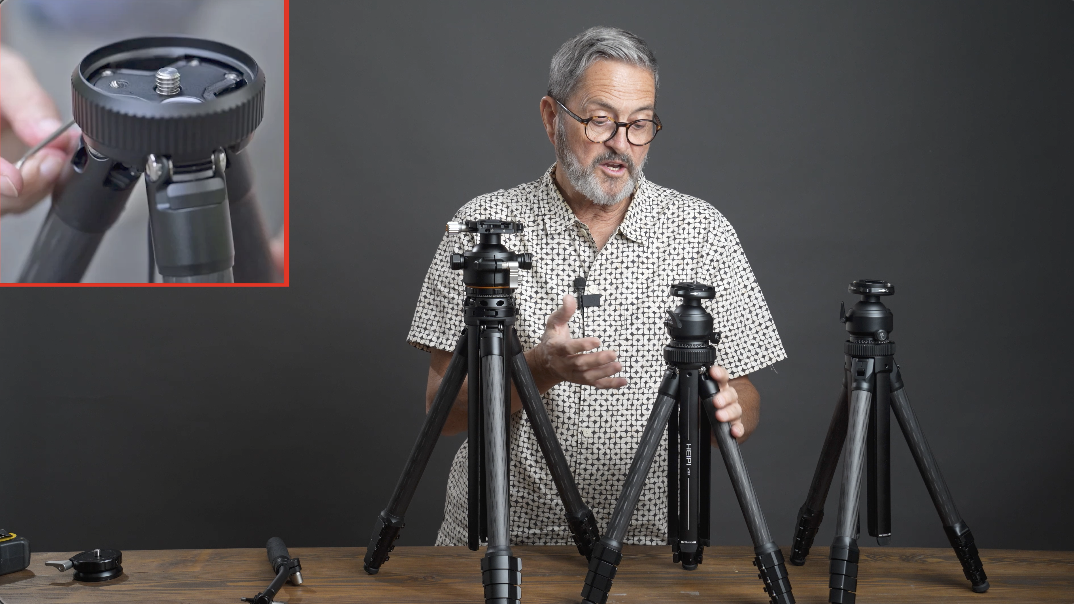
Another thing to be aware of is inside the ball head, they do have a set screw so you can set your tripod head and lock that tripod in. And especially if you’re doing video, you have to be able to lock the tripod, the ball head in place because if you don’t, when you start doing these camera moves, there’s enough friction there that it just releases the head. So, you got to be able to lock that head into place. And this gives you a screw, a set screw to be able to do that.
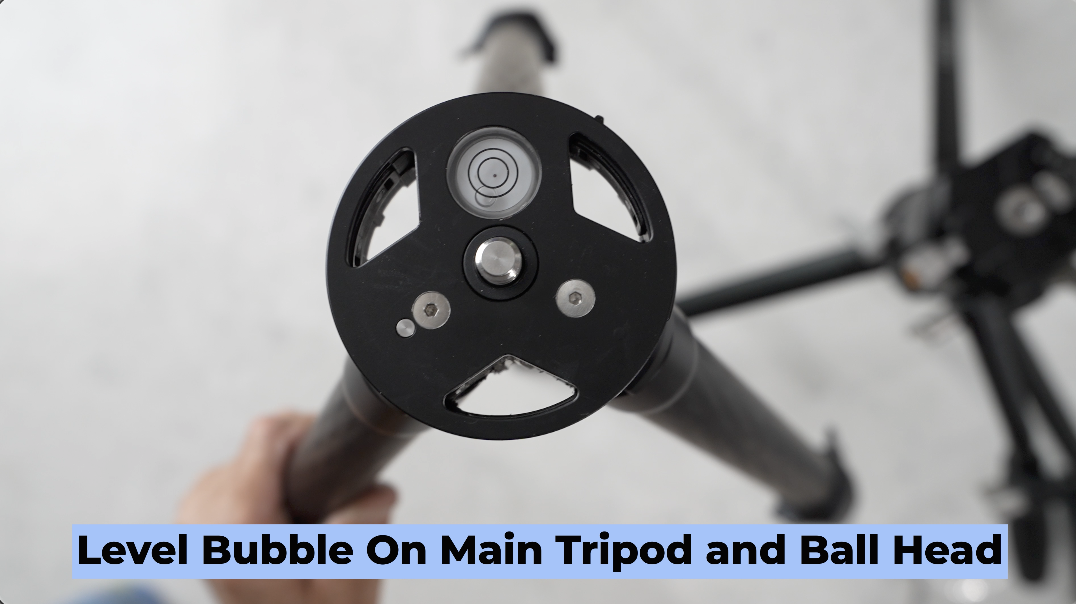
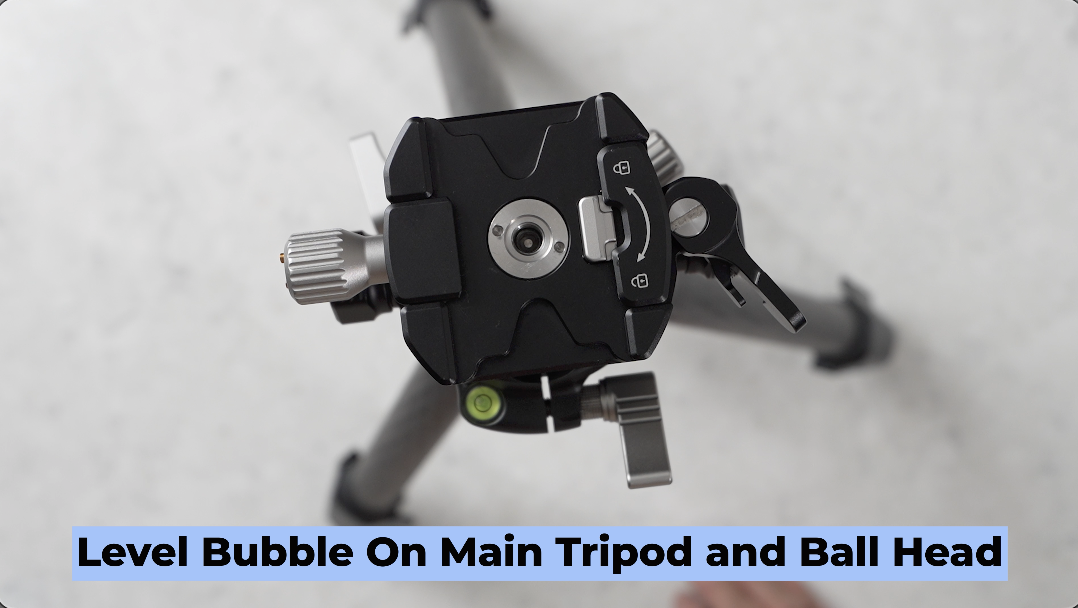
The main tripod has a level bubble, which is very easy to be able to see. And also, your ball head has a great little level bubble on the back, which allows you to see that level as well.
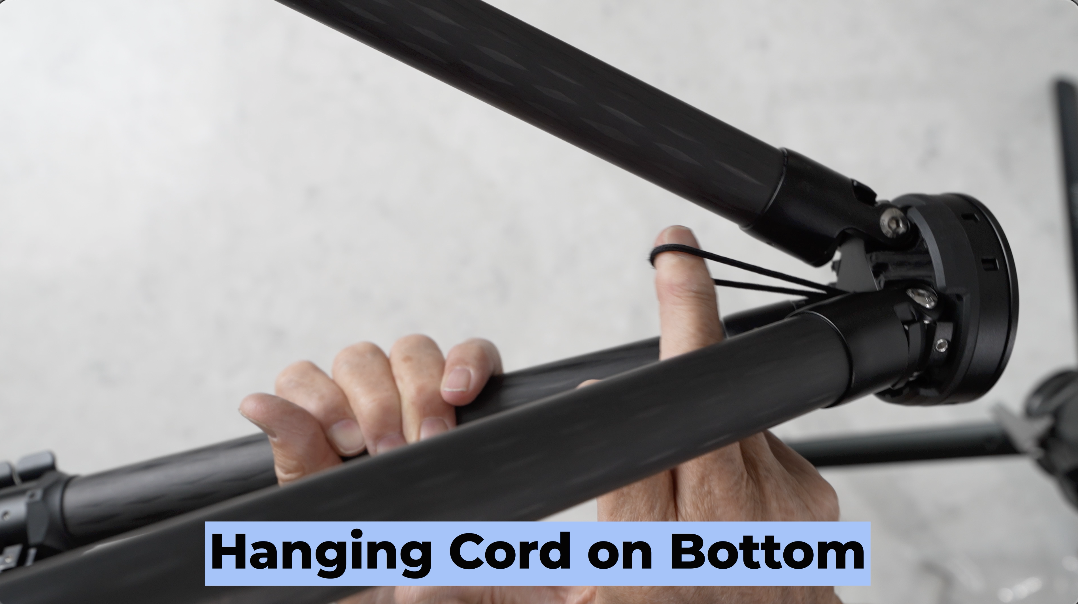
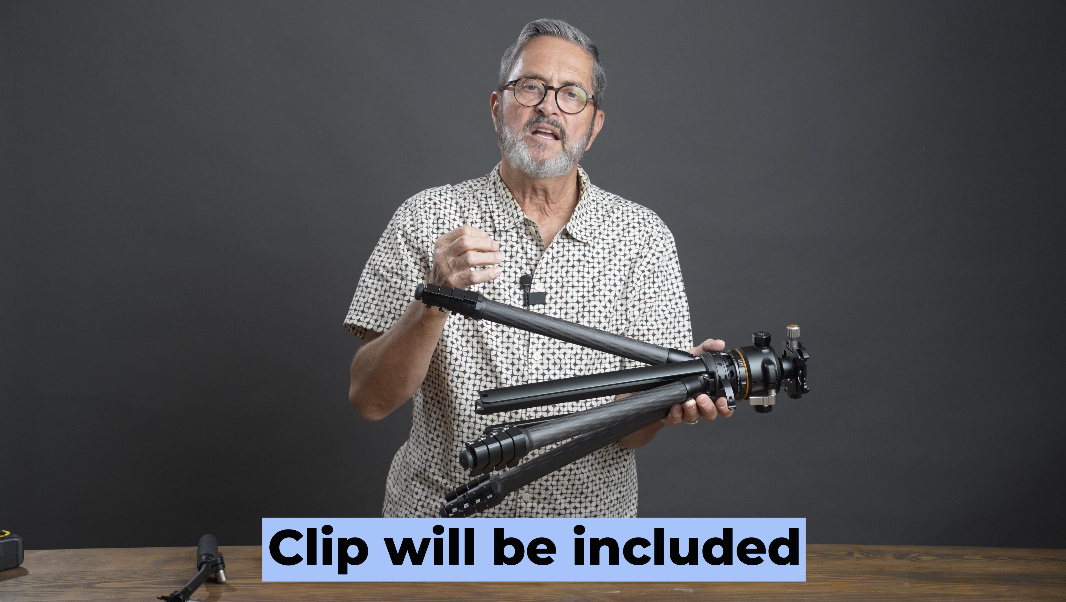
There’s a hanging cord on the bottom. It needs a clip or something for it to really be useful to you because it’s a cord, a circular cord, and either you’ll have to use a clip from a bag to be able to clip through to hold that bag into place or a small little carabiner on there to be able to clip onto a sandbag or to your backpack or something to be able to give it that center weight, which is really nice.
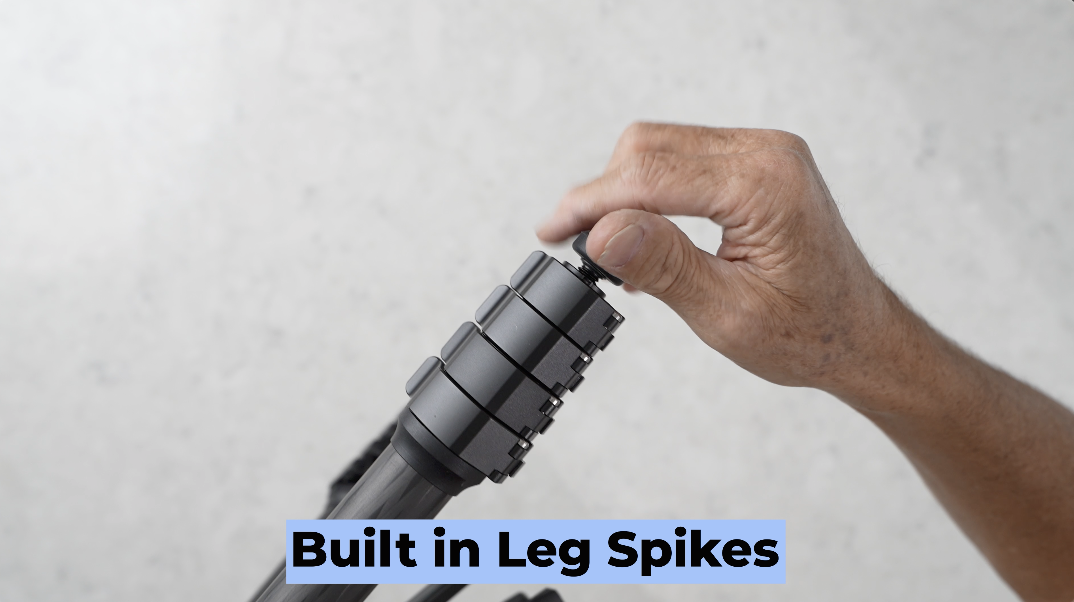
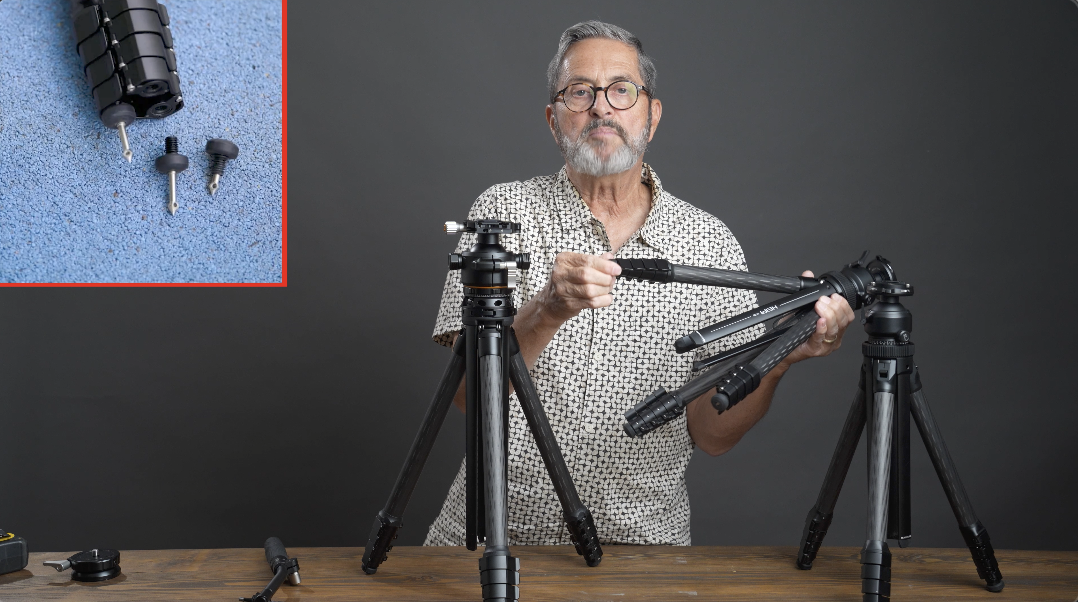
In the legs, in the bottom of the legs are built-in spikes. So, if you open those up, you have a spike. You can pull those spikes out, reverse them, twist them back in, and put it in. And now you have a spike on the end of your tripod, and that’s built into each of the legs. So, you have that option.
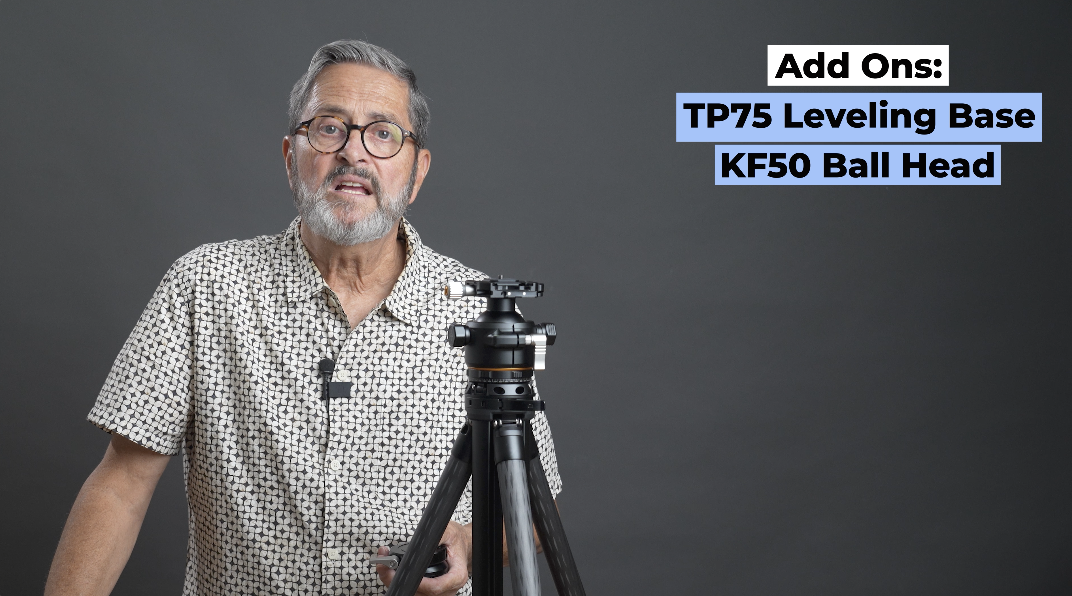
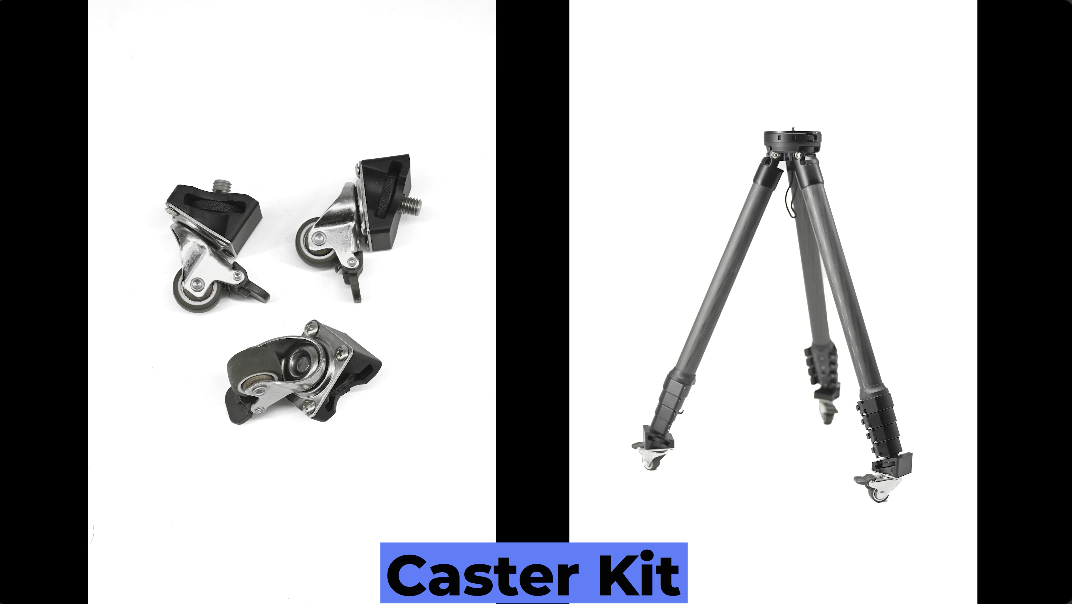
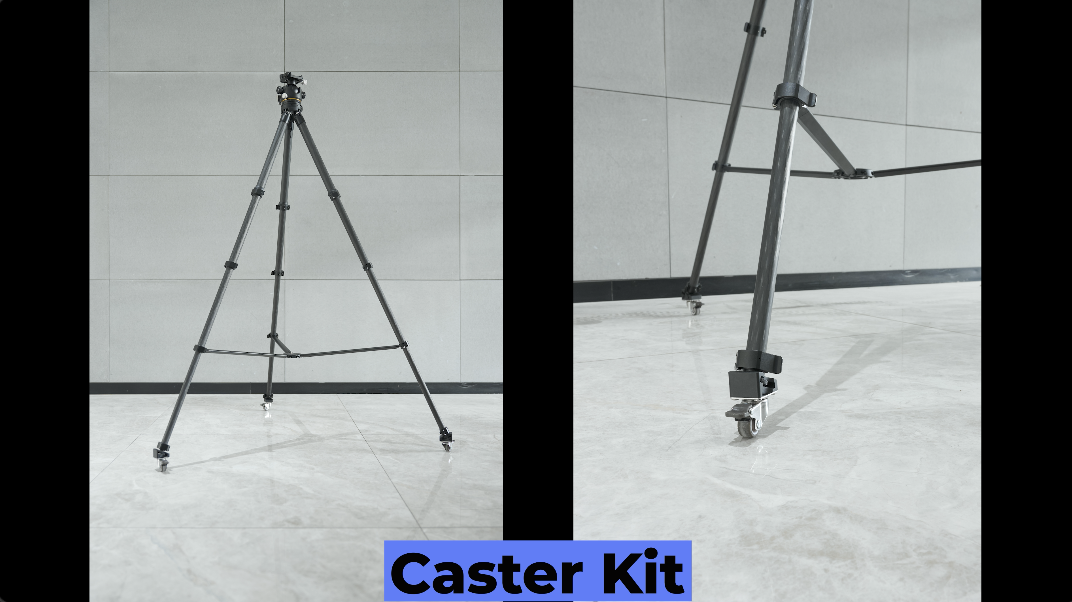
So, other add-ons, there is a leveling base. It’s a TP75, and it features a 15 degree adjustment, so you can quickly adjust and level your camera. I think that’s worth talking about. There’s also the KF50 ball head. It’s lighter weight. It’s great for landscape photography. It’s really worthwhile. There’s also casters available that you can attach to the bottom of the legs. So, you can move this tripod smoothly around the floor pretty much like a dolly as long as you have a smooth enough surface. That’s really when you want to use that tri-pillar center column as a spreader stabilizer because it’s going to keep the legs from flexing as you roll it around on the floor.
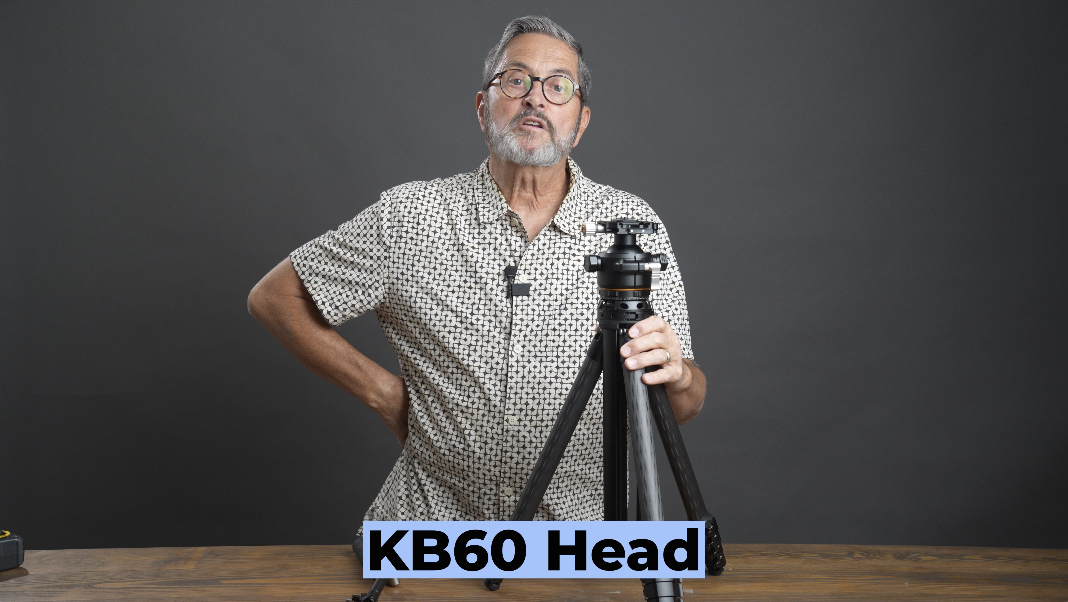
So, if you have a W28S already, it might be worth buying the KB60 to be able to go on your lighter sticks. And that just is a great combination because you’re going to get that still and video head on a lighter set of legs which makes it easier to travel with and gives you that option of a lighter weight travel platform. I think this is worth stepping up to because I think the W58 gives me greater height, gives me greater weight capabilities and the video KB60 head which really makes it so that I can do video and stills and I switch back and forth all the time. This makes this so easy for me to do. So, there’s some options. If you want to go with a lighter weight option, you can just purchase that KB60 on its own and put it on your old W28S. Not that it’s that old. It’s probably only about a year old. So, there you go.
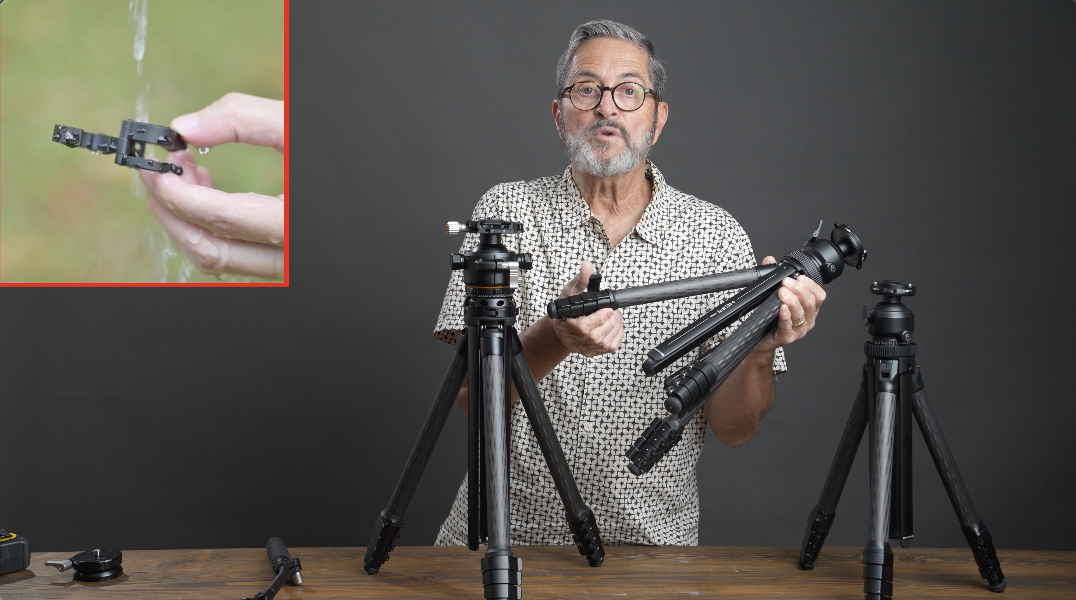
To wrap this up, I want to quickly talk about the evolution of these three tripods. The W28 was an incredible tripod. I still have mine. I still use it, but they made a bunch of upgrades to it that made it the W28S. Those upgrades with things such as these are very easy to remove so you can clean them and that makes it if you get into sand and things makes it easy to be able to clean the legs on your tripod. There’s also that extended grip on the W28S which makes these very easy to get a hold of and to pull them all out at once. It’s so easy to get a hold of. Also, you have the spikes in the bottom that are extended so they have a longer length so it allows you to anchor it easier and to be more stable. They upgraded the locking lever here on the ball head. This locking lever has a little dent in it which is much easier for me to use and to get my fingers in. Just works really nicely. They upgraded the angle buttons on the main tripod legs. So these angled buttons here are much easier to pull and to deploy. Makes it easier to work and that made this just a lot faster to be able to set it up to drop it low and to give that lower kind of perspective. They improved the gap structure of the center column which gives it much smoother movement. Also there’s an outdoor clip provided for hanging center weights in the middle. So it has a cord to be able to allow you to hang things from that center weight. Also the anti-rotation screw which allows you to lock your ball head in place. One other thing that I think was a really important step up is that on the head they have these little pins that will depress as you open this up. The pins allow you to depress and lets you use a wider range of Arca-Swiss plates on the W28S whereas you didn’t have as many options on the W28 because it had two posts that were locked into place. So now they’ve taken all the improvements of the W28S and they came up with a W58 and added a few more like this lever on the side. It allows us to raise this up and down and most importantly a video/still head that locks into place to be able to give you a pan/tilt but you can release so that it freely gives you a 360 ball head for still photography. That’s what makes this really important for me. It’s a crossover tripod that gives you both options. You can quickly switch back and forth from them and you can go from stills to video. It just makes this really useful for me. It’s one piece of equipment. I don’t have to carry two and it actually turns into two pieces of equipment if I just carry a small ball head with me like the KF50. So, that gives me the option to run both as well. So, I think this progression has been really exciting to see. I’m excited to be able to have the W58. It was really fun to shoot with it. It gives me different options as far as when we’re out shooting switching back and forth. Made it very useful and easy to use. It’s still lightweight enough that I can carry it on a backpack and I feel like it’s not a travel restricted tripod. It’s a travel tripod that just gives me a lot of options and allows me to do both video and stills. So there’s my thought about the W58. So I hope you enjoyed this. You keep those cameras rollin’ and keep on clickin’!